What’s a Dongle: Understanding These Devices
Imagine you’re about to give an important presentation, and at the last minute, you realize you need internet access. Panic sets in until you remember you’ve got a trusty USB dongle in your bag. These small devices can be lifesavers, providing wireless connectivity when you need it most. Understanding their function and variety can empower you to utilize them effectively in various scenarios. But what exactly is a USB dongle?
What is a USB Dongle and How Does It Work?
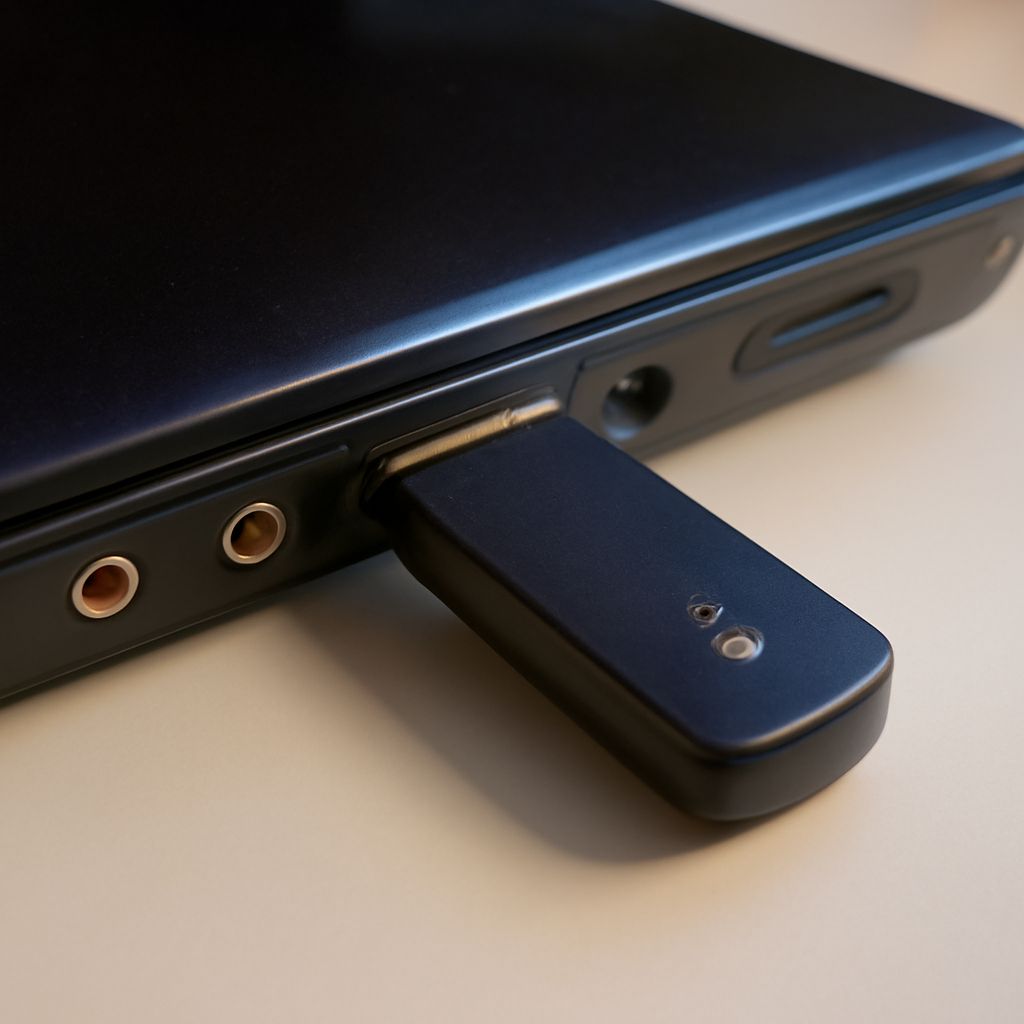
A USB dongle is a small adapter that plugs into a computer or other device to provide additional functionality. Often used for wireless connectivity, these gadgets can help with internet access or Bluetooth connections. The dongle communicates wirelessly, allowing your devices to connect to networks without requiring built-in capabilities.
These devices are highly versatile. For instance, a dongle might serve as a wireless network adapter, allowing computers to connect to Wi-Fi networks. They function by converting data signals into a format that the device can understand, enabling seamless interaction with networks or other devices.
Many people find USB dongles convenient because they are portable and easy to use. Their plug-and-play nature means you can rapidly establish a connection, whether you’re at home, in the office, or on the go.
Different Types of Dongles: Which One Do You Need?
Diverse types of dongles cater to various user needs. Some specialize in providing internet connectivity, while others focus on facilitating Bluetooth connections. Knowing the distinctions between them can guide you in choosing the right one.
Internet dongles, often known as Wi-Fi adapters, allow devices without built-in network cards to access wireless networks. They’re ideal for laptops or desktops requiring stable internet connections. On the other hand, Bluetooth dongles enable devices to communicate with Bluetooth-enabled gadgets, such as headphones, speakers, or keyboards.
Some dongles offer additional features, like GPS functionality or enhanced security through encryption. When selecting a dongle, consider your specific requirements, such as the type of connectivity you need and the devices you intend to use.
How to Use a Dongle for Bluetooth Connectivity
Utilizing a dongle for Bluetooth connectivity is a straightforward process. Begin by inserting the dongle into an available USB port on your device. Most modern operating systems will automatically recognize the dongle and install any necessary drivers.
Once installed, activate the Bluetooth feature on your device and search for available devices. Pair the dongle with the desired gadget, such as headphones or a mouse, and establish a connection. This simple procedure allows you to expand your device’s capabilities effortlessly.
Bluetooth dongles are particularly useful for older devices that lack built-in Bluetooth functionality. They provide a cost-effective way to upgrade your tech, ensuring compatibility with the latest wireless peripherals.
Safety Recap: Always handle dongles with care, especially when inserting or removing them from USB ports. Properly disconnect the device to avoid data loss or hardware damage.