How to Choose a Digital Audio Player for Your Music
Start with the music you want to carry and the headphones you already use. A dedicated digital music player should support your files, hold your library and connect comfortably to your headphones. Portable audio playback devices also differ in battery life and streaming support, so match those features to a typical day before comparing prices.
Audio players and the Android app alternative
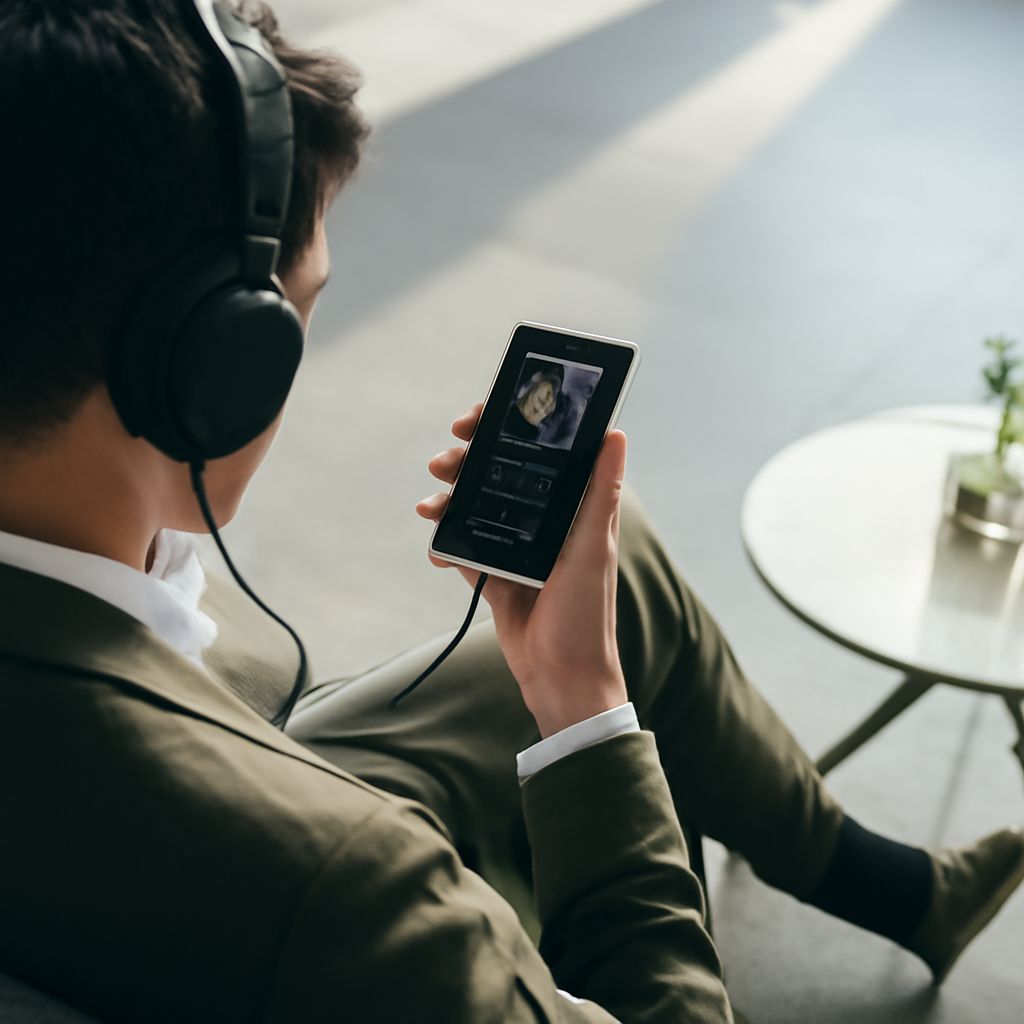
A digital audio player is a separate device with its own storage, battery and controls. Some standalone audio playback devices focus on files copied from a computer; others run Android and can install compatible streaming apps. Physical playback buttons can be convenient in a pocket, and a separate battery leaves your phone free for other tasks.
An audio player app on an Android phone uses the phone’s storage, battery and connections. It may play local files, stream music or do both, depending on the app. If your phone already has enough space and a connection for your headphones, an app may be the simpler choice. A standalone unit earns its place when you want dedicated controls, separate storage or listening without phone notifications.
Streaming access needs a closer look. A dedicated digital music device that runs Android still needs a compatible app, a supported operating-system version and, for streaming, internet access. Offline downloads depend on the service and subscription; they are not necessarily transferable files that another player can read.
Match file support to your library
Check the formats of several albums you already own, then compare them with the manufacturer’s specifications. MP3 and AAC are common compressed formats. FLAC is a lossless format, which preserves the audio data when decoded but generally uses more storage. WAV files can also be large. A digital music playback device may support only certain versions of a format; a file extension alone may not tell you every detail: check supported bit depths and sample rates if you have high-resolution files.
A digital audio player that lists a format may still reject a protected download. Music bought or saved through a service can have restrictions, so check whether your files can be copied and played outside its app. Sony’s format list illustrates why compatibility should be checked against the exact model rather than a brand name.
Plan storage before buying
Find the size of your current music folder on your computer. Add room for new albums, then compare the total with the usable space on the device. Advertised capacity is not all available for music because the system uses some storage. As an example, a 40 GB library needs more than 40 GB of free space, especially if you expect it to grow.
Many digital music players accept microSD cards, but card support varies. Check the maximum supported capacity and card type in the manual, and include the card’s price in your budget. Keep a backup on your computer: formatting a card erases its contents. If you use playlists, test whether the device recognizes their format and file paths after transfer.
Connect the headphones you own
For wired listening, match the socket on your digital music player to the headphone plug. A 3.5 mm connection is common; some devices also offer a separate balanced output that requires a compatible plug and cable. Check that the player’s output can drive your headphones to a comfortable level, particularly with demanding over-ear models. A store audition or a review using similar headphones can help.
For wireless listening, look for Bluetooth transmission to headphones and compare the audio codecs supported at both ends. A codec is the method used to encode audio for transmission; the connection uses a compatible option shared by both devices. Check pairing and volume controls as well. Sony’s Bluetooth guide describes wireless playback for one model, but features differ across audio players.
Compare battery life under your conditions
Manufacturer playback figures are measured under specific settings. Screen brightness, wireless use, file format and sound processing can change the result. Compare figures measured with a similar connection and format, then leave a margin for your longest trip. On one Sony battery-life guide, Bluetooth and sound settings change the stated runtime substantially.
Check charging time and connector type, too. A portable digital music player that lasts through your commute but needs a cable you rarely carry may be less convenient than its headline battery figure suggests.
Choose for your listening routine
The best portable audio player for a large offline collection has enough usable storage, expansion room and support for your actual files. For a commuter, the best portable player for audio is one with pocketable controls, headphone compatibility and battery life that covers the round trip. If streaming is central, choose a model with the apps and Wi-Fi support your service requires. For occasional listening, try your Android app first; a separate digital audio playback device makes more sense when its controls, storage or battery solve a specific limitation.