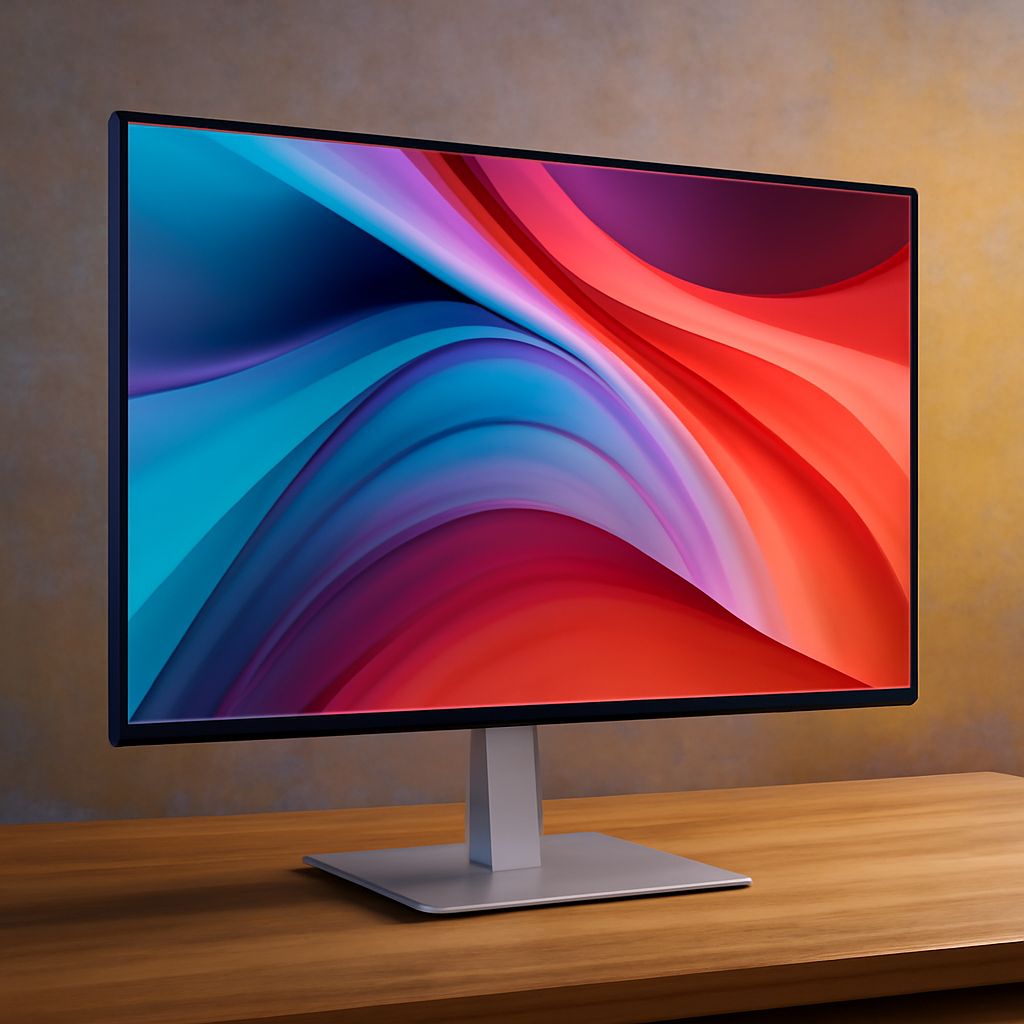
Best Monitor for Printing Needs
Imagine you are a printing professional who spends long hours perfecting the colors and details of your designs. You’ve likely experienced the frustration of seeing your printed work look slightly off from what you meticulously crafted on your screen. This discrepancy often stems from using a monitor that doesn’t accurately represent colors, leading to mismatches in your final product. Selecting the best monitor can transform your printing tasks, ensuring that what you see on screen is precisely what appears on paper. A good monitor isn’t just a piece of equipment; it’s a crucial tool that influences your workflow and the quality of your work.
Why a Good Monitor Matters for Printing
Having a reliable screen is essential for anyone in the printing industry. A monitor that offers high color accuracy is not just a convenience but a necessity. Professionals rely on displays to preview their work before printing, and a screen that distorts colors can lead to costly errors and reprints. With a good monitor, you’ll find it easier to achieve the fidelity you need in your prints.
One of the significant advantages of using the best monitor for printing is the ability to see intricate details and subtle color variations. Designers and printers must make decisions based on what they see on their display, and accuracy is key. A high-quality monitor provides the clarity and precision you need to make informed decisions about your work.
Features to Look for in the Best Monitor
When choosing a monitor for your printing needs, several features must be considered. First, color gamut and accuracy are paramount. Look for monitors that cover a wide color spectrum and provide precise color representation. Monitors with technology that minimizes glare and reflections are also beneficial, ensuring that external lighting doesn’t affect your viewing.
Resolution is another critical aspect. A monitor with a higher resolution allows for finer details to be visible, which is particularly important when working on projects that require meticulous attention to detail. Consider monitors that offer 4K or higher resolution for optimal clarity and precision.
Lastly, consider connectivity options. Modern monitors are equipped with various input options, including HDMI, DisplayPort, and USB-C, allowing you to connect them to multiple devices seamlessly. This flexibility can be crucial for a printer who uses different hardware throughout their workflow.
Top Monitors for Printing Professionals
Several monitors stand out as excellent choices for printing experts. Brands like Dell, LG, and ASUS have models that cater specifically to professionals who require superior color accuracy and resolution. The Dell UltraSharp series, for instance, is renowned for its excellent color calibration and wide viewing angles, making it a favorite among designers.
LG’s 4K monitors are also popular due to their exceptional detailed display and large screen size, providing ample space for multitasking. Additionally, ASUS offers monitors with advanced calibration tools that help achieve perfect color settings, essential for ensuring your printed materials match your digital designs.
These options provide the features and performance needed for the demanding tasks in the printing industry, making them reliable choices for professionals seeking the best monitor for their needs.
How to Maintain Your Monitor for Optimal Performance
Proper maintenance of your monitor is crucial in ensuring it continues to perform effectively. Regularly calibrate your monitor to maintain color accuracy. Calibration tools, either built into the monitor or as external devices, help keep your screen’s colors consistent over time.
Cleaning your monitor should be done carefully to avoid damage. Use a soft, lint-free cloth and appropriate cleaning solutions to wipe the screen gently, removing dust and fingerprints without scratching the surface.
Moreover, ensure your monitor is placed in an environment that avoids direct sunlight or extreme temperatures, both of which can affect performance and longevity. Proper positioning and care will help keep your monitor functioning at its best for many years.
Bottom line, investing in a good monitor is essential for anyone involved in printing tasks. With the right monitor, you can ensure that your digital creations accurately translate to printed materials, enhancing both efficiency and quality in your work. A good monitor is not just a purchase; it’s an investment in your professional success.