Choosing a Wireless Backup Camera for Truck Maneuvers
Choose a truck’s wireless reversing camera as a complete path from rear camera to cab display. Check how each component gets power, whether the screen is compatible, and whether the signal remains stable over the vehicle’s length. A cordless rear-view camera system should be tested in its intended mounting positions before permanent installation. It supplements mirrors and direct observation; it does not show every blind spot.
Wireless Backup Camera System Components
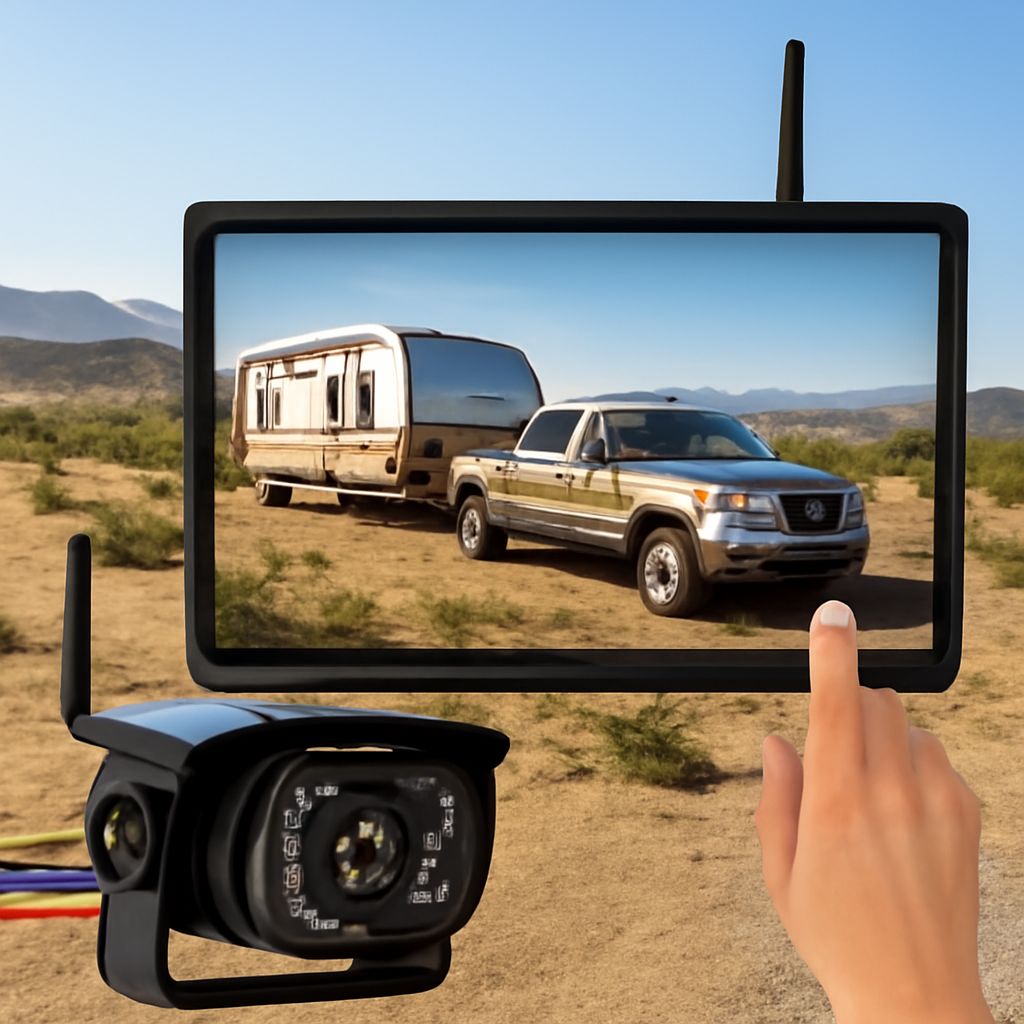
A typical kit includes a camera, a wireless transmitter or built-in radio, and a receiver connected to a display. Some kits include a monitor; others require a compatible screen or receiver. “Wireless” usually describes the video link, not necessarily the power supply. The camera and display may each need a power connection, and a reverse trigger may require additional wiring.
Check whether the existing screen accepts the camera’s receiver and video signal. Matching a plug shape alone is insufficient: the screen may require a specific input format, adapter, or compatible receiver. A wireless backup camera system sold as a matched camera-and-monitor kit reduces the number of compatibility questions, although you still need to check power and mounting requirements.
If you intend to use a phone as the display for your truck’s wireless rear camera, verify that the app and connection work with your phone and that the image appears promptly when needed. Check how the phone is mounted and powered without blocking the driver’s view or controls. A dedicated monitor may be more convenient if the truck is shared, but it still needs a safe, visible location.
Power and installation
A wireless backup camera for truck use may draw power from a reverse-light circuit, a separate vehicle supply, or a battery, depending on the kit. A reverse-light connection can make the image appear when reverse is selected; a separately powered camera may be designed for different operating times. The monitor also needs its specified supply. Check the truck’s voltage and the kit’s supported range before buying; commercial vehicles and accessories can have different electrical requirements.
For a truck’s wireless reversing camera, follow the vehicle and kit instructions for fuses, wiring, and mounting. If you are unfamiliar with vehicle electrical work, use a qualified installer. Avoid routes where cables can be pinched, abraded, or exposed to moving parts. Battery-powered models avoid some wiring but need a practical way to recharge or replace the battery, especially in cold or wet conditions.
Choose a mounting position for the truck’s cordless backup camera that shows the area needed behind the vehicle and protects the camera from damage. Check the view with doors, tailgate, load, and any trailer in their normal positions. The lens should be rated for the expected weather and positioned where it can be cleaned. Do not cover lights, plates, sensors, or other required equipment; verify the applicable installation requirements for your vehicle.
Test the radio link and image
The range of a wireless reversing camera for a truck may be measured in open conditions. A truck body, cargo, metal panels, and radio interference can weaken a signal. Temporarily position the camera and monitor where they will be installed, power them as directed, and check the picture before drilling or permanently routing cables. Test with the truck loaded as it normally is if that changes the path between camera and receiver.
A wireless back-up camera should show a stable image without repeated dropouts. Check daylight, shade, and low-light conditions relevant to your work, and inspect the view for glare or a dirty lens. If guide lines are displayed, follow the manufacturer’s calibration instructions; lines are not a precise distance measurement unless the system is set up for the vehicle and conditions.
Check delay while the truck is stationary and an assistant moves a harmless object in view. Compare the movement with the display from a safe position. A noticeable lag can make the picture less useful during a maneuver. If the image drops or arrives late, reposition the receiver or antenna as instructed, check power, and test again. Do not rely on a system that cannot provide a stable, timely view.
Choose for the truck’s actual use
For a short pickup with a compatible monitor, a wireless backup camera for truck use may need only a matching receiver and a suitable power arrangement. For a longer truck or one with a trailer, prioritize a kit tested over the full installed distance, with a monitor you can see and a signal path suited to the vehicle. Test the truck’s wireless rear camera system in realistic conditions before fixing it in place.
Before reversing, continue to use mirrors, direct checks, and a spotter where appropriate. A camera can help reveal part of the area behind the truck, but the view, lighting, and delay can leave hazards outside the image. Choose the setup that provides a clear, reliable view alongside those checks.