Choosing the Best Bluetooth Headphones for Music
A long specification sheet cannot tell you whether headphones will make your favorite album sound enjoyable or feel comfortable through the whole thing. To find the best wireless Bluetooth headphones for music, compare familiar tracks, fit and battery life with the way you listen. Well-made Bluetooth headphones should also maintain a stable connection and support the features your source device can use.
High quality Bluetooth headphones: start with a listening test
The best Bluetooth headphones for music are the pair that reproduces your library in a way you enjoy and remains comfortable during a typical session. If possible, audition candidates using your own phone and a few familiar tracks at a moderate volume. Listen for clear voices, bass that does not mask other instruments, and treble that stays comfortable through a full song. Preferences differ: a bass-heavy sound may be enjoyable to one listener and tiring to another.
The best wireless Bluetooth headphones for listening to music should sound enjoyable across your usual tracks. Compare at similar perceived volume; a louder pair can initially seem more impressive. Try the default sound first, then any equalizer, which adjusts the balance of frequency ranges. Check whether the adjustment remains active with the devices you use. If an audition is unavailable, seek reviews that describe the sound and return terms that give you a practical chance to test the fit.
High quality Bluetooth headphones combine sound with reliable everyday use. A list of top 10 Bluetooth headphones can help you build a shortlist, but check its test date, criteria and whether the reviewer tried the models. Another ten-headphone Bluetooth ranking may emphasize calls or travel rather than music. Use a top-ten wireless headphone roundup to find candidates, then compare them against your own needs.
Check comfort and isolation
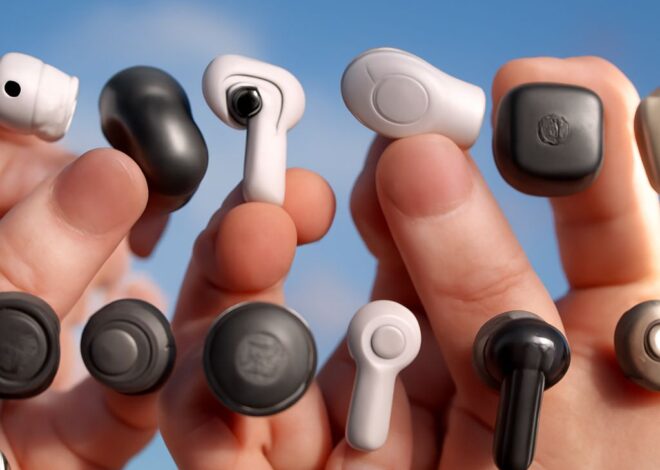
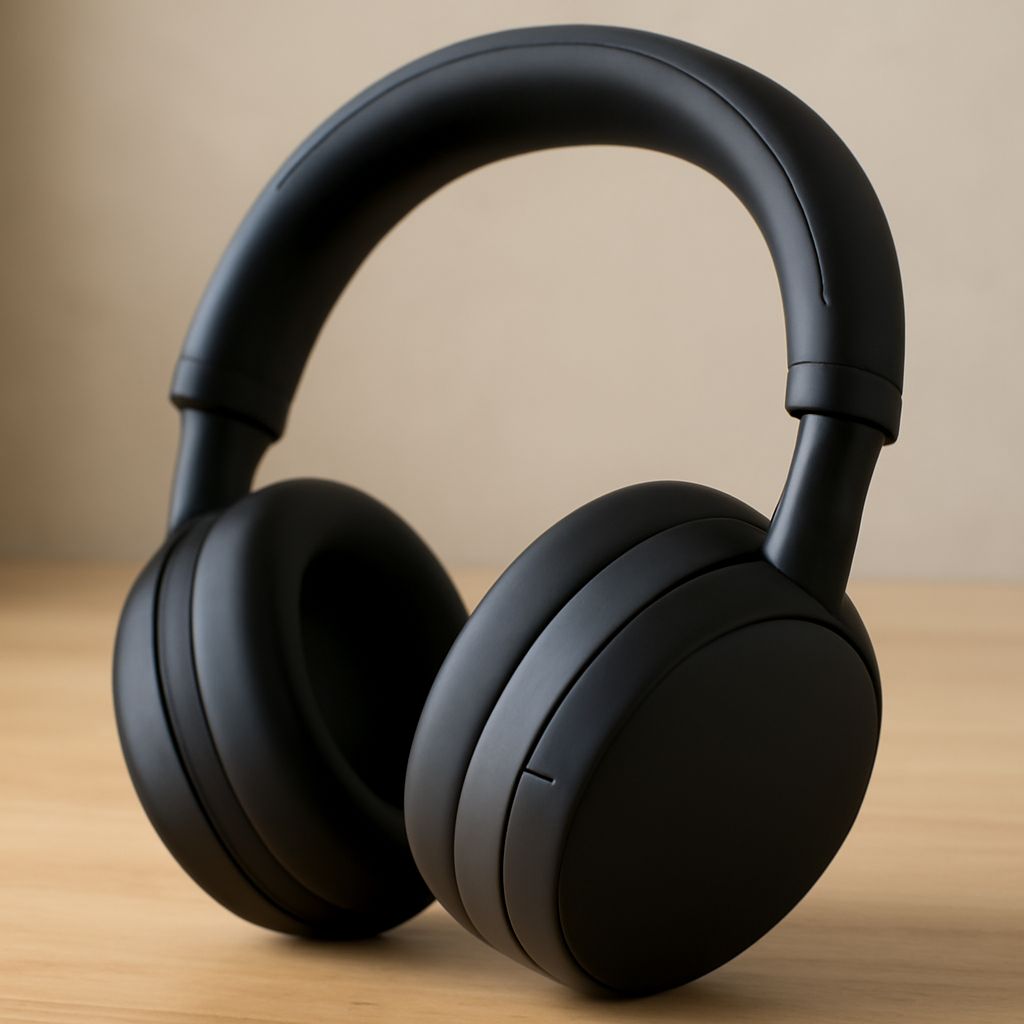
Over-ear cups surround the ears; on-ear pads rest on them. Earbuds sit in the ear and are more compact, but fit depends on the tips and your ears. A good Bluetooth headset should stay comfortable during a full listening session. Wear a candidate for more than a few minutes if possible. Notice pressure from the headband, warmth, glasses interference and whether the pads or tips stay secure when you move.
A good seal can improve bass and block some outside noise. Active noise cancellation uses microphones and processing to reduce surrounding sound, especially steady noise. Try it with music paused and playing; its effect and sensation vary. Transparency mode lets outside sound through when you need awareness. Neither feature replaces checking your surroundings.
Match codecs and check stability
A Bluetooth codec encodes audio for wireless transmission. Common examples include SBC, AAC, aptX and LDAC, but support differs by model and source. Both the headphones and playback device must support a codec to use it; operating system and settings can also affect the active choice. Sony explains how to check the active codec for compatible products.
A codec name is one part of the connection, not a complete sound-quality rating. Fit, tuning and the recording matter too. When testing high-quality wireless Bluetooth headphones, walk the route you normally use with the phone in its usual pocket. Listen for dropouts and check whether the controls respond. If interruptions occur, update the devices, remove obstructions and try any available connection-stability setting.
Compare battery life and daily controls
Look for playback estimates measured with the features you will use, particularly noise cancellation. Volume, codec and other settings can change runtime. Leave enough margin for a long travel day; also check recharge time and whether a short charge gives useful listening time. For earbuds, distinguish the battery life of the buds themselves from extra charges supplied by the case.
Great Bluetooth headphones should be easy to operate without taking out your phone. Try the play, pause and volume controls, and check whether they work with your source. If you switch between a laptop and phone, look for multipoint support and verify its behavior in reviews or a trial. A wired option can be useful when the battery is low, if the model supports the connection and its required cable.
Choose for your setting
At home, prioritize the sound you prefer and comfort over a long session; noise cancellation may matter less in a quiet room. For a commute, favor a secure fit, effective isolation, stable connection and enough battery for the round trip. The best music headphones with Bluetooth for travel are the ones you can wear comfortably while keeping the controls accessible.
For either setting, compare the candidates on your shortlist with the same tracks and source. The best pair of Bluetooth headphones for your music earns its place through the combined result: enjoyable sound, a fit you can tolerate and features that suit the day.