Wireless Protocols: What Your Devices Need to Connect
A smart lock may look perfect until its app asks for a hub you don’t own. The wireless protocol behind a device determines how it reaches other equipment; understanding the connection path makes the extra hardware easier to spot before checkout.
Different wireless communication methods also make different demands on power and coverage. Compare the device, its intended location, and the equipment already in your home before choosing.
Wireless Communication Protocols and the Connection Path
A protocol is a set of rules devices use to exchange information. A radio provides the physical link, while software and supported features determine what the devices can actually do together.
Wi-Fi, Bluetooth, Zigbee, and Thread are wireless protocols commonly found in consumer equipment. They serve different jobs: a laptop needs substantial data capacity, while a door sensor may send only a brief update. Wireless communication protocols can serve different roles: a product may use one for setup and another for everyday operation.
For any of these communication rules, compatibility is more specific than a matching logo. Check the product’s supported features and the app or platform it works with. A phone that plays Bluetooth audio may still need a specific app for a Bluetooth sensor.
Wi-Fi for Network Access and Data
Wi-Fi connects devices to a local network through an access point, usually built into a home router. A printer can join that network so compatible computers and phones can reach it. Some printing features need internet access; local printing may work without it, depending on the setup.
A wireless protocol designed for network access suits devices that transfer more data or have regular power. Battery life still depends on the device’s design and how often it transmits.
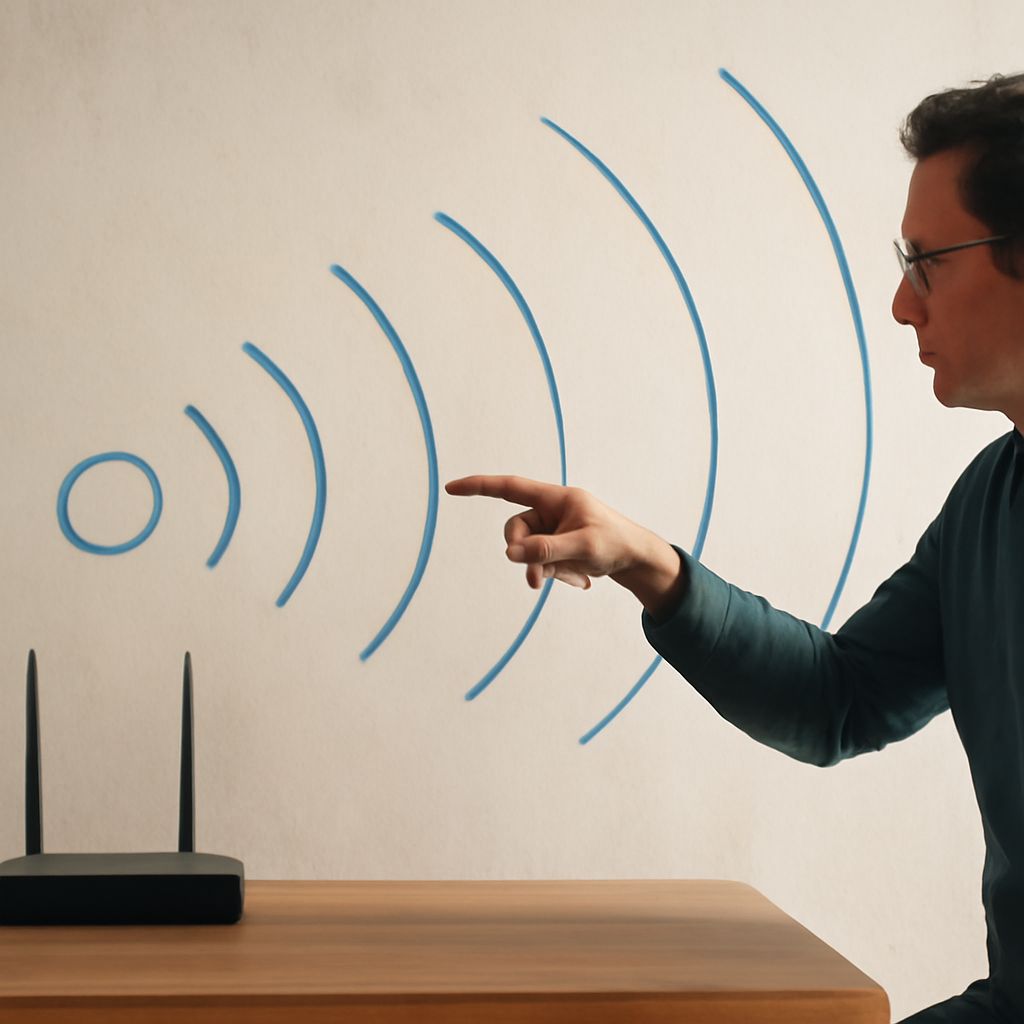
Check the band listed on the device as well as on your router. A 2.4 GHz-only device needs a network on that band; a router offering 5 GHz alone will not provide the connection it needs. Walls, placement, interference, and the hardware at both ends affect coverage. Test the signal at the device’s intended location.
Bluetooth for Nearby Connections
The wireless protocol Bluetooth is convenient for a direct connection between a phone and headphones, a keyboard, or another nearby accessory. Pairing associates devices so they can reconnect. Check the required app, operating system, and Bluetooth features.
Bluetooth Low Energy (LE) is a radio standard designed for low-power applications such as sensors. It is distinct from Bluetooth Classic, commonly used for conventional audio. Check that both devices support the specific audio or sensor feature you need.
As the Bluetooth SIG explains, antennas, transmit power, receiver sensitivity, and obstacles all affect range. The same device will reach farther in an open room than through a concrete wall. If it drops out, move it closer and remove obstructions.
Smart-Home Meshes, Hubs, and Matter
Some wireless network protocols build a mesh: compatible powered devices can relay messages across multiple hops. Zigbee and Thread are common wireless networking protocols in home automation. A battery-powered sensor can send small updates without needing the capacity of a video stream. Placement still matters because the mesh needs workable links between devices.
Zigbee products typically use a compatible hub or coordinator. The hub connects the Zigbee network to an app or broader home network, but supported brands and device functions vary. Before buying a sensor, check the hub manufacturer’s compatibility list and whether the functions you want appear in your chosen app.
Thread is a low-power communication standard that also uses a mesh. A Thread border router connects that mesh to the rest of the home network; the function may already be built into a compatible smart speaker, router, or other device. The Thread Group explains its role. Check that the exact model includes border-router functionality.
Matter is an application standard for smart-home interoperability, rather than another radio. According to the Connectivity Standards Alliance, it runs over Wi-Fi, Ethernet, or Thread and can connect some Zigbee or Z-Wave devices through a compatible bridge. Matter over Thread therefore needs both a suitable Matter controller and access to a Thread border router for a typical home setup. Check supported device types and functions in the platform you intend to use.
Make the Choice Fit the Device
Wireless protocols affect the equipment you need and how easily you can place a product. A Wi-Fi camera may fit where there is power and strong Wi-Fi; a small battery sensor may fit better on a supported low-power mesh. Compare battery estimates under stated usage conditions: reporting frequency and signal quality change consumption.
Choose the connection you expect: a nearby phone link or control through a home network. A different connection method may be preferable if the device needs to relay through a mesh or reach an app when your phone is elsewhere. Remote access can depend on a hub, internet service, and the manufacturer’s app.
Before buying, verify the exact model’s supported connection, required hub or border router, and intended app or platform together.