Blue Light Filter for Computer Screen: Essential Guide
Picture this: You’re working late at night, the glow of your computer screen illuminating your room. You notice your eyes starting to ache, and when you finally get to bed, sleep seems elusive. You’ve heard of blue light filters for computer screens, but are they truly effective? With the right blue light screen protector, you can significantly reduce eye strain and improve your sleep patterns.
What Is a Blue Light Filter for Your Computer Screen?
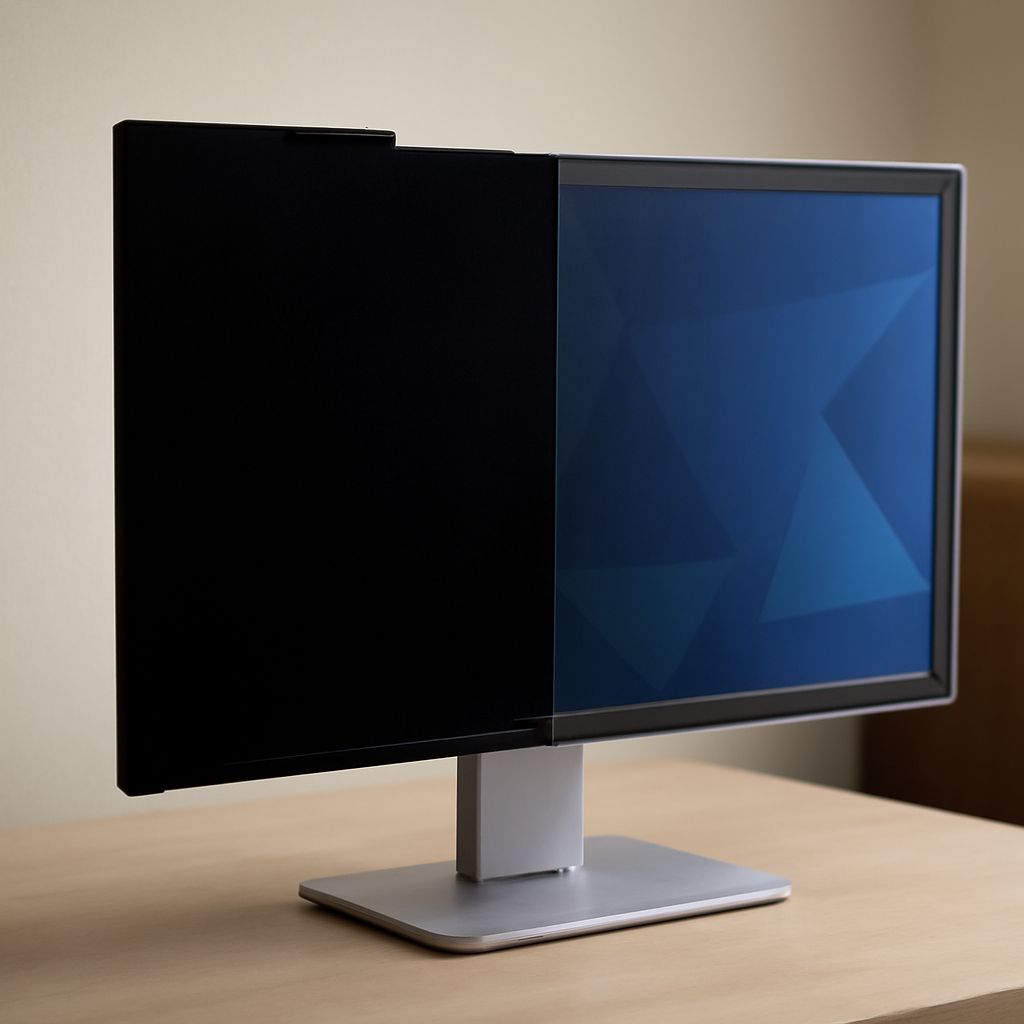
A blue light filter for your computer screen acts as a barrier that reduces the amount of blue light emitted from your device. This specialty screen protector can be a physical film or digital software designed to minimize the strain caused by prolonged exposure to blue light wavelengths. By filtering this specific type of light, these protectors help create a more comfortable viewing experience.
How Does a Blue Light Screen Protector for Computer Work?
The primary function of a blue light screen protector for computers is to absorb or block blue light before it reaches your eyes. Filters can be built into physical screen protectors or achieved through software adjustments that alter the color temperature of your display, shifting it to warmer tones. This alteration in light emission can help reduce glare and screen-induced fatigue, making it easier to work for extended periods.
Why Should You Use a Blue Light Filter on Your Computer Screen?
Using a blue light filter for your computer screen is crucial for several reasons. Firstly, it alleviates eye discomfort by reducing glare and visual stress associated with prolonged screen time. Secondly, it promotes better sleep quality by limiting blue light exposure, which can interfere with your body’s natural sleep-wake cycle. Lastly, using these filters can enhance focus and productivity, allowing you to work more efficiently without the distraction of screen-related discomfort.
How to Choose the Right Blue Light Screen Protector for Your Computer
When selecting a blue light screen protector for your computer, consider the size and type of your monitor to ensure a perfect fit. Look for options that offer a balance between light filtration and screen clarity. It’s also wise to check for additional features, such as anti-glare coatings or scratch resistance, to enhance durability and usability. Consulting reviews and seeking recommendations can further guide you in making an informed choice.
Tips for Installing a Blue Light Screen Protector on Your Computer
Installing a blue light screen protector on your computer is a straightforward process if done carefully. Begin by cleaning your screen thoroughly to remove dust and fingerprints. Align the protector accurately with your monitor edges before securing it in place. Smooth out any air bubbles using a soft cloth to ensure a clear and bubble-free view. Following these steps will help you achieve optimal performance from your screen protector.
Pro tips recap: A blue light filter can transform your screen experience, reducing eye strain and improving sleep. Properly choosing and installing a blue light screen protector ensures you enjoy all these benefits without sacrificing screen clarity and quality.