Ticket Printer: Mobile Thermal and Bluetooth Options for Events and POS
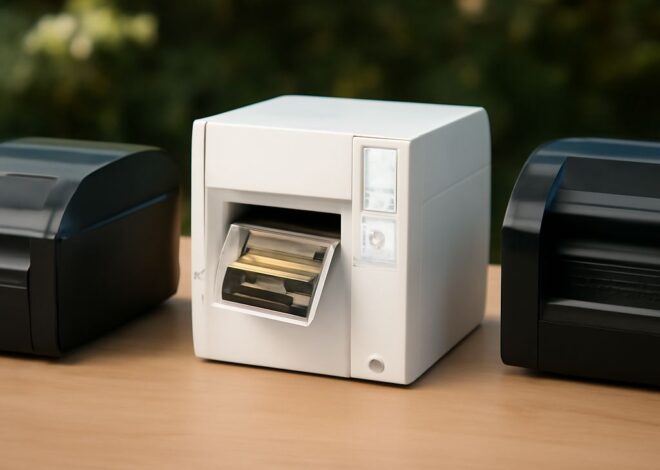
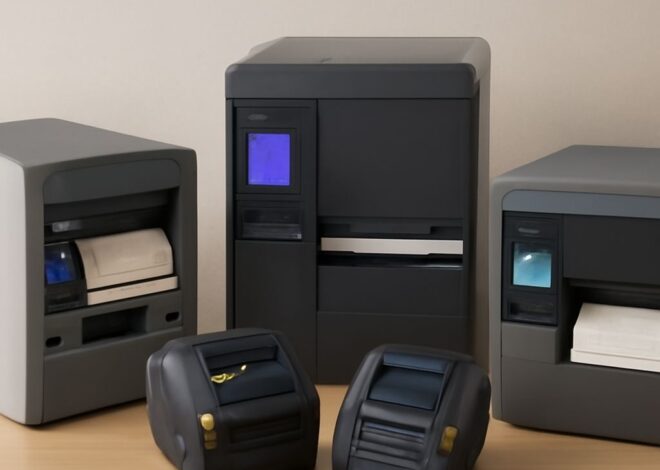
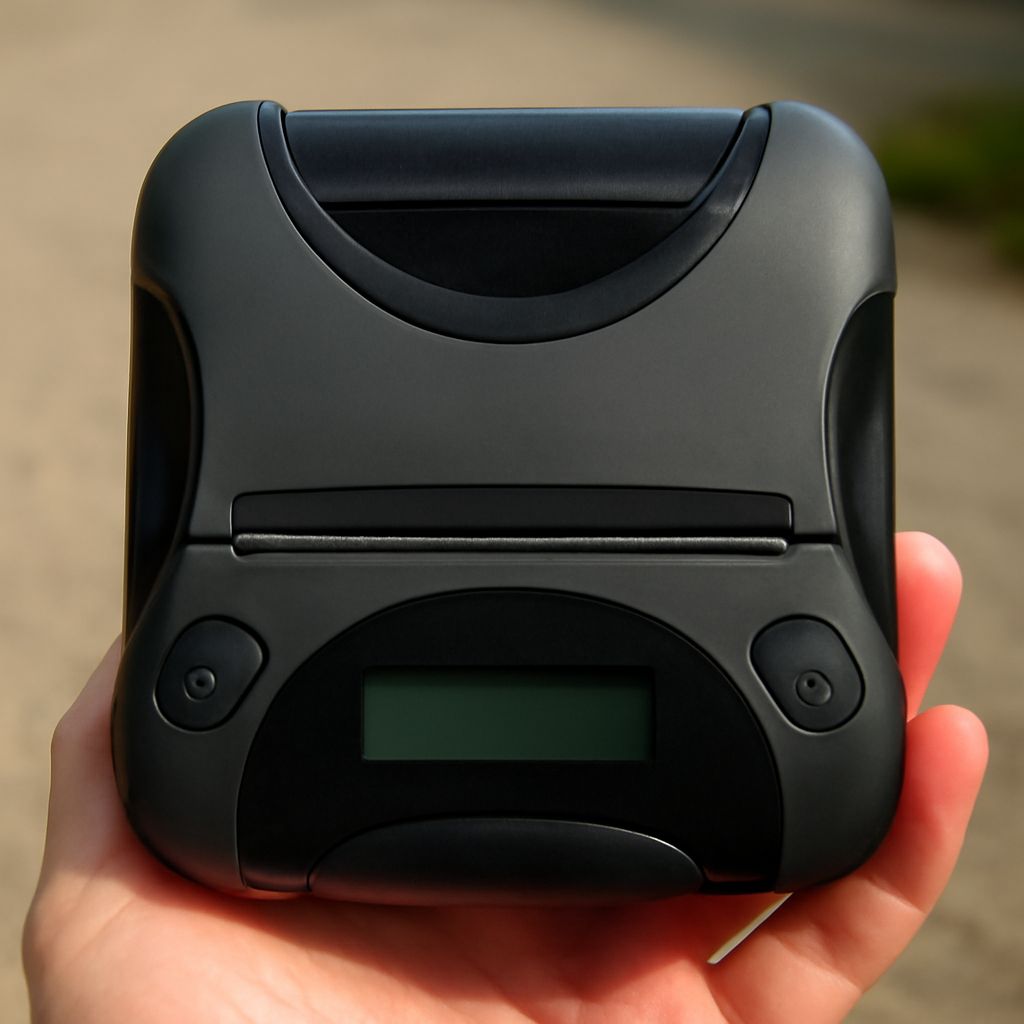
You’re running a parking lot, venue, or farmers market and need a way to print receipts, admission tickets, or queue numbers on the spot—without running power cables across the floor. A portable ticket printer handles all of these scenarios from a battery-powered unit you can carry in a bag or mount on a belt. A mobile thermal printer uses heat-based printing with no ink or toner, making it ideal for outdoor and mobile setups where consumables need to stay simple. A dedicated thermal ticket printer includes a paper roll compartment sized for receipt or ticket stock and prints each item in under a second. A mobile bluetooth printer pairs wirelessly with your phone or tablet, letting the point-of-sale app on your device send print jobs without a cable. Calling it a bluetooth mobile printer or a portable thermal ticket unit—the core technology is the same: lightweight, battery-powered, wireless, and ink-free.
How Mobile Thermal Ticket Printers Work
Thermal Printing Technology Thermal ticket printers use a heated print head that activates heat-sensitive paper, producing black marks without ink, toner, or ribbon. Direct thermal printing works by burning the image directly into the paper coating—fast, reliable, and maintenance-free in normal operating conditions. The trade-off: direct thermal receipts and tickets fade over time when exposed to heat or UV light. For short-life tickets and receipts (parking stubs, event admissions, daily receipts), this limitation doesn’t matter. For tickets that need to last weeks or months—concert stubs, loyalty cards—thermal transfer printing on synthetic stock holds up longer.
Battery Life and Duty Cycle
Mobile bluetooth ticket printers typically run 8–12 hours on a full charge, printing 500–1,500 tickets per charge depending on ticket length and print density. For high-volume events printing 2,000+ tickets in a single session, verify the battery capacity spec or carry spare batteries for models with user-swappable packs. Most mobile thermal printers charge via USB-C, making top-up convenient from any power bank.
Bluetooth Connectivity: Pairing and Range
A bluetooth mobile printer pairs with iOS and Android devices using the standard Bluetooth pairing process—open the app, select the printer, confirm pairing. Bluetooth range on most mobile ticket printer units runs 30–100 feet in open space. For event setups where the POS tablet sits at a check-in table and the printer is on a separate stand, this range is more than sufficient. Bluetooth 5.0 in newer mobile printer models gives a more stable connection with less interference from surrounding devices than older 4.2 units—worth the spec upgrade in busy venues with many Bluetooth devices in the same space.
Some thermal ticket printers also support Wi-Fi connectivity alongside Bluetooth, which allows them to join a shared network and receive print jobs from multiple devices or from a centralized POS system. This is particularly useful for venues running multiple check-in stations from a single event management platform.
Paper Stock and Ticket Size Options
Mobile thermal ticket printers accept roll paper in 58 mm (2.25-inch) and 80 mm (3.1-inch) widths as standard. Standard receipt stock runs 58 mm; wider 80 mm stock fits more information per line and is common in restaurant POS thermal ticket printer setups. For event tickets specifically, 57×25 mm stubs and 80×150 mm full-format admission tickets are the most common sizes. Confirm your printer accepts the specific roll width and diameter you plan to use—maximum roll diameter varies between models and determines how often you need to reload.
Top Mobile Bluetooth Ticket Printer Picks
The Zebra ZQ520 is the workhorse bluetooth mobile thermal printer for professional events and warehouse operations—IP54-rated for dust and water resistance, 8-hour battery, and Zebra’s PrintConnect SDK for easy iOS and Android app integration. The Star Micronics SM-S230i is a compact mobile thermal receipt printer with excellent iOS AirPrint support and a simple pairing process suited to retail pop-ups and food service. For budget-conscious buyers, the MUNBYN Bluetooth Thermal Printer supports both iOS and Android via Bluetooth 4.0 and handles 58 mm receipt stock—adequate for low-volume event applications at a fraction of enterprise printer costs.
Pro tips recap: Always charge the bluetooth mobile printer to 100% before a high-volume event. Carry a loaded spare paper roll in your kit—a thermal ticket printer mid-event with no paper is a frustrating delay. Test the full print flow from your POS app to the printer before the event opens doors. Store printed tickets away from direct sunlight and heat to prevent thermal paper fading.