Run a Left Right Audio Test on Headphones or Speakers
Play a stereo sample that identifies each channel, starting at a low volume. A left-and-right audio check should place the left signal on the left side and the right signal on the right. If a side is silent or reversed, check the connections and settings, then repeat the test with another source.
A stereo channel is a separate path for sound. Music can place different instruments in each channel, so a labeled test is easier to interpret than an unfamiliar song. Use your own headphones or speakers and a source you can control.
Right Left Audio Test: Prepare the Setup
Put headphones on according to their L and R markings, or position the left and right speakers on the corresponding sides of your listening position. Select the intended output device in the phone or computer. Lower its volume before starting, then raise it only to a comfortable level after the sample begins.
Choose a stereo test file or player that clearly labels its left and right signals. For a right and left audio test, play the left-only segment first and note which side produces it; repeat with the right-only segment. Pause between segments if necessary. A correct result in this test of left and right audio is one side at a time, matching each label.
If both labels play from both sides, check whether mono audio is enabled before drawing a conclusion. Mono combines channels for playback on both sides. If the labels are reversed, check physical orientation and speaker connections. If one label produces no sound, follow the isolation steps below.
Check Connections and Output
For wired headphones, pause playback, reduce volume, and firmly reseat the plug or adapter. Inspect the cable and connector for visible damage. Try a compatible known-working cable or adapter if you have one; do not force a plug into a mismatched socket. Repeat the left right audio test after each change so you know which change affected the result. Keep the same right and left audio test sample throughout.
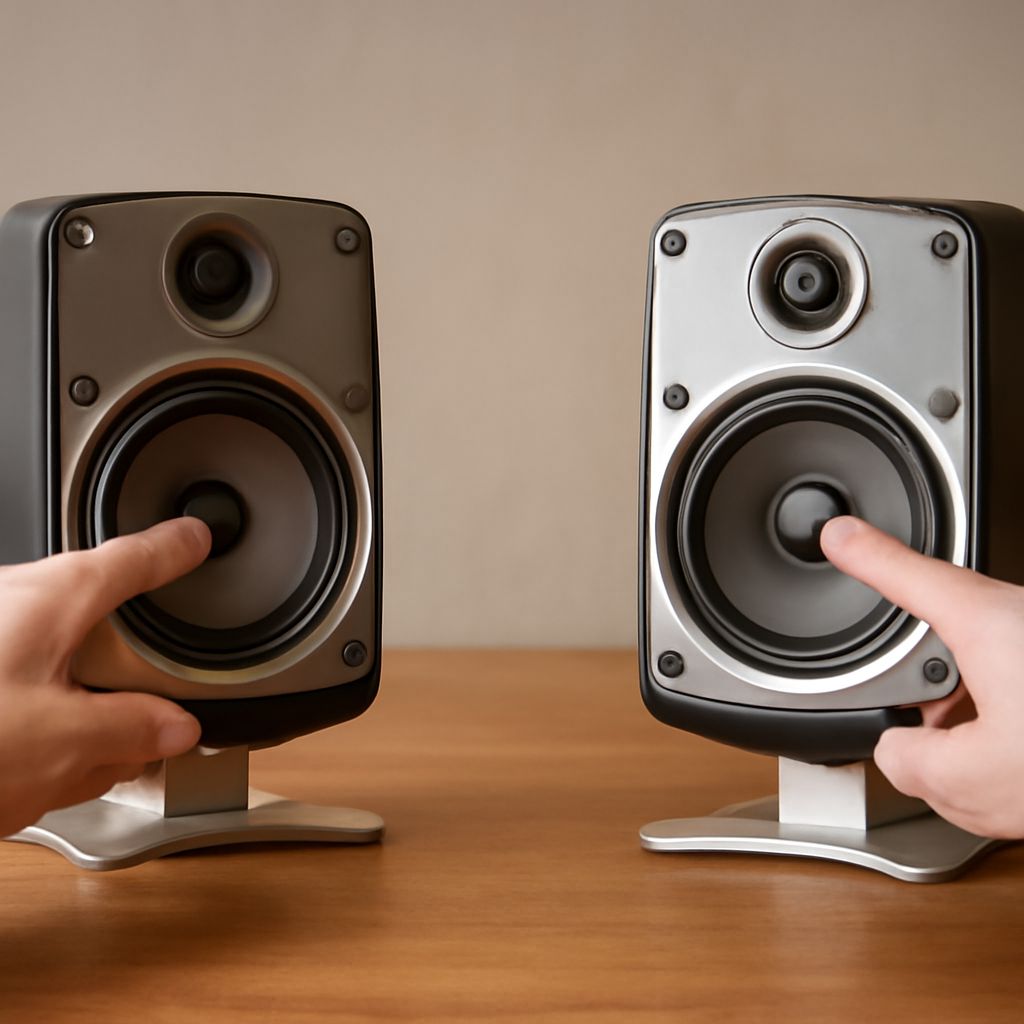
For separate speakers, switch the amplifier off before changing speaker wires. Check that the left and right outputs go to the matching speakers and that connections are secure. If the equipment permits, swap the speaker connections at the amplifier while it is off, then turn it on and test at low volume. If silence follows the speaker, investigate that speaker and its cable; if the same amplifier output stays silent, investigate the upstream output path. If the left speaker is suspect, test it with a known-working cable. Follow the equipment instructions for its connectors.
For wireless earbuds, check that both are charged and connected. Select the intended Bluetooth device and repeat a left and right sound test. If the device still behaves unexpectedly, follow its manufacturer’s reconnect or reset instructions. A low battery or connection issue can affect one side independently.
Check Balance and Mono Settings
A balance control changes the relative level of the two sides. If it is set fully to one side, the other may be inaudible even with working equipment. Center the control for the comparison, then restore any setting you normally use afterward.
On iPhone, go to Settings > Accessibility > Audio & Visual. Turn off Mono Audio for this check and set the Balance slider to the center. Apple’s instructions describe both controls. On Windows 11, check Settings > Accessibility > Audio for Mono audio; Microsoft explains that this setting combines stereo sound. Output balance controls can vary by device.
Run the right left audio test again with stereo enabled. If the left-only signal now plays only on the left and the right-only signal only on the right, the previous setting explains the combined playback. Restore mono afterward if you use it for accessibility.
Compare With Another Source
Try a second known stereo recording or another player on the same device. If only the first recording fails the audio test for left and right channels, the issue may be in that file or player. Next, connect the same headphones or speakers to another compatible source, keeping the volume low initially. If the problem persists in the audio test of the right and left channels there, the output device, cable, or adapter becomes a stronger suspect. If it disappears, return to the first source and check its output settings.
A left speaker test can isolate one path: play the left-only signal and confirm that the left speaker responds, then test the right separately. This is a functional check, not a calibrated measurement of level or sound quality.
If the left or right channel remains silent during the left right audio test, repeat the same labeled sample with another compatible pair of headphones or speakers. A working second pair points toward the original output equipment; the same missing channel points toward the source, settings, or connection path.