Can Weather Affect WiFi? Exploring Connectivity Challenges
Imagine you’re settling down for an evening of streaming your favorite show, only to find the WiFi signal in your home suddenly faltering. You’re left wondering, “Can weather affect WiFi?” The simple answer is yes, weather can interfere with your wireless internet connection. From rainstorms to intense heat, various weather conditions can play a significant role in how well your network performs. While pondering if ethernet is more secure than WiFi, or if perhaps a different technology such as WiMax or powerline ethernet might be a better fit, it’s crucial to understand these environmental impacts.
How Does Weather Affect WiFi?
Weather conditions impacting signal strength
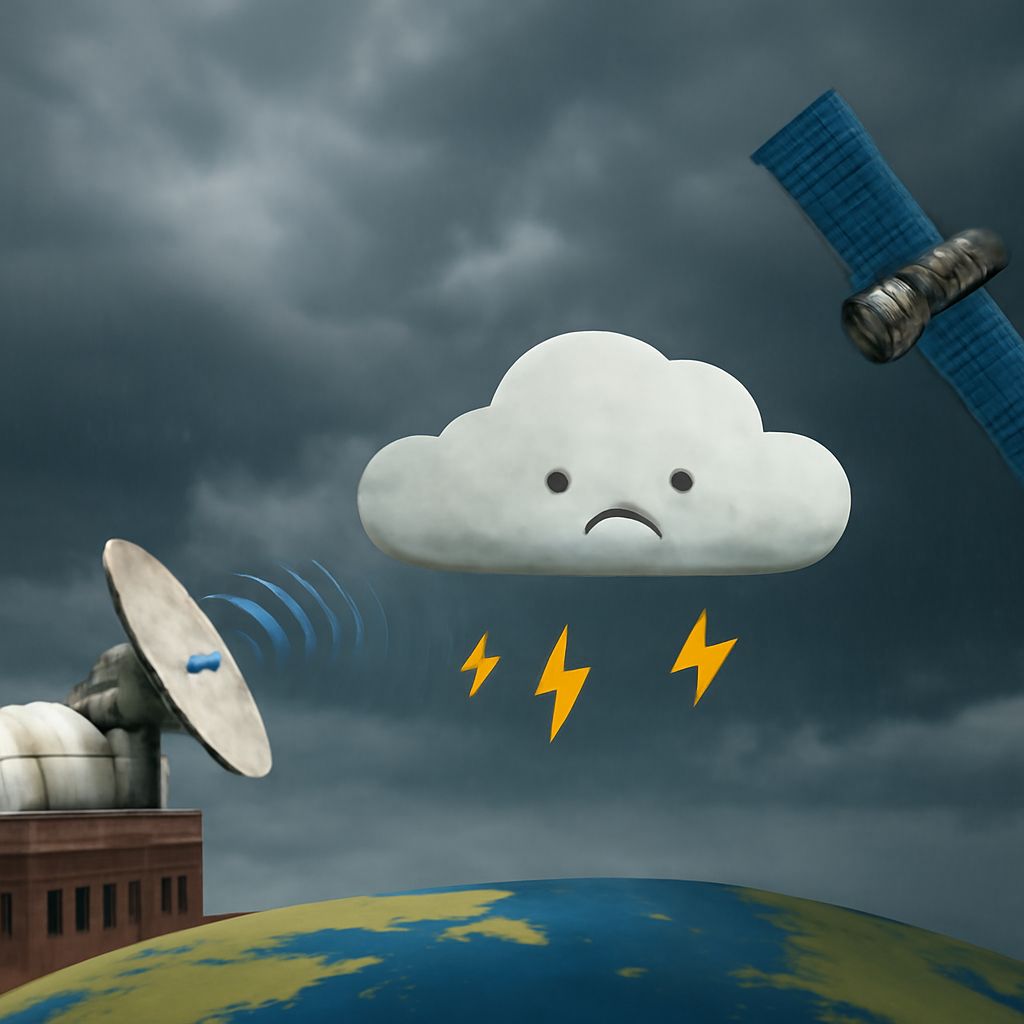
Weather conditions like rain, thunderstorms, and extreme temperatures can cause WiFi signal disruptions. Rain can absorb and weaken Wi-Fi signals, while heavy thunderstorms might introduce interference. Similarly, extreme cold or heat can affect the hardware by causing contraction or expansion in cables and devices, leading to connectivity issues.
Mitigating weather-related WiFi issues
To combat these issues, consider placing your router in a central location away from windows to minimize exposure to extreme weather conditions. Using weatherproof equipment for outdoor setups can also help maintain a stable connection. Regular maintenance and upgrades to more robust hardware can safeguard against severe weather impacts.
Is Ethernet More Secure Than WiFi?
Security advantages of ethernet
Ethernet connections are often deemed more secure than WiFi due to their wired nature, making them less susceptible to unauthorized access. Unlike wireless signals that can be intercepted from a distance, Ethernet requires physical access to cables, providing a safer environment for sensitive data.
Comparing security protocols
While WiFi networks can be secured with encryption technologies such as WPA3, they remain vulnerable to various attacks. Ethernet, however, inherently avoids many of these pitfalls by being less accessible to external threats, thus offering a more secure option for businesses handling confidential information.
WiMax vs WiFi: Which is Better?
Speed and range differences
WiMax and WiFi serve different purposes; WiMax is designed for long-range broadband connections, while WiFi covers shorter distances. WiMax can offer better speeds over longer distances, making it ideal for internet service providers delivering connectivity to remote areas.
Suitability for different users
For users seeking mobility and convenience within a limited range, WiFi is typically the preferred choice. However, WiMax can be more suitable for users needing internet access in rural or underserved regions due to its extensive coverage capabilities.
Powerline Ethernet vs WiFi: An Overview
Performance in various home environments
Powerline ethernet utilizes existing electrical wiring within a home to deliver internet, often resulting in more stable and reliable connections compared to WiFi. This technology can significantly reduce lag and increase performance, especially in buildings with thick walls that can block wireless signals.
Installation and setup considerations
Setting up powerline ethernet is typically straightforward; however, the performance can vary based on the quality of the electrical wiring. Unlike WiFi, which is primarily affected by physical obstructions, powerline can be influenced by the presence of older or faulty wiring in the home.
Why Does Ethernet Work But WiFi Doesn’t?
Troubleshooting common connectivity problems
Sometimes, devices may connect flawlessly via ethernet while experiencing issues with WiFi. This discrepancy can arise from WiFi interference, outdated firmware, or improper router configuration, causing erratic wireless performance.
Solutions for improving WiFi reliability
To enhance WiFi stability, ensure your router’s firmware is updated, and consider switching channels to avoid interference. Additionally, upgrading to a dual-band router or adding WiFi extenders can improve coverage and signal strength throughout your home.
Pro Tips Recap: To ensure optimal connectivity, understand how environmental factors like weather impact WiFi, consider ethernet for secure connections, and evaluate WiMax or powerline ethernet as alternatives. Regular maintenance, upgrades, and proper setup can mitigate common connectivity issues and enhance your internet experience.