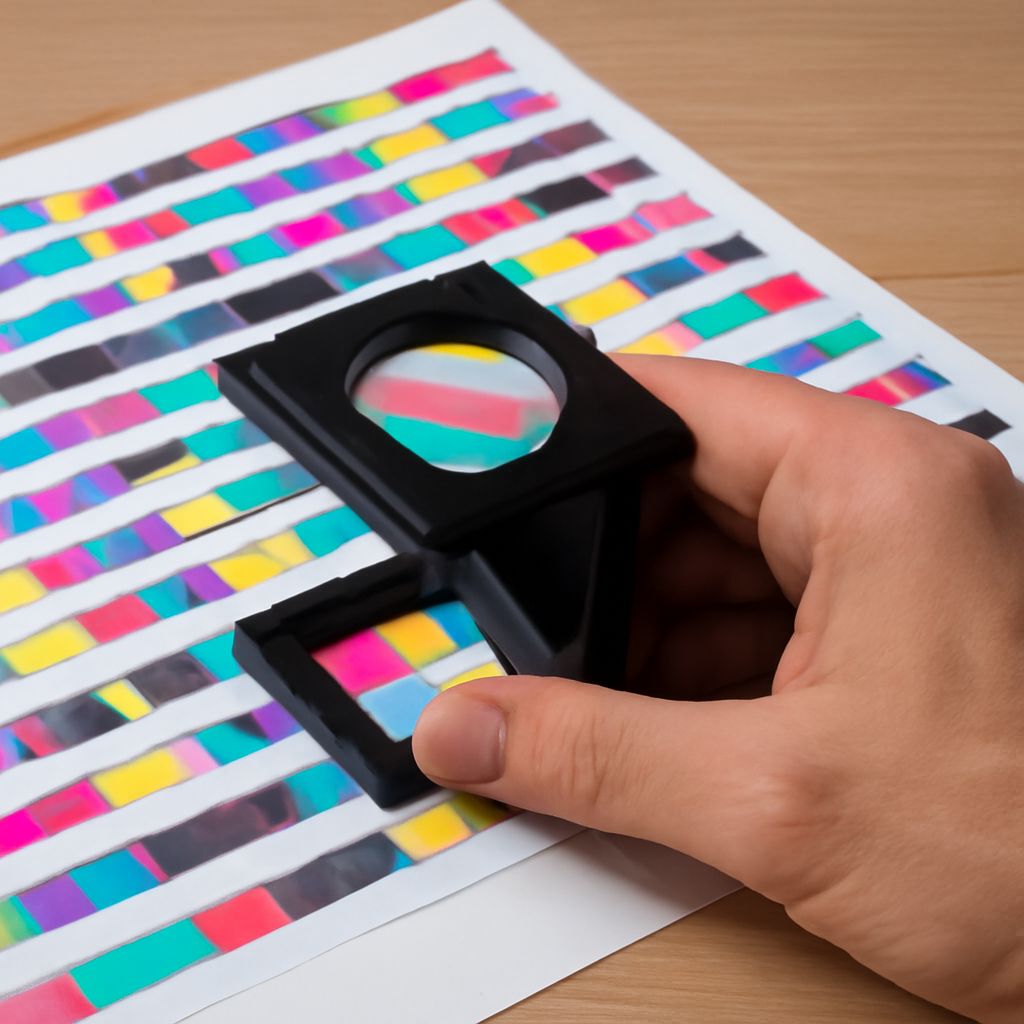
Printer Colors Are Off: Troubleshooting Guide
Imagine you’re in the middle of an important project, and you need to print a series of vibrant images. As the prints emerge, you notice that the colors are not what you expected—they’re misaligned and dull. Frustration sets in as you realize your printer colors are off. This common issue can disrupt your workflow and waste valuable resources. Understanding how to resolve these color discrepancies can save you time and improve your print quality.
Why Are My Printer Colors Off?
Common Causes of Color Discrepancies
There are several reasons why your printer’s colors might not align with your expectations. One primary cause of color discrepancies is the miscalibration of the printer. This often results from incorrect settings or outdated firmware. Additionally, using incompatible or low-quality ink can lead to a mismatch in colors. Physical obstructions like dust or debris on the print head can also impact the color accuracy.
Signs Your Printer Needs Attention
It’s important to recognize the signs that indicate your printer requires maintenance. Faded prints or streaks across the page are common indicators that your printer is not in optimal condition. If your prints consistently emerge with incorrect hues, it’s a clear signal that your printer’s color output needs adjustment. Regularly experiencing these issues suggests it’s time to troubleshoot your printer.
How to Fix Printer Color Issues
Step-by-Step Troubleshooting
Fixing printer color issues involves a systematic approach. Start by checking your printer’s settings to ensure they match the requirements for your print job. Running a nozzle check can identify blockages in the print head, which may need cleaning. Calibrating your printer, either manually or through its software, will often resolve alignment issues. If problems persist, consider updating the printer’s firmware to improve its performance.
Tools and Resources You May Need
Having the right tools and resources can make troubleshooting easier. A printer’s manual is a valuable reference for resolving color misalignment issues. Software tools like printer calibration apps can assist in aligning colors accurately. In cases where hardware needs attention, tools such as cleaning kits for print heads can be essential in maintaining color accuracy. Ensuring you have quality replacement ink on hand is also beneficial.
Preventing Future Printer Color Problems
Regular Maintenance Tips
Regular maintenance is key to preventing future color problems. Performing routine checks on your printer’s hardware helps ensure it remains in top condition. Cleaning the print head and removing dust or debris will keep the printer functioning smoothly. Additionally, scheduling calibration sessions will maintain consistent color performance over time.
Choosing the Right Printer Settings
Selecting the appropriate printer settings is crucial for achieving the best color output. Different print jobs require different settings; for example, photo prints should have different configurations than text documents. Experimenting with printer profiles and settings can lead to optimal results. Familiarizing yourself with these options will help in avoiding color issues in the future.
Safety Recap: Always follow safety instructions when using printer tools to avoid damage to your equipment or yourself. Regular maintenance and careful selection of ink and paper can prevent many common color issues.