Plotter Printer vs. Regular Printer: What’s the Difference?
You’re trying to print a technical drawing, a banner, or a CAD file and your office laser printer produces a tiny, scaled-down mess on letter-size paper. You’ve heard the term “plotter” thrown around in engineering offices or sign shops, but you’re not sure what is a plotter printer versus what is a wireless printer versus a standard desktop device. The confusion is understandable — the terminology hasn’t kept up with how modern large-format machines actually work.
This guide explains what is a plotter printer in practical terms, how a plotter vs printer comparison shakes out for real use cases, what wireless functionality adds to modern wide-format devices, and how to diagnose and fix a printer skipping lines — one of the most common issues whether you’re using a plotter or a desktop inkjet.
What Is a Plotter Printer?
Original Design vs. Modern Usage
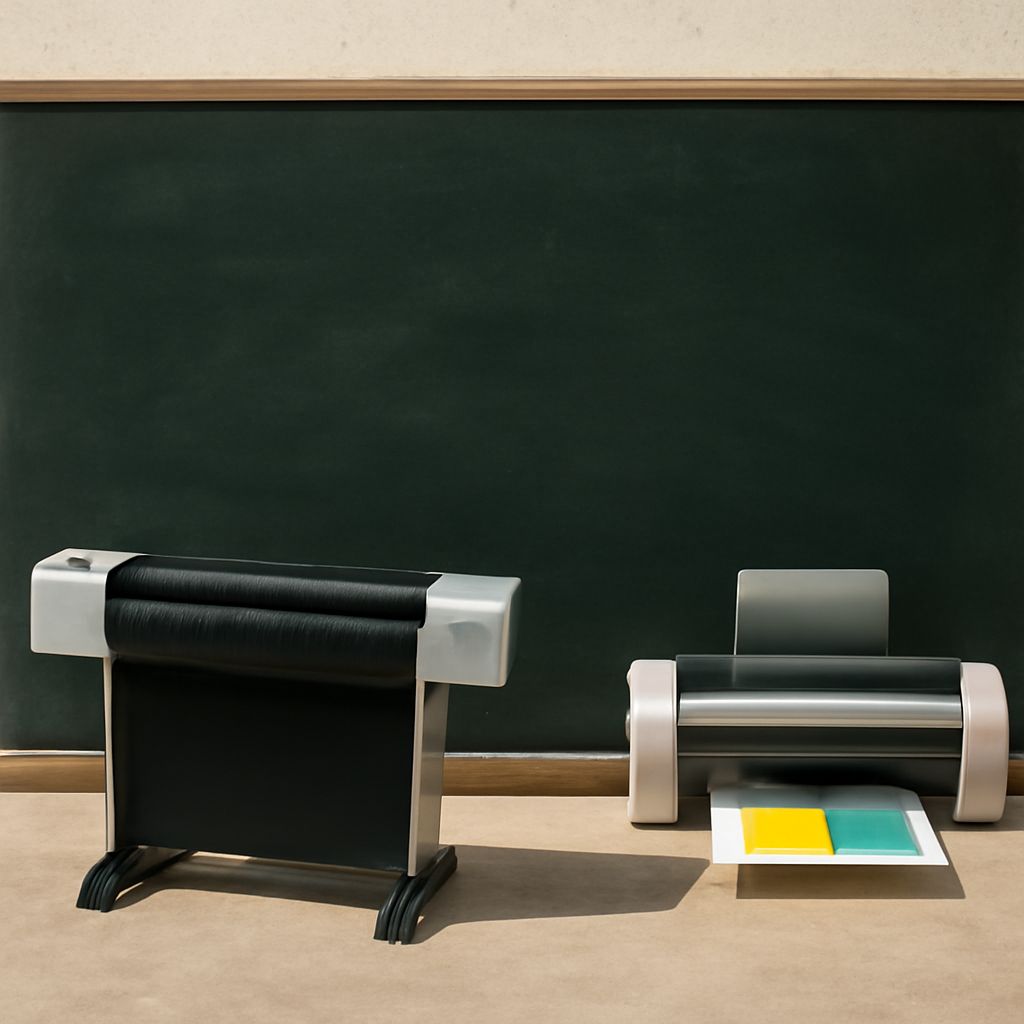
A plotter was originally a device that moved a pen across paper to draw vector-based graphics — used for engineering blueprints, architectural drawings, and scientific charts. Modern “plotters” are large-format inkjet printers that produce the same wide-format output digitally, without moving pens. The term stuck in industries like CAD, GIS mapping, and signage. When someone in a sign shop or architecture firm says “plotter,” they mean a wide-format inkjet capable of printing on rolls of paper, vinyl, canvas, or film at widths of 24 inches, 36 inches, or more.
Plotter vs. Printer: Key Differences
The core plotter vs printer distinction comes down to output width and media type. A standard desktop or office printer handles letter, legal, or tabloid-size paper. A plotter handles roll-fed media at widths that a standard machine physically cannot accommodate. Plotter output is also typically higher resolution for technical drawings — fine line work, precise dimensions, and color accuracy for engineering or design files are priorities. For everyday documents, a standard laser or inkjet handles the job faster and cheaper per page.
What Is a Wireless Printer?
A wireless printer connects to your network via WiFi or Bluetooth rather than requiring a direct USB cable connection. What is a wireless printer in practical terms: any device you can send print jobs to from a phone, tablet, or laptop without plugging in a cable. Most modern home and office printers are wireless by default. Wide-format plotters also increasingly ship with WiFi connectivity, letting architects and designers send large files from a workstation across the office without running cables to the machine.
Printer Skipping Lines: Causes and Fixes
Clogged Printheads
A printer is skipping lines most often because of a clogged or partially blocked printhead nozzle. Inkjet printers — including wide-format devices — eject ink through microscopic nozzles that dry out when the printer sits unused. Run the automatic printhead cleaning utility from your printer’s maintenance menu. Most machines offer a “nozzle check” pattern print that shows you exactly which color channels are blocked. Two or three cleaning cycles often clear partial clogs; severe clogs may require a manual cleaning with isopropyl alcohol on a lint-free cloth pressed against the printhead.
Other Causes of Skipped Lines
Printer skipping lines can also result from low ink — even with ink remaining, a cartridge running low may skip rows intermittently. Replace any cartridge below 10% to rule this out. Misaligned printheads after a jarring move or shipping cause horizontal band misalignment that looks like skipped lines. Run the alignment utility from your printer’s settings. On laser printers, streaky or skipped horizontal lines typically indicate a worn drum unit or depleted toner — a full-page streak at regular intervals usually points to a scratch on the drum surface that requires drum replacement.
Bottom Line
A plotter printer is a wide-format output device for technical drawings, signage, and large media — not a desktop replacement. A wireless printer is simply any device with network connectivity instead of a cable requirement. When your printer is skipping lines, start with a nozzle check and cleaning cycle before assuming a hardware failure.