Oil Change Sticker Printer: The Right Machine for Service Reminder Labels
You run a quick-lube shop or service bay and your current reminder stickers are hand-written or pre-printed with blanks you fill in by hand—slow, inconsistent, and easy to misread. An oil change sticker printer automates this entirely: you enter the mileage and date, press print, and a clean, professional label comes out in seconds. The broader category is the oil sticker printer, which covers dedicated automotive reminder printers as well as general thermal label printers adapted for shop use. A purpose-built oil change label printer typically connects to a simple tablet or computer interface and outputs labels sized for windshield placement. A more general-purpose oil change printer setup uses standard thermal label printers with custom templates. This article does not cover bluetooth oil diffusers, which is a separate product category entirely.
Dedicated Oil Change Sticker Printers vs. General Thermal Label Printers
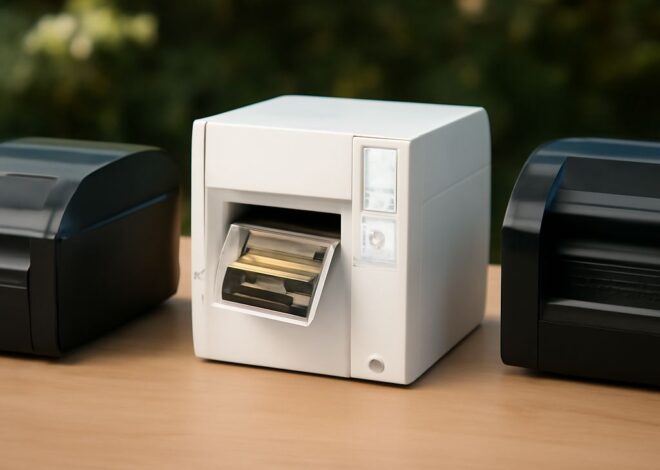
Dedicated Automotive Sticker Printers Purpose-built automotive reminder label printers like the Performa Oil Change Sticker Printer or the DYMO LabelWriter models adapted for shops connect directly to a point-of-sale or shop management system. They print pre-formatted service reminder labels with date, mileage, service type, and shop name in seconds. The labels use an adhesive rated for windshield glass—they stay put in summer heat without bubbling and peel cleanly without leaving residue. These dedicated oil change label printing units typically use 2-inch or 3-inch wide thermal stock in continuous rolls of 500–1,000 labels.
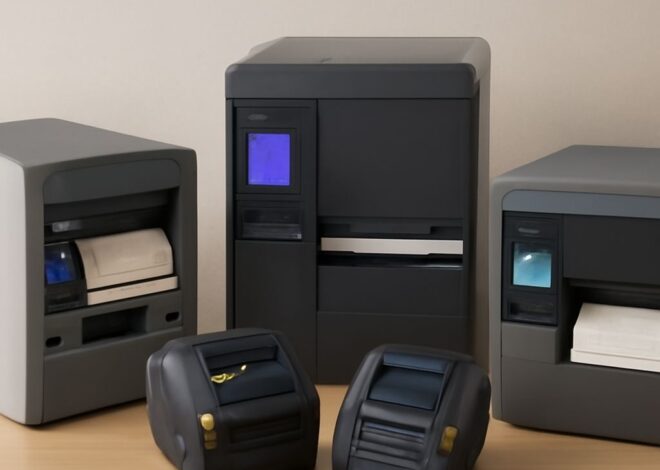
General Thermal Label Printers With Custom Templates If you already own a Zebra ZD421, Brother QL, or DYMO LabelWriter thermal printer, you can run oil service sticker templates using free label design software like ZebraDesigner or DYMO Connect. The trade-off: you design and maintain your own template rather than using pre-built automotive formats. The advantage: a general oil change printer setup handles other shop label needs too—parts labeling, inventory tags, and customer receipts—on the same device.
Key Specs for Choosing an Oil Change Label Printer
Thermal printing is the right technology for any automotive sticker printer—it requires no ink refills and produces smear-resistant output immediately. Look for these specs:
- Label size range: Standard windshield oil change reminder labels run 2×4 inches or 2.25×4 inches. Confirm the printer handles your preferred label stock width.
- Adhesive type: Permanent adhesive on static-cling or pressure-sensitive vinyl holds better on glass than standard paper adhesive. Some oil change sticker printers include static-cling label rolls specifically designed for windshields.
- Print speed: 3–4 IPS is sufficient for a busy shop producing 30–50 labels per shift.
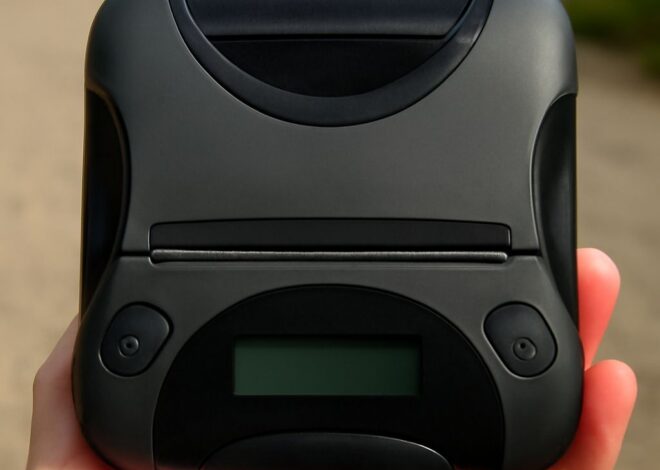
- Connectivity: USB direct connection to a shop computer is most common; Bluetooth connectivity lets a tablet-mounted system print wirelessly from the service desk.
Software Integration for Oil Service Reminder Printing
The most efficient oil change sticker printer setups integrate with shop management software like Mitchell 1, Shop-Ware, or Tekmetric. When a technician closes a service order, the system auto-populates the next service date and mileage, sends the job to the oil service label printer, and prints a completed reminder sticker without any manual data entry. For shops without management software, tablet-based apps like Oil Can Henry’s reminder printing tool or the standalone Performa Printer app provide the same functionality with a simpler setup.
Template customization lets you add your shop logo, QR codes linking to your booking page, and promotional messages to every oil change reminder label. A printed QR code that takes customers directly to your online booking page has measurable ROI—shops report 15–20% higher return rates when reminder labels include a booking link versus a phone number alone.
Key Takeaways
An oil change sticker printer—whether dedicated or adapted from a general thermal label printer—eliminates handwriting errors and speeds up service completion. Choose a unit rated for your daily label volume, confirm the adhesive type works on glass, and integrate with your shop management software to eliminate manual data entry entirely.