Color Printer Test Page PDF: How to Read Print Quality Diagnostics
Your prints look slightly off—colors seem washed out, one ink channel is banding, or you’re not sure whether your printer is actually performing at full quality. Printing a color printer test page pdf or built-in diagnostic gives you a standardized reference to compare against. A proper color printer test image includes color patches, gradient ramps, fine lines, and text at multiple sizes—everything you need to assess whether all four ink channels are firing correctly. A printer color test image from a manufacturer’s diagnostic tool goes further, logging nozzle check results alongside the visual output. Running a printer ink test before a large print job takes 30 seconds and catches ink issues before they waste expensive stock. Whether you use a downloadable color printer test pattern or print the built-in diagnostic from your printer’s control panel, the visual feedback is immediate and actionable.
What a Color Printer Test Page Actually Shows You
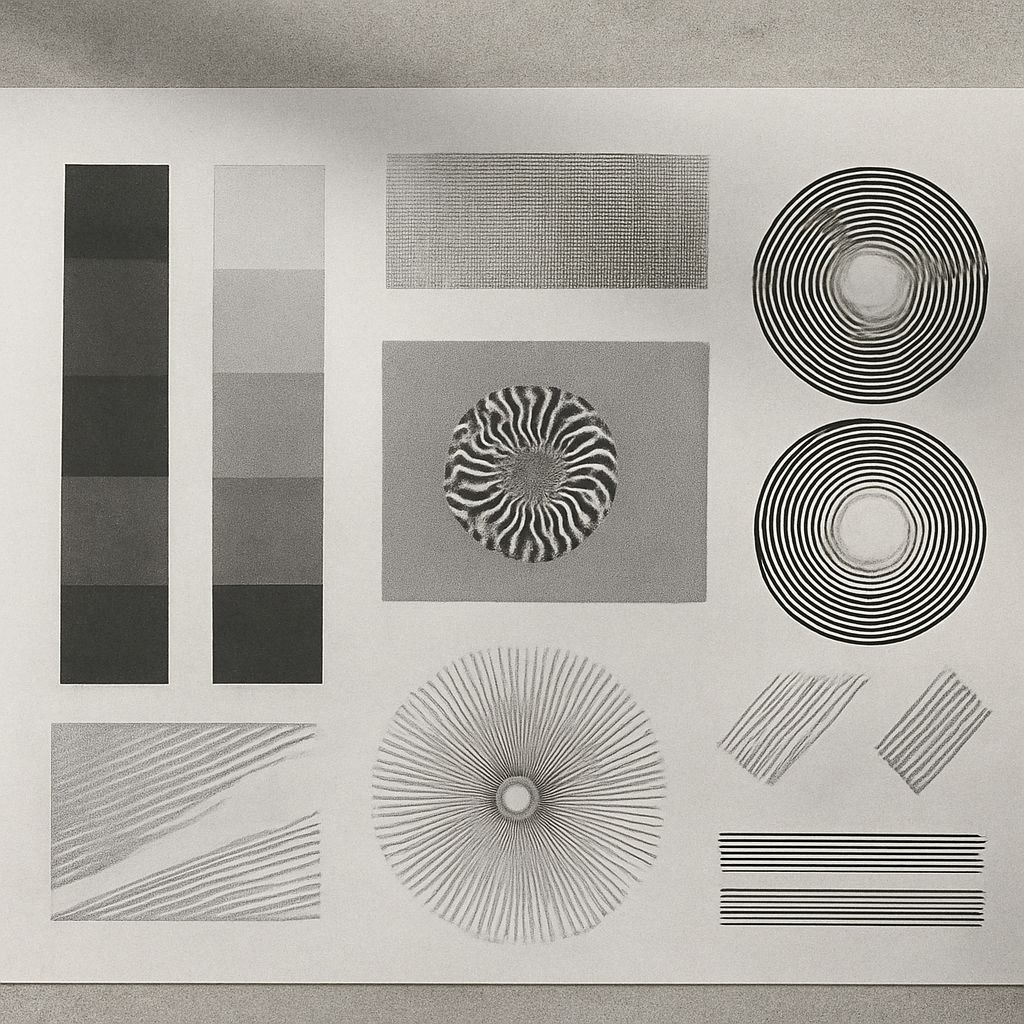
Color Patches and Gradient Ramps A standard color printer test image includes solid blocks of cyan, magenta, yellow, and black (CMYK), plus secondary colors created by combining channels—red (M+Y), green (C+Y), and blue (C+M). If any solid color block shows streaks, faded areas, or color casts, that channel has a blocked nozzle or low ink. Gradient ramps—smooth transitions from 0% to 100% of each color—reveal banding, which indicates a nozzle that fires inconsistently. A well-maintained printer produces perfectly smooth gradients with no visible steps or lines.
Nozzle Check Pattern Most inkjet printers include a built-in nozzle check diagnostic that prints a pattern of fine parallel lines, one line per nozzle in each color channel. Missing or broken lines in the nozzle check printer ink test output indicate clogged nozzles. Run a head cleaning cycle from the printer software if you see gaps, then reprint the nozzle check to confirm the cleaning worked. HP, Epson, Canon, and Brother all include nozzle check utilities in their printer software suites.
Where to Get a Color Printer Test Page PDF
Several free color test image sources provide high-quality reference files optimized for evaluating printer output:
- Manufacturer websites: HP, Epson, Canon, and Brother all provide downloadable color test print patterns in their support sections.
- Dry Creek Photo: Provides detailed printer color test image PDFs designed for evaluating photo printers across the full CMYK gamut.
- Pngwing and FreePik: Offer downloadable color ramp test PDFs that work for general color accuracy checks on any inkjet or laser printer.
- ICC profile test charts: The IT8.7/4 chart (available from the International Color Consortium) is a standardized color printer test pattern used by color management professionals for profiling and verification.
Running a Built-In Printer Ink Test from the Control Panel
Most modern inkjet and laser printers print a diagnostic or configuration page directly from the control panel—no computer required. On Epson models, go to Setup > Maintenance > Print Quality Check. On HP, navigate to Settings > Reports > Print Quality Page. On Canon, access Setup > Maintenance > Nozzle Check. The resulting page functions as a combined printer color test and configuration report, showing ink levels, nozzle status, alignment data, and network settings on one sheet. Print this page whenever you start a new ink cartridge or after the printer sits unused for two or more weeks.
Interpreting Color Printer Test Pattern Results
After printing your color test pattern, compare it against these benchmarks: all solid color blocks should appear uniform with no streaks; gradient ramps should transition smoothly without visible banding; text at 6-point size should be readable without fringing or bleed; thin horizontal lines at 0.5-point width should be continuous, not dotted or broken. If any section fails, run the relevant maintenance routine—nozzle cleaning for inkjets, fuser or drum cleaning for laser printers—and reprint to confirm improvement.
Key takeaways: Print a color printer test image before any critical job to catch ink issues early. Use manufacturer-supplied nozzle check patterns for the most specific diagnostic data, and download a standardized color test print PDF for evaluating overall color accuracy against a known reference.