2×2 Prints: A Comprehensive Guide
Imagine you’re in a rush, needing to print a 2 x 2 photo for your passport application. You fumble through your desktop, trying to figure out how to print a 2×2 photo efficiently. The clock is ticking, and the anxiety of getting this task done mounts. But worry not; mastering the essentials of 2 by 2 photo printing can save you time, frustration, and errors. With the right knowledge, you can achieve flawless 2 by 2 photo prints every time.
What Are 2×2 Prints and Why Are They Popular?
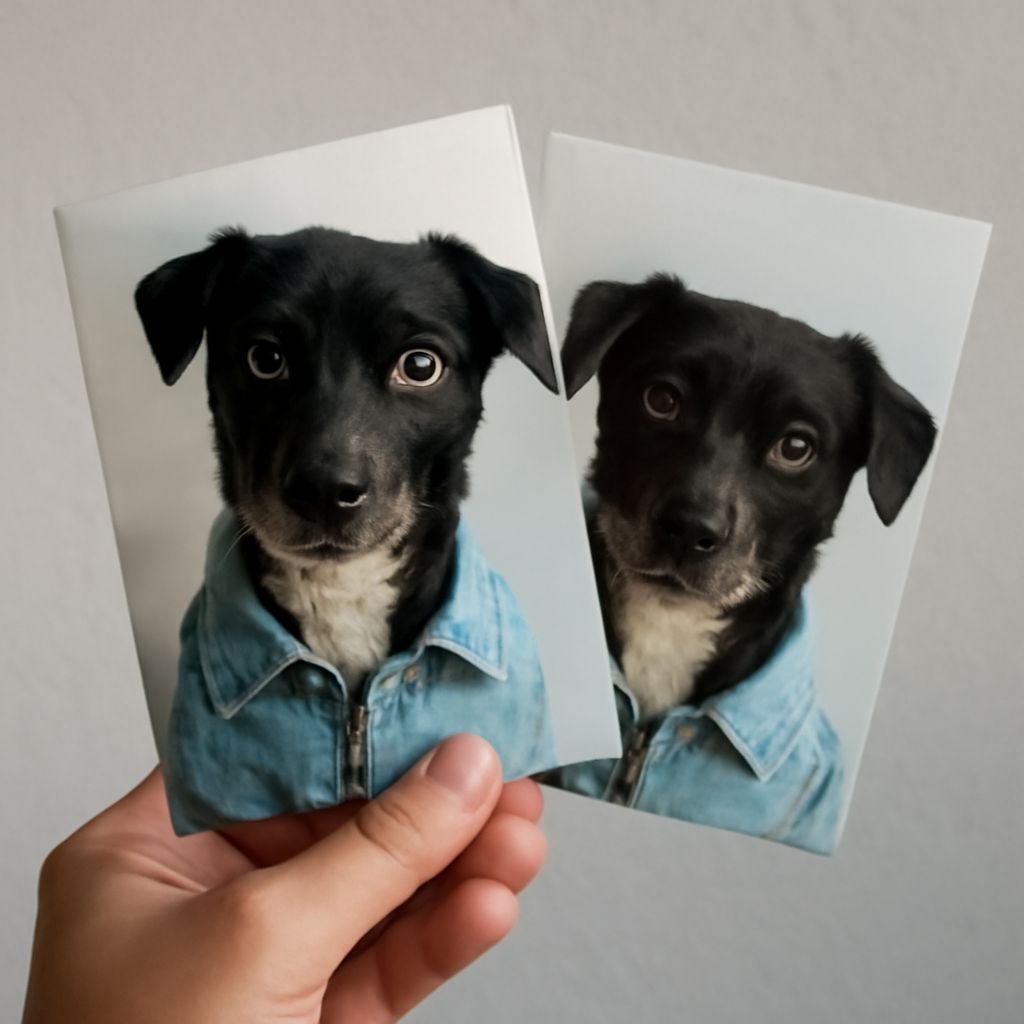
2×2 prints are small photographic prints measuring 2 inches by 2 inches. These compact dimensions make them ideal for various identification purposes, such as passports and ID cards. The convenience of a 2-by-2 photo lies in its ability to fit standardized document requirements across numerous countries. The popularity of these prints stems from their practical size and ease of use in official documents.
Adapting to various uses, 2 by 2 prints are also favored for personal projects, like scrapbooking and mini photo albums. Their manageable size allows for creative presentations without occupying much space, making them a versatile choice for many.
How to Print a 2×2 Photo: Step-by-Step Guide
Printing a 2×2 photo involves several key steps to ensure accuracy and quality. First, ensure your image is cropped correctly to the 2-inch by 2-inch dimensions. This can typically be done using photo editing software like Adobe Photoshop or free online tools. Adjust the resolution to at least 300 dpi for clarity.
Next, configure your printer settings to match the photo’s specifications. Select the appropriate paper type, usually photo paper, and adjust the quality setting to ‘high’ or ‘best.’ Align your printer heads if necessary to prevent any misprints.
Finally, perform a test print on regular paper before using your photo paper to check for any discrepancies. Once satisfied, load your photo paper into the printer and print your 2-by-2 photo. Wait for the print to dry completely to avoid smudging.
Choosing the Right Printer for 2 x 2 Photos
Selecting the right printer is crucial for producing high-quality 2 x 2 photos. Inkjet printers are generally recommended for their superior color reproduction and sharpness. Models with dedicated photo features, such as additional ink tanks or high-resolution capabilities, can enhance your prints significantly.
Laser printers, while efficient for text documents, may not deliver the same level of photo quality. Therefore, investing in a quality inkjet printer designed for photographic tasks ensures that your 2-by-2 prints meet professional standards.
Consider printers that offer wireless connectivity for ease of printing from multiple devices and those compatible with various photo paper types. A good printer should support borderless printing to fully utilize the dimensions of a 2-by-2 photo.
Tips for Perfecting 2×2 Photo Quality
Perfecting the quality of a 2×2 photo involves a combination of correct settings and careful handling. Start by using high-quality photo paper to bring out the best in your prints. Glossy paper often yields vibrant colors, whereas matte options can reduce glare and fingerprints.
Ensure that your printer’s ink levels are sufficient and that the print heads are clean to avoid streaks or color inconsistencies. Regular maintenance, such as cleaning cycles, keeps your printer in top condition for consistent results.
Additionally, pay attention to your lighting conditions when taking the original photo. Adequate lighting reduces shadows and highlights the subject clearly, making post-processing adjustments easier and more effective.
Next Steps: To maintain the quality of your 2×2 photo prints, regularly check and calibrate your printer settings, update your photo editing software, and store your prints properly to prevent damage. Embrace the process of trial and error to refine your technique and achieve the perfect print.