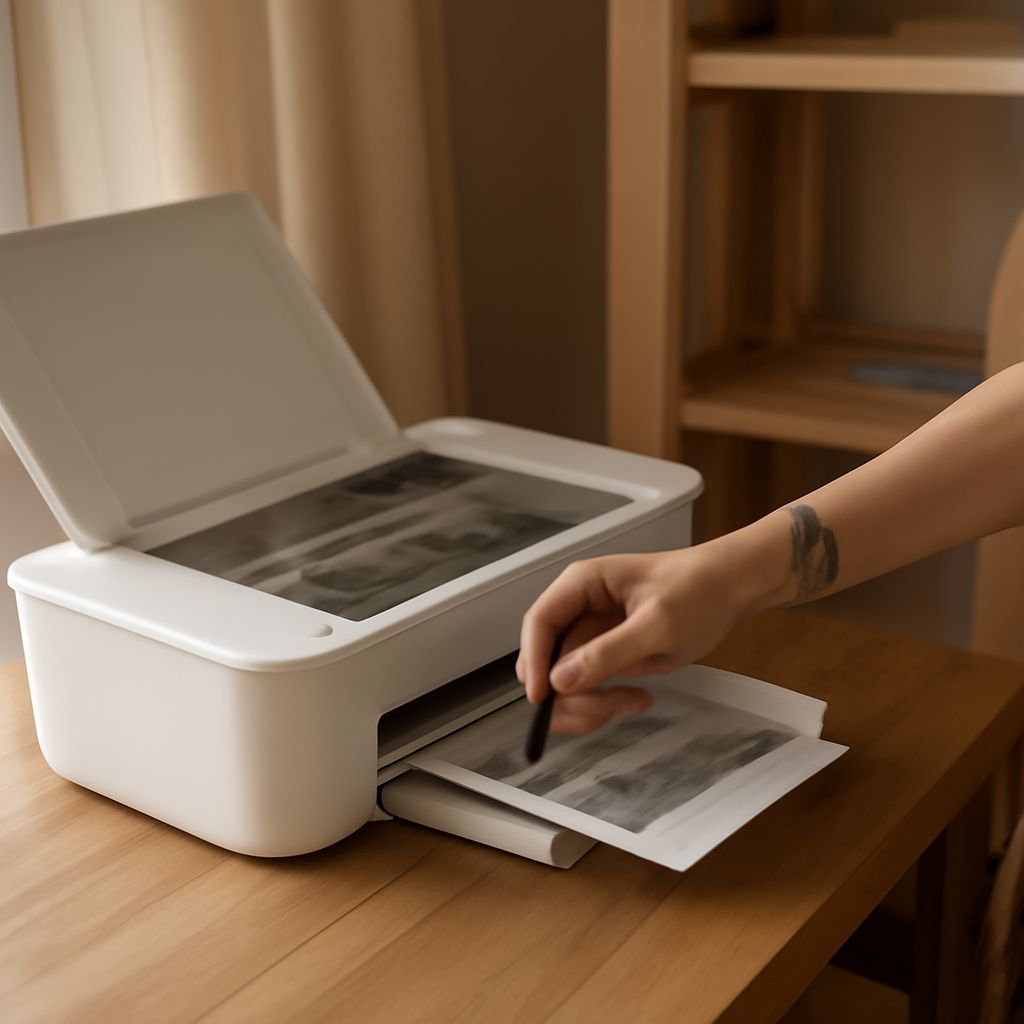
Best Home Office Printer Scanner: Reliable Picks and Buying Guidance
You work from home and you need a printer that handles both documents and scanning without becoming a source of daily frustration. The best home office printer scanner combines reliable print output, accurate flatbed or sheet-fed scanning, and low running costs in a package that fits a home workspace. The most reliable printer for home and office use isn’t always the cheapest at the register — it’s the one that keeps working through years of moderate use without constant maintenance calls. When you’re buying a printer for the first time or replacing an aging machine, the most reliable home printer in the $150–$400 range comes from a short list of proven brands. Buying a printer is a decision that affects your daily workflow for 5–10 years, so getting it right matters more than saving $30 upfront. And answering the question what printer should i buy requires being honest about your actual monthly print volume, whether you need color, and whether scanning matters to your workflow.
Here is a framework for choosing and specific recommendations across price points.
Inkjet vs. Laser for Home Office Use
When Inkjet Wins
Inkjet printers handle color photos and marketing materials better than laser at comparable price points. They cost less upfront, take up less desk space, and suit home offices that print 50–200 pages per month. Epson EcoTank and Brother INKvestment models deliver low per-page inkjet costs by using refillable tanks rather than cartridges, making them genuinely economical for home office volumes when you buy the right model upfront.
When Laser Wins
Laser printers excel at high-volume text document printing. They start up faster, don’t clog from infrequent use, and deliver lower per-page costs for black-and-white output at volumes above 300 pages per month. For a home office that primarily prints text documents, contracts, and reports, a color laser or mono laser beats an inkjet on total cost of ownership over two to three years.
Scanner Features Worth Paying For
An automatic document feeder (ADF) is the single most useful scanner feature for home office use. It lets you scan multi-page documents without manually placing each page on the flatbed. Look for ADFs rated for at least 20–30 pages per cycle. Duplex ADF scanning — scanning both sides of a page in a single pass — saves significant time on two-sided documents. Resolution matters for document archiving: 300 dpi suffices for text, 600 dpi for fine graphics or old photographs.
Reliability Data and Brand Reputation
Long-term reliability data from consumer reports and tech review aggregators consistently ranks Brother and HP laser printers highest for longevity and low failure rates. Brother MFC series all-in-ones appear repeatedly in reliability rankings for home and small office use. Epson and Canon lead in inkjet photo quality, with the EcoTank line performing well for home offices that print infrequently but want low ink cost when they do. Avoid no-name brands regardless of price — support, driver updates, and replacement supply availability all matter over a 5-year ownership period.
Connectivity and Mobile Printing
Current home office printers include Wi-Fi, Ethernet, USB, AirPrint, and Google Cloud Print as standard. Confirm that the mobile printing app — HP Smart, Brother iPrint&Scan, Epson Smart Panel — is actively maintained with recent updates. Apps that haven’t been updated in over a year often break after iOS or Android major releases, eliminating a feature you counted on when you bought the machine.
Next steps: Determine your average monthly page count and note whether you print mostly text or include color. If you print under 100 pages monthly, an Epson EcoTank or Brother MFC inkjet handles the work economically. For 100–300 pages monthly, a Brother color laser MFC provides the best long-term value. Over 300 pages, a dedicated laser printer with a high-yield toner plan cuts your per-page cost significantly.