Best Time to Buy a Printer and Which Ink Type Is Right for You
You’ve been putting off buying a printer for months, waiting for a deal that feels worth it. You’ve seen the same models cycle through sales, temporarily drop in price, then quietly creep back up. Knowing the best time to buy a printer takes the guesswork out of the wait and tells you when prices actually bottom out versus when “sale” pricing is just the usual amount with a banner on it.
But timing is only half the decision. Whether you need a continuous ink printer for high-volume output, the best pigment ink printer for archival photo quality, the best cd printer for disc labeling, or a wifi time clock printer for office tracking — the right ink technology changes the calculus of what model to buy entirely. This guide covers both the when and the what.
When Is the Best Time to Buy a Printer?
The clearest buying windows fall during Black Friday and Cyber Monday in late November, back-to-school season in July through September, and post-holiday clearance in January. Printer manufacturers and major retailers like Costco, Best Buy, and Amazon typically discount both machines and ink bundles most aggressively during these periods. Tax season (February through April) brings a secondary wave of deals as small business buyers look for deductible equipment purchases. Mid-year product refreshes — usually around March and September when new model lines launch — push prior-generation machines to discount pricing, sometimes 25–40% below their original MSRP.
Avoid buying a printer in October, mid-November before deals launch, or May through June when inventory is stable and promotions are thin. Price-tracking tools like CamelCamelCamel (for Amazon) or Google Shopping’s price history graph let you verify whether a “sale” price is actually a discount or just the normal price.
Continuous Ink Printer: High-Volume Printing on a Budget
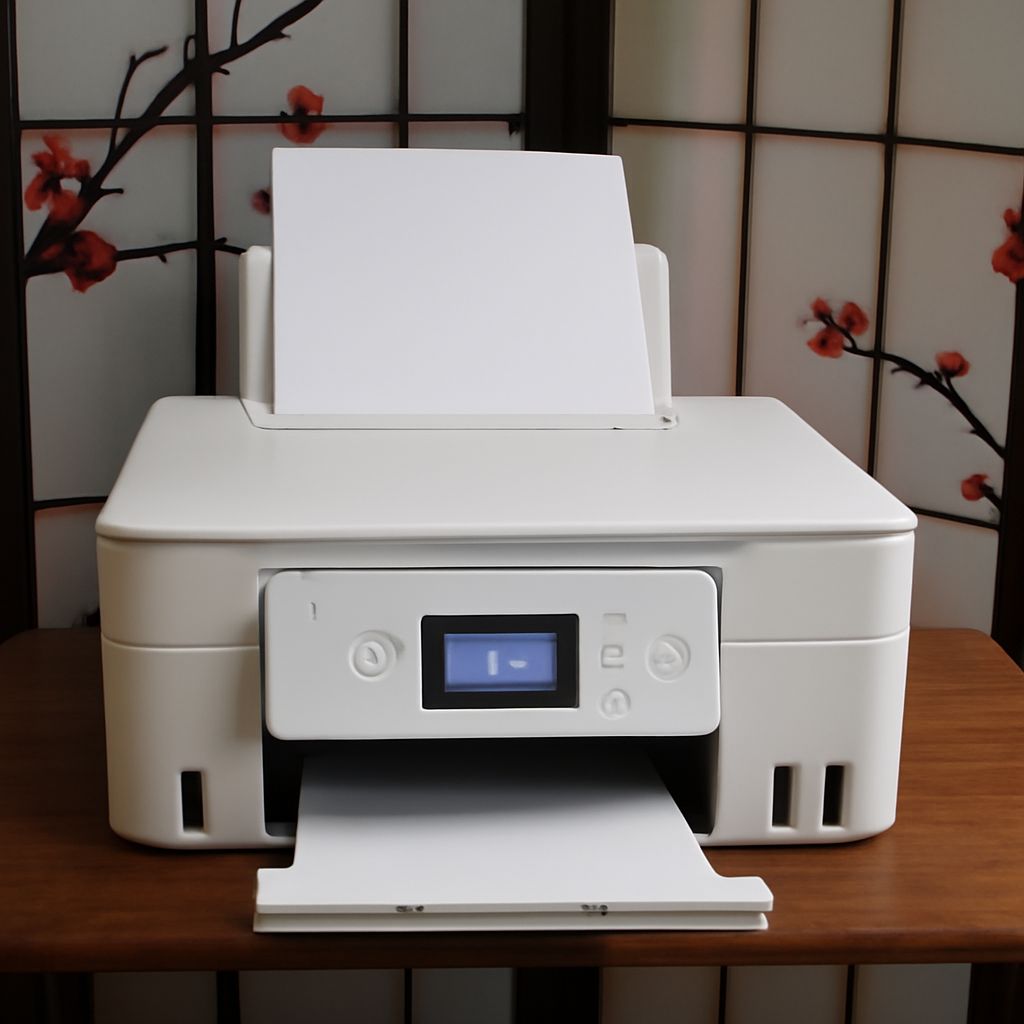
A continuous ink printer uses a refillable ink tank system rather than replaceable cartridges. Epson’s EcoTank and Canon’s MegaTank lines are the two dominant product families. These machines cost more upfront — typically $150–$400 versus $60–$100 for entry-level inkjet — but the per-page cost drops dramatically. EcoTank ink refills cost roughly $13–$20 per color set and print thousands of pages, compared to $20–$40 for cartridges that might yield 200–400 pages. For households or small offices printing 500+ pages per month, a continuous ink setup pays for itself within 6–12 months and eliminates the frustration of constantly buying cartridges.
Best Pigment Ink Printer for Quality and Longevity
The best pigment ink printer prioritizes archival durability. Pigment ink particles sit on top of paper rather than soaking in like dye ink, producing sharper text edges and dramatically better fade resistance — pigment prints can last 70–100+ years in archival conditions. For photo printing, pigment outperforms dye in longevity but requires coated photo papers to show its full color range. Epson’s SureColor and Canon’s PIXMA Pro series lead the pigment photo printer category. For document printing, HP’s OfficeJet Pro and LaserJet lines use pigment-based inks that resist smearing when papers get wet — important for shipping labels, forms, and documents handled frequently.
Best CD Printer for Disc Labeling and Archiving
The best cd printer supports direct disc printing, also called optical disc printing, where the printer feeds CDs or DVDs into a dedicated tray and prints graphics and text directly onto the printable surface of the disc. Epson’s Artisan and XP series with the CD/DVD tray attachment remain popular for home use. For production runs, Primera disc printers automate loading and printing for batches of 20–50 discs. Direct disc printing produces clean, professional results versus adhesive labels, which can cause balance issues in high-speed disc drives. Make sure the discs you buy are specifically labeled as “printable” — bare-topped discs without the white inkjet-receptive coating will not absorb ink correctly.
WiFi Time Clock and Other Specialty Printer Uses
A wifi time clock is technically a terminal or display device that records employee time punches wirelessly — it’s not a printer in the traditional sense, though some models include a receipt printer for printing punch confirmations. Businesses looking for a time tracking device with printing capability should look at Acroprint or uAttend terminal models, which combine RFID or PIN-based time capture with optional thermal printing of receipts. This is a separate product category from standard document or photo printers, though the search term often appears alongside printer research. If your actual need is printing time reports, a standard network-connected laser printer paired with time-tracking software is the more common solution.