Parts of a 3D Printer: Components, Diagram, and DIY Parts List
You’re troubleshooting your printer, planning a build, or just trying to understand why something failed, and you realize you don’t know the names of half the parts you’re looking at. Understanding the parts of a 3d printer makes diagnostics faster, maintenance clearer, and upgrades more intentional. A reference of 3d printer components lets you order the right replacement instead of guessing. A 3d printer diagram shows how components relate spatially, which matters when you’re replacing a part in a tight enclosure. A 3d printer parts list organized by function helps builders source components for DIY builds systematically. And knowing the purpose of each diy 3d printer part category means you can prioritize which components to upgrade for the biggest impact on print quality or reliability.
This guide covers every major 3D printer component category with function explanations and context for both FDM and resin users.
Motion System Components
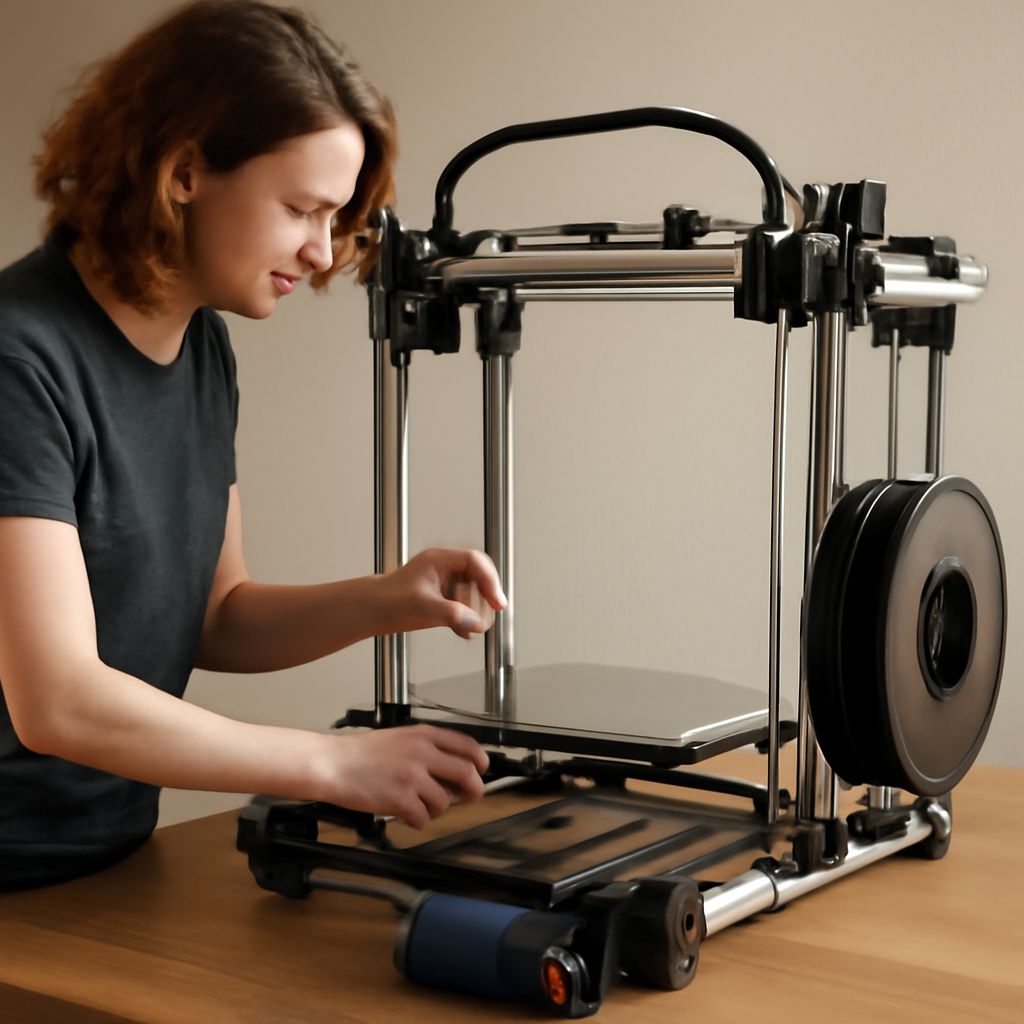
The motion system moves the print head and build plate in X, Y, and Z axes. On a Cartesian FDM printer, this consists of linear rails or smooth rods, lead screws or belts, stepper motors, and motor drivers. The extruder carriage rides on the X-axis rail; the gantry moves on the Y-axis; Z-axis lead screws raise and lower the build plate or gantry. Belt-driven systems (common on Ender and Voron designs) offer faster movement. Lead screw Z-axis provides better positional accuracy for layer height consistency. Worn belts and loose motor coupler set screws account for a large share of print quality problems.
Extruder and Hot End
The extruder feeds filament into the hot end. Two types exist: direct drive (motor mounted on the print head) and Bowden (motor mounted on the frame, filament fed through a PTFE tube). Direct drive handles flexible filaments better; Bowden setups reduce print head weight for faster movement. The hot end melts filament for deposition. It consists of a heat block, heater cartridge, thermistor, heat break, and nozzle. The nozzle size (0.4mm is standard) determines minimum feature resolution and maximum print speed. Clogged nozzles and failed thermistors are common failure points in this assembly.
Heated Bed and Build Surface
The heated bed keeps the first layers above ambient temperature to prevent warping. Most beds use a 24V or 12V resistance heater embedded in an aluminum plate. Build surfaces — glass, PEI spring steel, or specialized adhesive sheets — sit on top of the bed and provide adhesion during printing and release after cooling. PEI spring steel sheets have become the standard choice because parts release easily when the sheet flexes after cooling, eliminating the need for scraping.
Control Board and Firmware
The control board (mainboard) runs the firmware that interprets G-code commands from the slicer and drives all printer hardware. Current boards from brands like BTT (BigTreeTech) and Duet offer 32-bit processors, TMC2208 or TMC2209 stepper drivers, and USB-C connectivity. Firmware options include Marlin (most common for FDM), Klipper (runs on Raspberry Pi, allows real-time tuning from a browser), and RepRapFirmware for Duet boards. Upgrading to a modern 32-bit board is often the single most impactful hardware upgrade for older printers.
Frame, Power Supply, and Enclosure
The frame provides structural rigidity. Aluminum extrusion frames allow easy modification and accessory mounting. The power supply converts household AC to 12V or 24V DC for all printer components. A quality 24V PSU reduces current requirements and allows faster bed heating. Enclosures contain heat for printing temperature-sensitive materials like ABS and ASA, while also containing fumes and reducing ambient noise during operation.
Pro tips recap: When diagnosing print quality issues, trace the problem to a specific component category — motion, extruder, bed leveling, or firmware settings — before replacing parts. Upgrade the control board and add a PEI flex plate to aging printers for significant reliability gains at moderate cost. Keep a spare nozzle and thermistor on hand; both fail without warning and halt printing immediately when they do.