How to Choose Audio Effects for a Creative Project
Choose a sound that fits the scene, then check its file format and license before you download it. Free sounds in audio libraries can work well for a podcast, video, or game, but each recording may carry different conditions. An effect for your audio project needs both the right sound and permission for the way you plan to use it.
A door closing, for example, can signal a quiet departure or a dramatic confrontation. Listen to the complete recording in context, including its background noise and tail, the sound that remains after the main event. A clean ending is easier to edit.
Free Audio Sounds: Find a Good Fit
Search by action and setting: a metal door in a hallway sounds different from a wooden door outdoors. Preview candidates alongside dialogue and music. A sound that stands out alone may disappear in a busy mix, while a detailed recording can overwhelm a quiet scene. Compare timing, distance, and room sound before choosing.
When browsing free audio sounds, inspect the individual file page rather than relying on a collection’s headline. Note who uploaded it, the license named for that recording, and whether the source explains any restrictions. A free sound audio download may cost nothing while still requiring credit or limiting commercial uses. If there is no clear license, seek permission or choose another file.
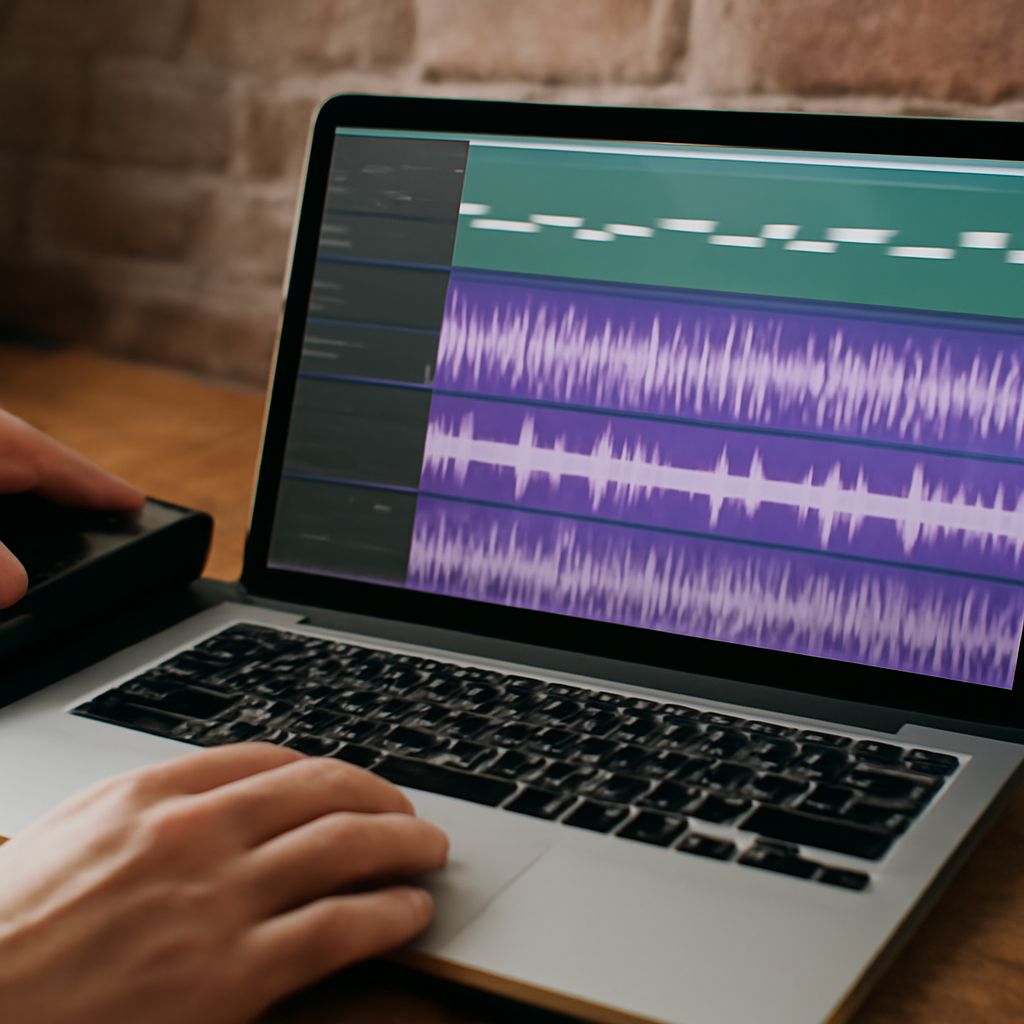
Try a short edit in your project before collecting a large library. Free sounds for audio projects vary in recording quality, even within one collection. Place the effect at the intended moment, set a comfortable level, and listen on headphones and speakers. This reveals whether the sound’s character fits and whether its noise will be noticeable after mixing.
Pick a Format for Your Workflow
For editing, a PCM WAV file is a practical choice: it retains the audio data without lossy compression and gives your editor a high-quality source. Such files can be large. MP3 files are smaller because they use lossy compression, which discards some audio information. They can be convenient for previews or delivery where size matters. The Library of Congress audio guide compares common formats.
Check that your editing software accepts the file, and consider these properties:
- Sample rate: Use a rate compatible with the project to avoid unnecessary conversion. A video timeline commonly uses 48 kHz; match your project’s settings.
- Channels: Mono can be positioned in a mix; stereo preserves the left-to-right space captured in a recording.
- Length and quality: Leave room for the tail and listen for clipping, hum, or artifacts. Converting an MP3 to WAV does not restore information already lost.
The format cannot turn a noisy source into a clean one. Audio effects should be judged by their source quality as well as their file type. Choose audio sound effects that already suit the scene and need only the edits you can make well.
Read the License for the Actual Use
A price label is not a license. Sound effects for audio productions may be free to download but subject to conditions when shared. Copyright may still apply to free audio recordings, and a site may host files under several different terms. Read the specific license and check whether its permissions cover your distribution, including ads, a paid product, or a client’s project.
For example, CC BY 4.0 permits commercial use and adaptation when its conditions are met. It requires appropriate credit, a link to the license, and an indication of changes. CC BY-NC excludes commercial use; CC BY-ND restricts sharing adapted material. Creative Commons explains these differences in its licensing guidance. A sound used in a video can involve adaptation, so check the applicable terms before relying on an ND license.
Free sounds for an audio project can also use a public-domain dedication. A recording marked CC0 is offered under a public-domain dedication, with no attribution required under that tool. Other rights can still matter: a recognizable voice or third-party music in the recording may require separate clearance. A platform’s own license can impose different conditions, including limits on redistribution of the standalone file. Read those terms instead of treating every free sound as copyright-free.
Keep a Source Record
For audio production effects you intend to use, save the file title, creator or uploader, source URL, download date, license name and version, and a copy or screenshot of the terms shown at download. Record edits and any required attribution text. This makes it easier to credit audio effects accurately and explain the basis for using a recording if a page later changes.
Before publishing, match the sound effects in your audio project to the intended setting: confirm format and sound quality, then verify commercial use, modifications, and credit against its actual license. If the permissions do not cover the intended use, select another recording or obtain permission. Keep the source record with the project.