How to Measure a Monitor
Imagine you’re setting up a new workspace at home, and you want everything to be just right, especially your computer monitor. You’ve bought a sleek, modern desk, and now it’s time to select the perfect screen size. But how do you measure a monitor accurately to ensure it fits your space? With a few simple tools and a helpful computer monitor sizes chart, you can confidently select the right monitor size for your needs. In this article, we’ll guide you through the process step-by-step, so you’ll know exactly how to measure a computer screen and avoid any missteps.
Understanding Monitor Measurements
Before diving into the specifics of measuring a monitor, it’s essential to understand what these measurements actually mean. Monitors are typically measured diagonally from one corner to the opposite corner. This diagonal measurement is what you’ll often see advertised as the size of the monitor. However, the display area might differ from the total screen size, as the frame or bezel can add extra dimensions.
Another aspect to consider is the aspect ratio, which refers to the width and height proportions of the screen. Common ratios include 16:9 and 4:3, affecting how content is displayed. Knowing these fundamentals can help you make an informed decision when evaluating different monitors.
How to Measure a Computer Monitor
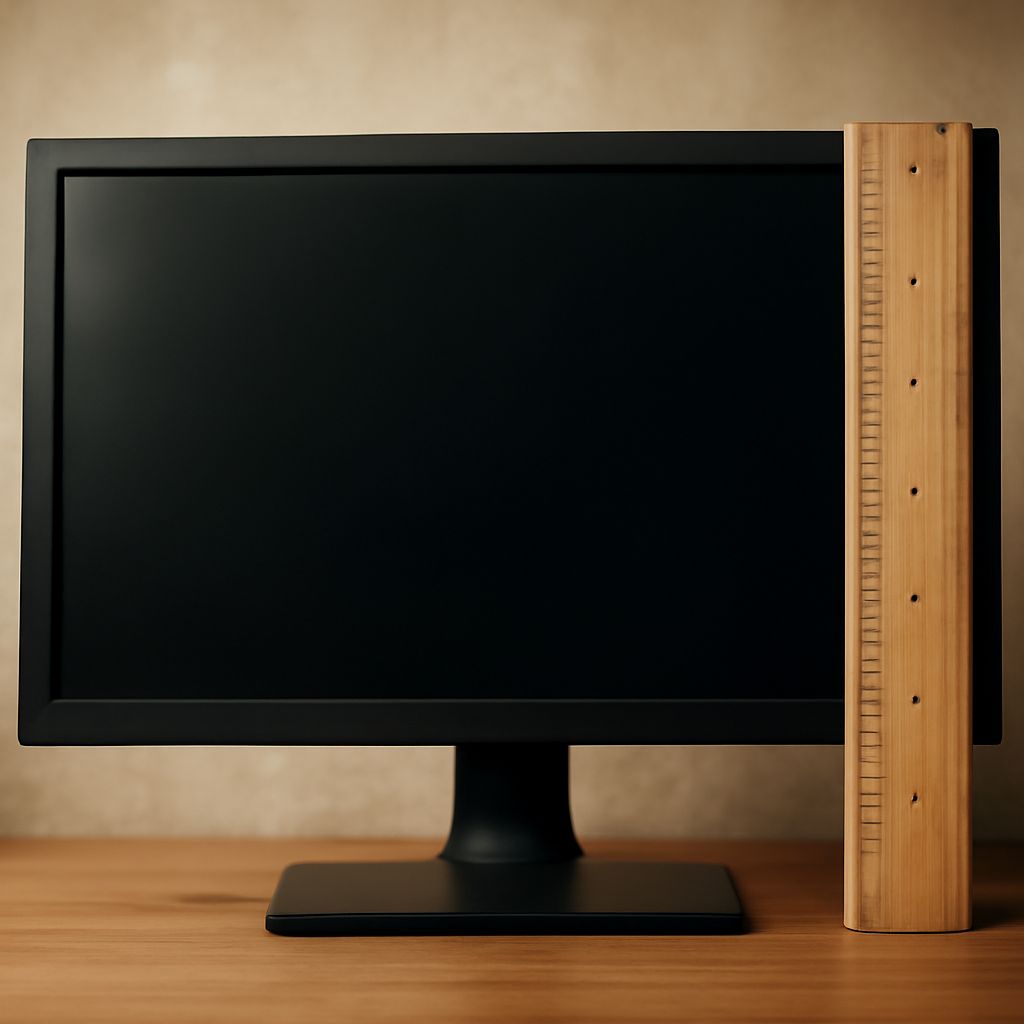
Measuring a computer monitor accurately involves a few simple steps. Start by using a tape measure to get the diagonal distance from one corner of the screen to the opposite corner. Ensure you’re measuring only the screen itself, and not including the bezel if precision is your goal.
Next, measure the width and height of the screen. These dimensions are crucial if you’re fitting the monitor into a specific area, such as a desk with limited space. With these measurements, you will have a better idea of whether a particular monitor will be suitable for your workspace.
Finally, verify these measurements with any online specifications available. Manufacturers often provide detailed dimensions, which can be a helpful cross-reference when making your final decision.
Using a Computer Monitor Sizes Chart
A computer monitor sizes chart is a useful tool for visualizing how different sizes compare. These charts typically list various monitor sizes along with their corresponding width and height, providing a quick reference for potential buyers.
Monitor charts can also include information about resolution, which is another important factor when selecting a monitor. Higher resolutions mean more pixels, resulting in sharper and clearer images. Comparing resolutions alongside physical dimensions can help you strike a balance between size and clarity.
By consulting a monitor sizes chart, you can better understand how different options will look and feel in your workspace, aiding in a more informed purchase decision.
Step-by-Step Guide: How to Measure a Computer Screen
To ensure you measure a computer screen with precision, follow this straightforward guide:
- Prepare your tools: Gather a tape measure, a notepad for recording measurements, and a computer monitor sizes chart for comparison.
- Measure the diagonal: Place the tape measure from one corner of the screen to the opposite corner, avoiding the bezel. Note this diagonal dimension.
- Assess the width and height: Measure the horizontal and vertical edges of the screen. Again, ensure these dimensions do not include the bezel unless necessary.
- Cross-reference sizes: Use the noted measurements to find the corresponding size in a computer monitor sizes chart.
- Consider the resolution: Match the sizing information with resolution data to determine if the screen will meet your visual needs.
Following these steps will give you a comprehensive understanding of the monitor’s dimensions, ensuring you select a screen that fits both your space and viewing needs.
Safety Recap: When measuring, use tools safely, avoiding sharp objects near screens. Ensure measurements are precise to prevent purchasing errors. This careful approach will help you find the ideal monitor size for your setup.