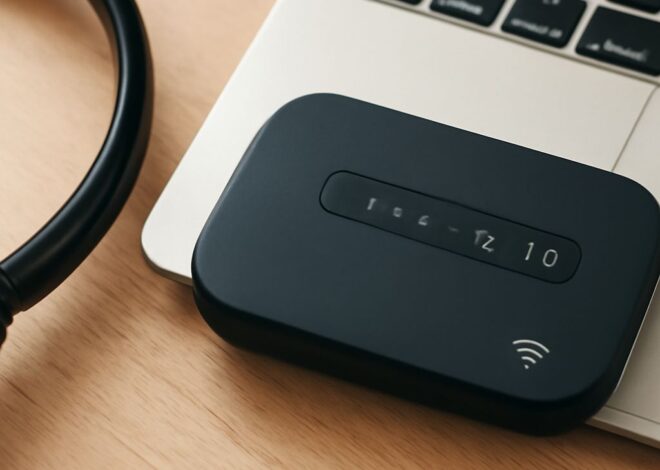
WiFi Monitor: How to Keep Your Connection Stable
WiFi Monitor: How to Keep Your Connection Stable
Imagine sitting down for an important video call when suddenly, you wonder, “Why do I keep losing my WiFi connection?” The frustration of a WiFi router that keeps disconnecting can derail your workday and disrupt your downtime. In scenarios like this, monitoring your WiFi connection becomes essential to ensure stability and prevent hiccups. A robust WiFi monitor can be a game-changer, offering insights and solutions for maintaining a reliable connection.
What is a WiFi Monitor?
A WiFi monitor is a tool designed to track and analyze the status and performance of your wireless network. It provides real-time data on various aspects, such as signal strength, network speed, and device connectivity, helping you identify potential issues and optimize your setup. By monitoring WiFi networks, you can detect weak spots, manage bandwidth usage, and even troubleshoot intermittent connection problems.
How to Monitor WiFi Connection Effectively
Monitoring your WiFi connection effectively involves using specialized software or apps that provide comprehensive data on network performance. These tools often display details such as channel usage, interference levels, and device connectivity. For maximum effectiveness, choose a WiFi monitor that offers customizable alerts and detailed analytics. This way, you can proactively address issues before they impact your daily online activities.
Another crucial aspect is regularly updating your router’s firmware. Manufacturers frequently release updates to improve performance and security. Keeping your devices and apps updated ensures that you are equipped with the latest features and protections, enhancing your ability to monitor your WiFi efficiently.
Why Does My WiFi Router Keep Disconnecting?
Several factors can cause your WiFi router to keep disconnecting. One common issue is interference from other electronic devices, such as microwaves or Bluetooth gadgets, which can disrupt the wireless signal. Physical obstructions, like walls and furniture, can also weaken the connection, causing frequent disconnects.
Another potential cause is outdated hardware or firmware. Older routers may struggle to handle the demands of modern devices and high-speed internet, leading to instability. Furthermore, network congestion from too many connected devices can overload the router, resulting in connectivity drops.
Why Do I Keep Losing My WiFi Connection?
Persistent issues with losing your WiFi connection can be attributed to several factors. Network interference is a primary cause, as overlapping signals from neighboring networks can degrade performance. Additionally, poor router placement might be causing signal loss, especially if there are significant barriers between the router and your device.
Security settings on your network can also affect connectivity. If your WiFi settings are too restrictive, they may inadvertently block legitimate devices from maintaining a stable connection. Ensuring your network is secure yet accessible can help mitigate these issues.
Tips to Stabilize Your WiFi Network
To stabilize your WiFi network, consider these practical tips. First, ensure your router’s firmware is up to date to avoid bugs and enhance security. Position the router centrally in your home, elevated and away from obstructions, to improve signal distribution.
Additionally, you might benefit from changing your WiFi channel settings. Switching to a less crowded channel can reduce interference from neighboring networks. Using dual-band routers that support both 2.4GHz and 5GHz bands can also provide flexibility in managing network traffic.
Finally, limit the number of devices connected to your network simultaneously. Too many connections can strain the router and degrade performance. Implementing quality of service (QoS) settings can prioritize bandwidth allocation to critical applications, ensuring stable connectivity for essential tasks.
Safety Recap: Regularly monitor your network’s performance and keep your devices updated to prevent potential issues. By proactively managing your WiFi setup, you can maintain a stable and secure connection, enhancing your internet experience.