PVC Card Printer Buyer’s Guide: Trading, Gift, Flash, and ID Card Printing
PVC Card Printer Buyer’s Guide: Trading, Gift, Flash, and ID Card Printing
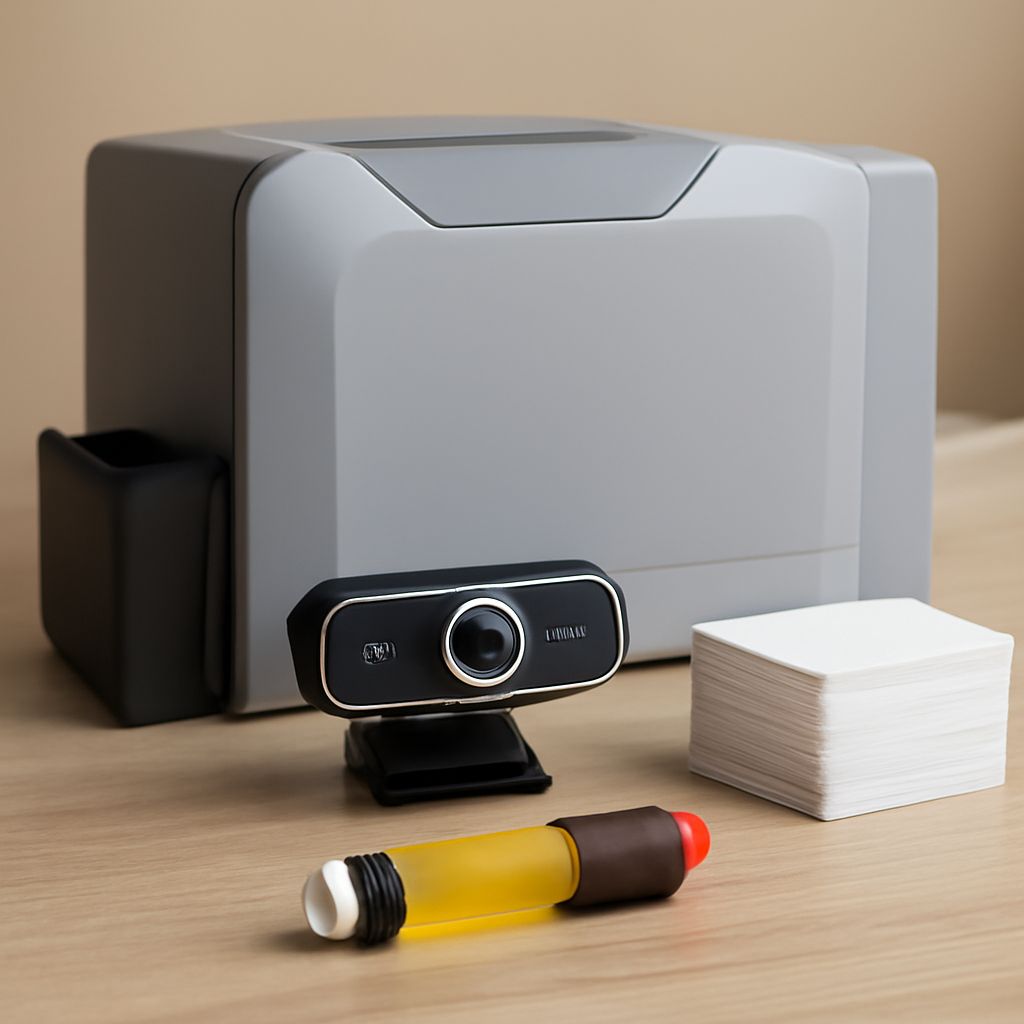
You need professional-looking cards — whether for a fantasy sports league, a small retail shop, a tutoring center, or a corporate security desk. A pvc card printer handles all of these applications using the same CR80-sized blank card stock found in standard wallets. If you’re producing custom player cards for a gaming community, a dedicated trading card printer gives you full-bleed, photo-quality imagery on glossy PVC. A retail business needing loyalty or gift card printer output simply loads pre-cut blank cards and prints a branded design in seconds.
Educational settings benefit from a flash card printer that lets teachers produce durable study cards students can carry anywhere without worrying about paper tears. And if budget is tight, a certified refurbished or used id card printer from a reputable reseller delivers institutional-quality output at a fraction of new pricing. This guide compares all these use cases and helps you match the right machine to your volume and design needs.
What a PVC Card Printer Can and Cannot Do
Single vs. Dual-Sided Printing
Entry-level PVC card printing hardware prints on one side per pass, which suits basic ID cards, flash cards, and gift cards with plain backs. Dual-sided card printers flip the card automatically and print both faces in a single run — essential for trading cards with player stats on the reverse and for ID badges that require a barcode on the back. Dual-sided printing roughly doubles consumable costs, so evaluate whether your project genuinely needs two-sided output before spending the premium.
Encoding Options: Magnetic Stripe and Smart Chip
PVC card printers equipped with a magnetic stripe encoder can write data to loyalty cards and gift cards during the print cycle, eliminating a separate encoding step. Smart chip (contact or contactless RFID) encoding modules enable access control badge production, making these combination units valuable for corporate security applications. Basic trading card and educational flash card production typically needs neither encoding option, so skip these modules if your workflow is purely print-and-distribute.
Trading Card Printer: Making Custom Cards at Home or in Bulk
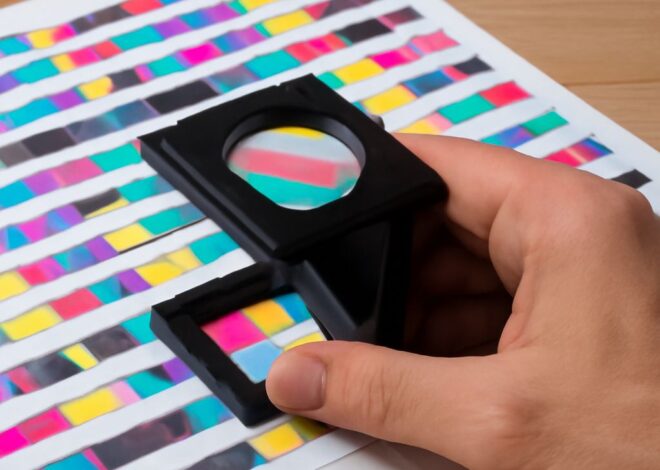
Producing custom game cards on PVC requires a printer with dye-sublimation ribbon technology rather than standard inkjet output. Dye-sub printing for trading cards fuses ink directly into the card surface, producing vibrant, scratch-resistant images that withstand heavy shuffling and handling. Custom player card printing for tabletop games and collectible card sets benefits from ICC color profiles that ensure the colors on screen match the finished printed cards. For high-volume runs — hundreds or thousands of cards — industrial card printing systems offer hopper capacities of 100 to 500 blanks per load with minimal operator intervention.
Gift Card Printer: Branded Cards for Retail and Small Business
A retail store or restaurant printing its own branded gift cards gains full design control and avoids minimum order quantities imposed by commercial card services. Printing gift cards in-house using a PVC card printer starts with designing the card face in any standard graphics application, exporting to the printer software, and loading pre-scored CR80 blanks into the feeder. Combining a gift card printing workflow with magnetic stripe encoding lets you link each printed card to a point-of-sale system balance instantly. Retail gift card printers that include lamination modules add a UV-resistant overlay that protects branding and holographic security features from scratching and fading.
Flash Card Printer: Educational and Promotional Applications
Teachers, tutors, and language learning programs use PVC-based flash card printers to produce durable study aids that outlast paper alternatives by years. Printing educational flash cards on rigid PVC stock enables features impossible with paper — waterproof surfaces for outdoor classroom activities, laminated coatings for easy wipe-clean use, and punched holes for ring binders or carabiner clip sets. Corporate trainers also use flash card printing for onboarding materials and quick-reference guides that survive years of handling in industrial environments. Small print runs of 10 to 50 educational or promotional flash cards are economical on desktop PVC printers without specialized software.
Buying a Used ID Card Printer: What to Check
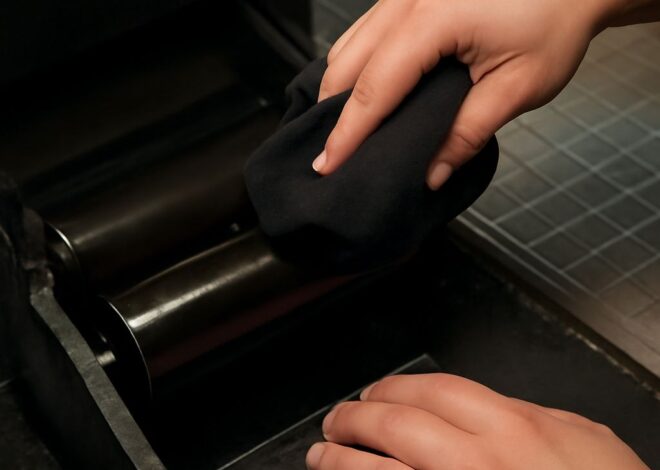
A certified refurbished identification card printer from a reputable reseller includes cleaned print heads, replaced rollers, and a verified print count within the recommended service life. When purchasing a pre-owned ID badge printer, request the total cards-printed count — most manufacturers rate print heads for 10,000 to 40,000 cards before quality degrades. Check that the vendor supplies a fresh ribbon and cleaning kit, since a used machine with a depleted or contaminated ribbon produces streaky output regardless of hardware condition. Confirm firmware is updatable and that the printer model still receives driver support for your operating system before committing to a secondhand purchase.
Bottom line: A PVC card printer serves trading, gift, flash, and ID card needs from a single hardware platform when matched to the right ribbon type and optional encoding modules. Buying used saves significant upfront cost if print count and condition are verified. Match your volume and finishing requirements to printer capacity before purchasing.