Best Budget 3D Printer: Top Picks for Every Skill Level
Best Budget 3D Printer: Top Picks for Every Skill Level
You want to start printing your own parts, prototypes, or miniatures, but you are not ready to spend $1,000 on a machine you have never used before. The good news is that the best budget 3d printer options available today cost $150–$300 and produce results that would have required a $2,000 machine five years ago. Prices have dropped, open-source firmware has matured, and a competitive market keeps pushing quality up while costs stay low.
That said, not every cheap machine is a good machine. The best cheap 3d printer for one person depends entirely on what they plan to print, how much time they are willing to spend on calibration, and whether they want to tinker or just push print and walk away. This guide gives you honest comparisons across the real variables — build volume, print speed, reliability, and community support — so you can find the best affordable 3d printer for your situation without overspending or undershooting.
What to Expect from a Budget 3D Printer
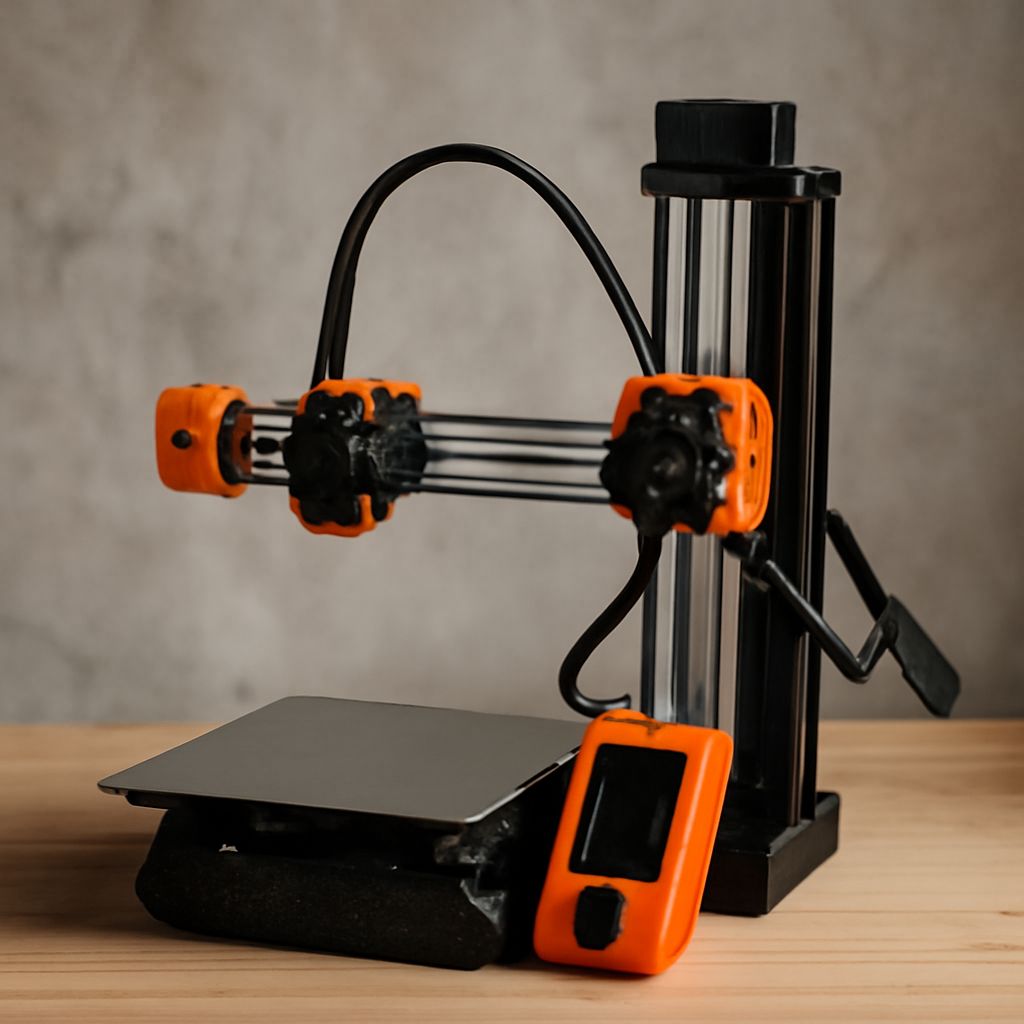
Sub-$300 machines use FDM (fused deposition modeling) technology, which melts plastic filament and deposits it layer by layer. You get a build volume somewhere between 220 x 220 x 250 mm and 300 x 300 x 400 mm depending on the model. Print speed on entry-level machines typically runs 50–100 mm/s for PLA; faster on newer CoreXY designs. The tradeoff at this price point is manual bed leveling on older models, narrower filament compatibility, and less polished software integration. You will spend an afternoon setting up and calibrating your first machine, and that is normal — it is not a sign that something is broken.
Top Picks for the Best Cheap 3D Printer
The Bambu Lab A1 Mini sits near the top of the affordable 3D printing category at around $299. It has automatic bed leveling, fast print speeds up to 500 mm/s, and a companion app that handles slicing for beginners. For those who want to learn more about the hardware, the Creality Ender 3 V3 SE at around $180 is a well-supported machine with a massive user community — finding tutorials and troubleshooting guides is easy. The Anycubic Kobra 2 Neo at around $160 is the current sweet spot for sub-$200 auto-leveling performance and uses a direct drive extruder, which handles flexible filaments better than Bowden setups. All three printers can manage PLA, PETG, and TPU without modification.
Features That Define the Best Affordable 3D Printer
Auto bed leveling (ABL) is the single most important feature for beginners. Manually leveling a print bed every few sessions is tedious and introduces failed prints. Direct drive extruders handle flexible and abrasive filaments better than Bowden tube setups. A heated bed lets you print PETG and ABS without adhesion failures. Enclosed designs retain heat for higher-temperature materials, though most budget options are open-frame — which works fine for PLA and PETG. Community size matters too: a printer with 200,000 forum members has fixes documented for nearly every problem you will encounter.
Getting the Best Value 3D Printer for Your Money
Value is not just the purchase price. Calculate the cost of filament per kilogram (PLA runs $15–$25/kg), the cost of replacement parts (nozzles, build plates, extruder gears), and the time investment to maintain the machine. A printer that costs $200 but requires $80 in replacement parts in the first year competes differently than a $300 machine with zero first-year maintenance costs. Read user reviews specifically about long-term reliability — not the first week of printing, but month three and month six. Finding the best value 3d printer means factoring in the total cost of ownership, not just the sticker price.
Next Steps
Pick one machine from the top picks above, order a 1 kg spool of PLA in a color you like, and print the test files the manufacturer includes before trying anything custom. Calibrate the first layer height carefully — it determines print quality more than any other setting. Once you are comfortable with PLA, try PETG for parts that need more heat resistance. Join the Reddit community for your specific printer model; you will find solutions to most issues within minutes of posting a question.