Barcode Printer Buying Guide: Label Printers for Every Business Need
Barcode Printer Buying Guide: Label Printers for Every Business Need
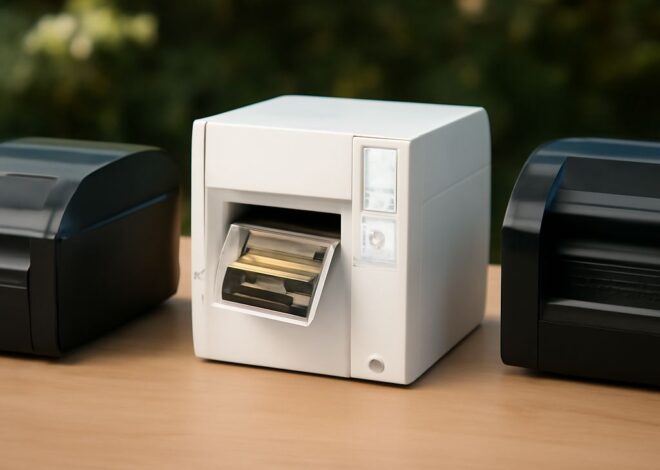
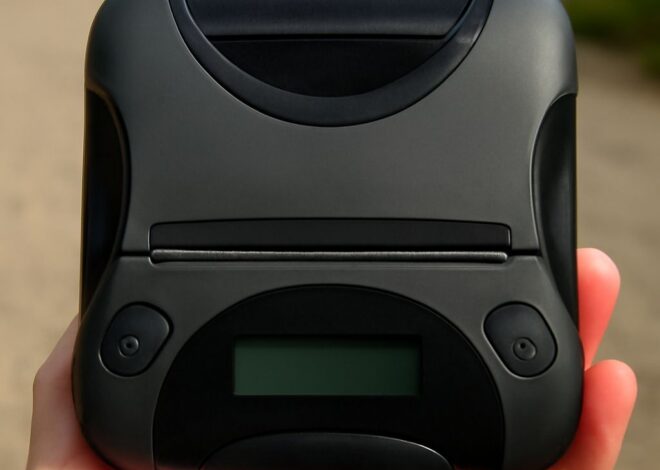
You’re about to ship a hundred orders and your current setup—printing labels on a regular office printer and hand-cutting them—is eating an hour a day. A dedicated barcode printer changes that entirely. Whether you need a compact desktop barcode label printer for a home shop or a networked bar code printer for a warehouse floor, the right machine prints crisp, durable labels in seconds. If your team shares one device across multiple workstations, a network label printer eliminates the cable shuffle. And if your products need retail-ready barcodes, a upc printer gives you GS1-compliant output on demand.
This guide walks through how barcode printers work, the specs that matter most, networking options, and the practical steps to get your first label out of the machine quickly.
How Barcode Printers Work and Why They Outperform Office Printers
Thermal vs. Inkjet Label Printing
Most label-printing machines use one of two thermal methods. Direct thermal printing burns an image directly onto heat-sensitive stock—no ink or toner required. Labels produced this way work well for shipping boxes and short-life applications but fade when exposed to heat or sunlight. Thermal transfer printing melts a wax or resin ribbon onto synthetic or paper stock, producing labels that resist moisture, chemicals, and UV light for years. If your bar code labels live on outdoor equipment or chemicals, thermal transfer is the right choice.
Print Speed and Resolution
Entry-level desktop barcode label printers typically print at 3–4 inches per second (IPS) at 203 DPI—enough for 1D barcodes like Code 128. Scannable QR codes and small text demand 300 DPI or higher. Industrial-grade barcode printing machines push 8–12 IPS, which matters on a production line running hundreds of labels per hour.
Choosing the Right Bar Code Printer for Your Volume and Label Size
Desktop vs. Industrial Models
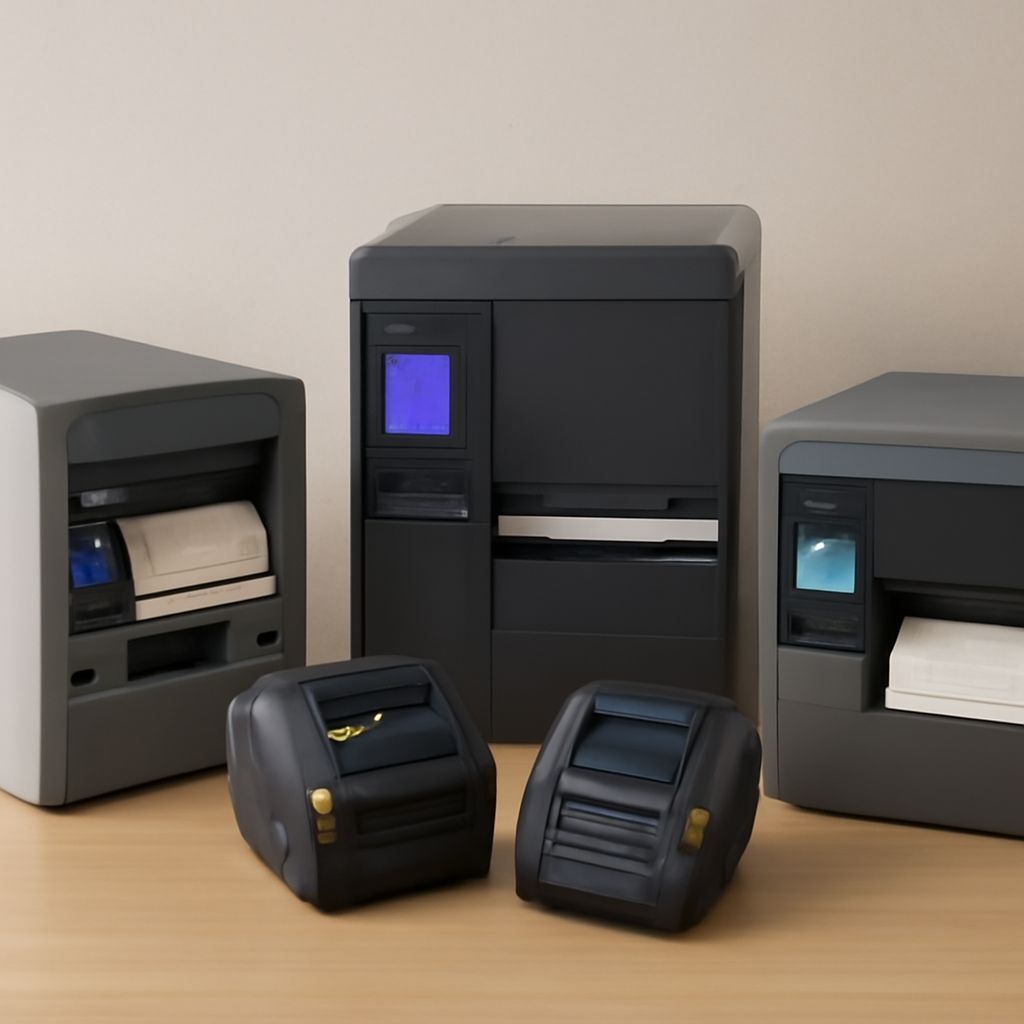
Desktop barcode printers handle duty cycles up to roughly 1,000–2,000 labels per day without overheating. For higher volumes, industrial label-printing units with metal frames and larger media rolls—4-inch or 6-inch wide—sustain continuous operation. Match your daily label count to the printer’s rated duty cycle to avoid premature head wear.
Label Width and Media Compatibility
Standard shipping labels run 4 × 6 inches. Smaller shelf labels, jewelry tags, and vials may need 1-inch or 2-inch wide stock. Confirm the printer supports the full range of widths you use before buying. Many barcode label printing devices also accept fanfold stock, which is useful when working from a large supply without constantly changing rolls.
Network Label Printer Setup: Sharing One Device Across Multiple Workstations
A wired network label printer connects via Ethernet and gets a static IP address on your local network. Every computer on the same subnet can send print jobs without USB cables. Most mid-range networked label printers also include Wi-Fi, so laptops and tablets join the same print queue wirelessly. Setup typically involves installing a driver, entering the printer’s IP in the driver configuration, and printing a test label—the whole process takes under 15 minutes on a modern Windows or macOS machine.
For warehouses running warehouse management software (WMS), network-connected barcode label machines accept ZPL (Zebra Programming Language) or EPL commands directly from the software, bypassing the driver layer for faster throughput. Brands like Zebra, Honeywell, and Brother dominate this segment.
UPC Printer Requirements: Getting Retail-Ready Barcodes Right
Printing UPC labels for retail placement means meeting GS1 standards for barcode size, quiet zone, and X-dimension (bar width). A UPC printing setup needs a minimum print resolution of 203 DPI; 300 DPI is safer for smaller labels. Your design software must support GS1-128 or UPC-A symbology—most label design tools like Bartender, NiceLabel, or ZebraDesigner include these out of the box.
Test every batch with a verifier, not just a scanner. A verifier scores the barcode against ISO 15416 grade standards, catching contrast or quiet-zone issues before the labels reach a retailer’s receiving dock.
Pro Tips Recap
Match thermal method to label lifespan: direct thermal for short-term, thermal transfer for durability. Size your bar code printer to your daily duty cycle, not your peak. For multi-user shops, a network label printer pays for itself in time saved within weeks. When producing UPC labels, always verify grades—not just scan rates—before shipping to retailers.