Best Printer for Mac: Top Picks for Teachers and Home Offices
Best Printer for Mac: Top Picks for Teachers and Home Offices
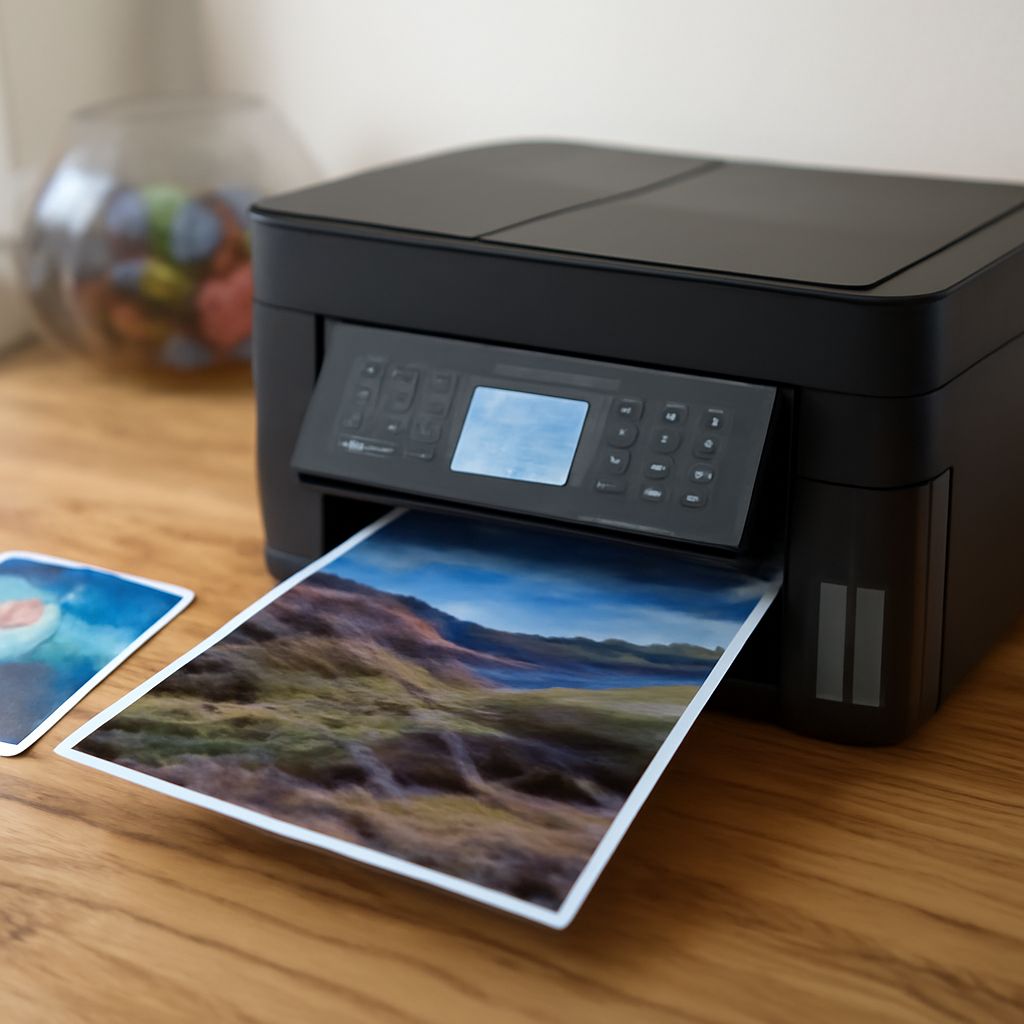
You just switched to a Mac or you’re tired of fighting with driver issues and connectivity problems on your current printer. Finding the best printer for mac users means looking beyond Windows-centric specs and focusing on models that handle AirPrint, driverless USB connections, and smooth compatibility with macOS. The good news is that the modern printer market has strong Mac-friendly options across every category.
Whether you need the best printer for teachers handling worksheets and parent notices, the best all in one printer for mac that scans and copies without hassle, or simply the best mac printer for home use, the differences between top contenders come down to print quality, running costs, and how well the software integrates with macOS. The best inkjet printer for mac should feel like it was built for Apple’s ecosystem, not bolted onto it.
What Makes a Printer Mac-Compatible
Apple’s AirPrint protocol is the baseline for Mac compatibility. Any printer certified for AirPrint communicates with macOS and iOS without additional driver installation. You plug it in or connect it to your network, and macOS detects it automatically.
Beyond AirPrint, true Mac compatibility means consistent performance across macOS versions. Some printers that work fine on Monterey develop issues on Ventura or Sonoma as Apple updates the printing subsystem. Checking user reports on recent macOS versions before buying is worth the few minutes it takes.
Driverless USB printing is another feature Mac users benefit from. Apple’s built-in printer support handles many common inkjet and laser models over USB without third-party driver software, which reduces compatibility risks as macOS evolves.
Best Printer for Mac: All-in-One Inkjet Models
HP OfficeJet Pro Series
The HP OfficeJet Pro line is a consistent top performer as the best all in one printer for mac environments. These printers offer fast print speeds, automatic duplexing, a built-in scanner and copier, and reliable AirPrint support. The HP Smart app for macOS is well-maintained and handles scan workflows cleanly.
Running costs are reasonable with HP Instant Ink subscription plans, which can bring per-page costs well below standard cartridge replacement prices for moderate-volume users. For the best inkjet printer for mac combination of features and value, the OfficeJet Pro consistently ranks at the top.
Canon PIXMA TR Series
Canon’s PIXMA TR series targets home users and the best printer for teachers use cases. Compact dimensions, excellent photo output alongside document printing, and a document feeder for scanning multi-page originals make these a strong all-around choice. Canon Print for iOS and macOS is polished and full-featured.
Ink costs are the main consideration. Canon’s standard cartridges have higher per-page costs than competitors. XL cartridges bring this down, and Canon’s ink subscription service offers an alternative for regular users.
Best Mac Printer for High-Volume Printing
Brother MFC Laser Series
For teachers or home office users who print dozens of pages daily, a laser multifunction printer is the best mac printer investment in the long run. Brother MFC laser models work reliably with macOS through AirPrint and driverless USB, and toner cartridges last far longer per dollar than inkjet alternatives.
The Brother MFC-L3770CDW and similar models offer color laser printing, duplex scanning, a 50-page automatic document feeder, and both Wi-Fi and Ethernet connectivity. Page costs drop significantly at scale compared to any inkjet option.
Epson EcoTank Series
If you want an inkjet but hate cartridge costs, Epson EcoTank printers are the best inkjet printer for mac users who print frequently. These models use refillable ink tanks instead of cartridges. The upfront price is higher, but the included ink supply covers thousands of pages and replacement bottles cost a fraction of cartridge equivalents.
The ET-4850 is the standout all-in-one option: document feeder, flat-bed scanner, auto-duplex printing, and full AirPrint support. Print quality on text and graphics is competitive with cartridge inkjets, and color photos look good for general use.
What Teachers Specifically Need
The best printer for teachers has different priorities than a home photo printer. Key requirements include:
- Fast first-page output for printing last-minute handouts
- High paper capacity to avoid constant refilling during class prep sessions
- Reliable ADF scanner for digitizing student work and existing worksheets
- Low cost per page given the volume of materials a typical teacher prints annually
- Wireless printing from a Mac, iPad, and iPhone without switching cables
For most classroom or home teacher environments, a monochrome laser all-in-one or an EcoTank-style inkjet hits all these points better than a standard cartridge inkjet.
Setup Tips for Mac Compatibility
When setting up any printer with your Mac, add it through System Settings > Printers & Scanners rather than installing manufacturer software first. macOS often detects the printer automatically and uses the built-in driver, which tends to be more stable than third-party packages. If you do need a manufacturer app for scan workflows, download it from the Mac App Store when available, since those versions are sandboxed and update through Apple’s system.
Pro tips recap: AirPrint support is non-negotiable for hassle-free Mac compatibility. For high-volume printing, laser toner or EcoTank-style refillable ink beats cartridge costs by a wide margin. Teachers benefit most from printers with a document feeder and a large paper capacity tray. Always add your printer through macOS system settings before installing any manufacturer software.