iOS Apps on Android: Can You Run iPhone Apps on Android Devices?
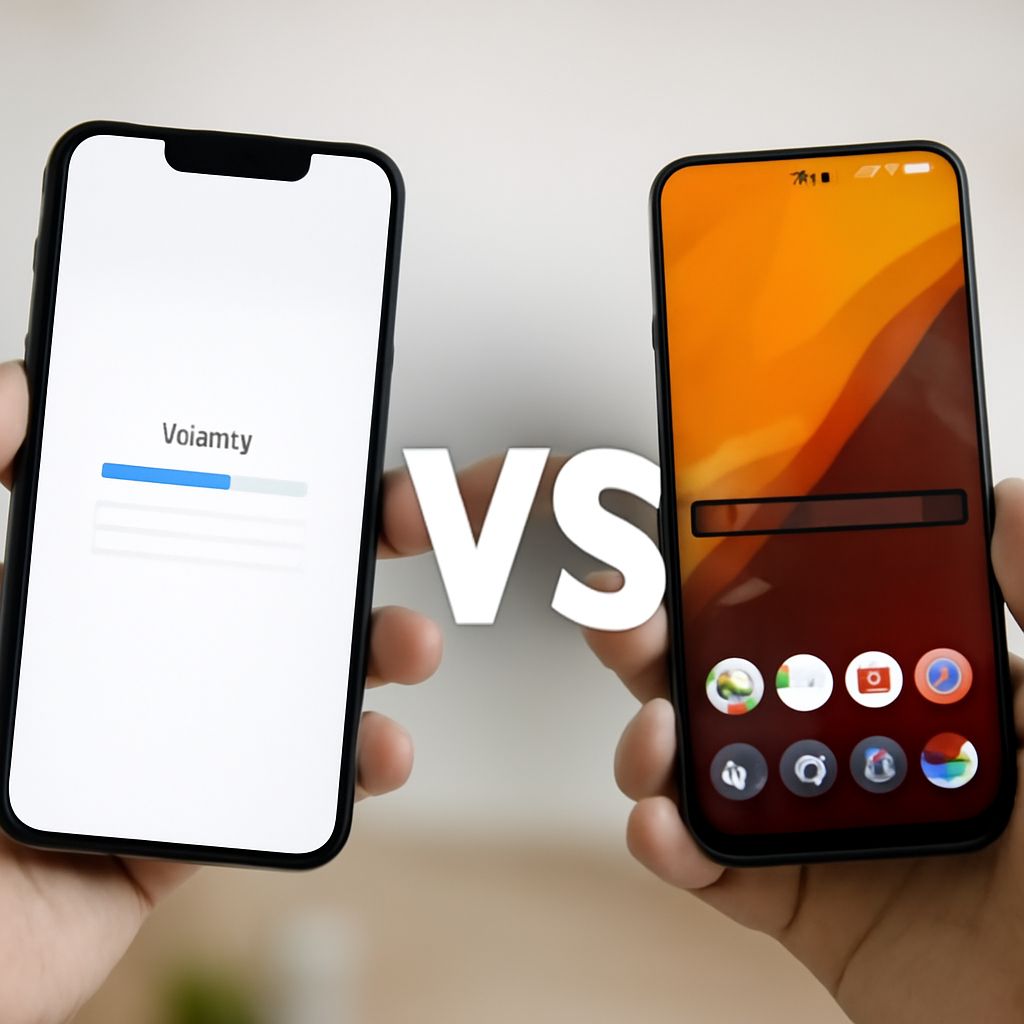
You switched from iPhone to Android, or you want access to an app that’s only available in the App Store. The question of ios apps on android comes up constantly, and the short answer is that it isn’t straightforward. iOS and Android use fundamentally different architectures, and Apple hasn’t released any official way to run iphone apps on android devices.
But that’s not the full picture. If you want to use ios apps on android for specific purposes, there are some partial workarounds worth knowing about. Understanding why you can’t simply get ios apps on android and what alternatives actually exist helps you decide whether to stick with your Android device, find Android equivalents, or use a secondary device for iOS-only apps.
Why You Cannot Directly Run iOS Apps on Android
iOS apps are compiled for Apple’s ARM-based hardware and run on Apple’s proprietary operating system frameworks, including UIKit, SwiftUI, and Objective-C runtime libraries. Android apps use different frameworks (the Android SDK, Jetpack libraries, and Java/Kotlin runtime) that are incompatible at the binary level.
When you download an iOS app from the App Store, you get an IPA file. That file contains compiled machine code and resource assets built specifically for Apple’s iOS runtime. There’s no interpreter or compatibility layer on standard Android that can execute this code. It would be like trying to play a Mac application on Windows without any virtualization layer.
Emulators: The Technical Reality
The idea of an iOS emulator for Android gets significant search traffic, but functioning iOS emulators on Android don’t exist for general use. Apple doesn’t provide an official iOS emulator for non-Apple platforms, and creating a third-party one runs into both legal obstacles (reverse engineering Apple’s proprietary software) and technical obstacles (matching the performance of Apple’s hardware-software integration).
Tools that claim to let you run iphone apps on android with a simple download are consistently fraudulent or malware vectors. No credible software achieves this. iOS emulation on any platform requires an actual Apple Silicon or Intel Mac running Xcode’s simulator, which itself only works because it’s running on Apple’s operating system.
Real Workarounds for Specific Use Cases
While true ios apps on android support doesn’t exist, certain approaches address common underlying needs.
Finding Android Equivalents
Most popular iOS apps have direct Android counterparts, or the same developer offers both versions. Before spending time on workarounds, check whether the specific app you want is available on the Google Play Store or through the developer’s website. Apps like Instagram, TikTok, Spotify, WhatsApp, and most major games are cross-platform and work identically on both operating systems.
Using Apple Services on Android Through Web Apps
Apple has made some of its services accessible through Android-compatible paths. iCloud.com works in any mobile browser, giving access to iCloud Drive files, Notes, Photos, and Reminders on Android. Apple TV+ and Apple Music are both available as Android apps from the Google Play Store, covering two of the most common reasons someone might want to use ios apps on android.
Remote Access to an iPhone or iPad
If you have access to an iOS device but need to use it from your Android phone, remote desktop apps like TeamViewer or Chrome Remote Desktop can stream an iOS device’s screen to any Android device. This doesn’t let you natively get ios apps on android, but it does let you interact with them through a remote session. The experience depends heavily on network latency.
Cross-Platform Development and Web Apps
Many apps now use React Native, Flutter, or web app technologies that allow developers to build once and deploy on both iOS and Android. For users, this means more apps appearing on both platforms over time. When a specific app is iOS-only, checking the developer’s roadmap or contacting them directly sometimes reveals an Android version in development.
Progressive Web Apps (PWAs) are another path. Some iOS-only apps have web versions that work in Android’s Chrome browser with near-native functionality. Safari on iOS offers PWA installation to the home screen; on Android, Chrome handles the same function.
Key takeaways: There is currently no legitimate way to run iphone apps on android. Your best options are finding Android equivalents, accessing Apple services through official Android apps or web interfaces, or using remote desktop to access an iOS device. The cross-platform app ecosystem continues to grow, reducing the number of cases where an app is truly iOS-exclusive.