Commercial Label Printer and Vinyl Sticker Printer Guide
You run a small product business and hand-writing labels stopped being acceptable two months ago. A commercial label printer gives you professional output at volumes that desktop inkjets can’t sustain. The best printer for vinyl stickers needs to handle the material without slipping or smearing, which rules out many standard office machines. A vinyl label printer works with pressure-sensitive stock and delivers durable, weather-resistant output that survives shipping, outdoor exposure, and refrigerated environments. If your router’s wifi light blinking rapidly has you chasing network issues before you can even set up a wireless printer, that’s a connectivity problem worth solving first. And a steady wifi light blinking pattern, as opposed to rapid blinking, usually means the device is actively connecting rather than in error mode.
Here is what to know about commercial label and vinyl sticker printing, plus how to keep your printing environment stable.
Commercial Label Printers: What Sets Them Apart
Thermal vs. Inkjet Label Printing
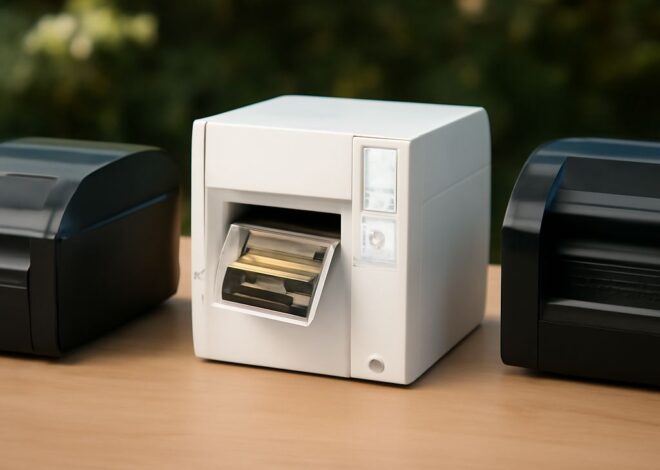
Thermal label printers use heat to activate dye on thermally sensitive paper or direct-thermal labels. No ink, no ribbons for the direct-thermal type, and very low maintenance. These excel at shipping labels, barcodes, and product tags where color isn’t needed. Thermal transfer printers use a ribbon to transfer ink onto the label, producing more durable, longer-lasting output suitable for asset tags and outdoor labels.
Color Inkjet Label Printers
For branded product labels with full-color graphics and logos, a color inkjet label printer handles runs of dozens to hundreds of labels per session. Models from Primera, Epson ColorWorks, and Afinia print directly onto adhesive label rolls with pigment inks that resist water and UV exposure. These machines cost more than thermal units but deliver marketing-quality output without outsourcing to a print shop.
Vinyl Sticker Printing for Small Businesses
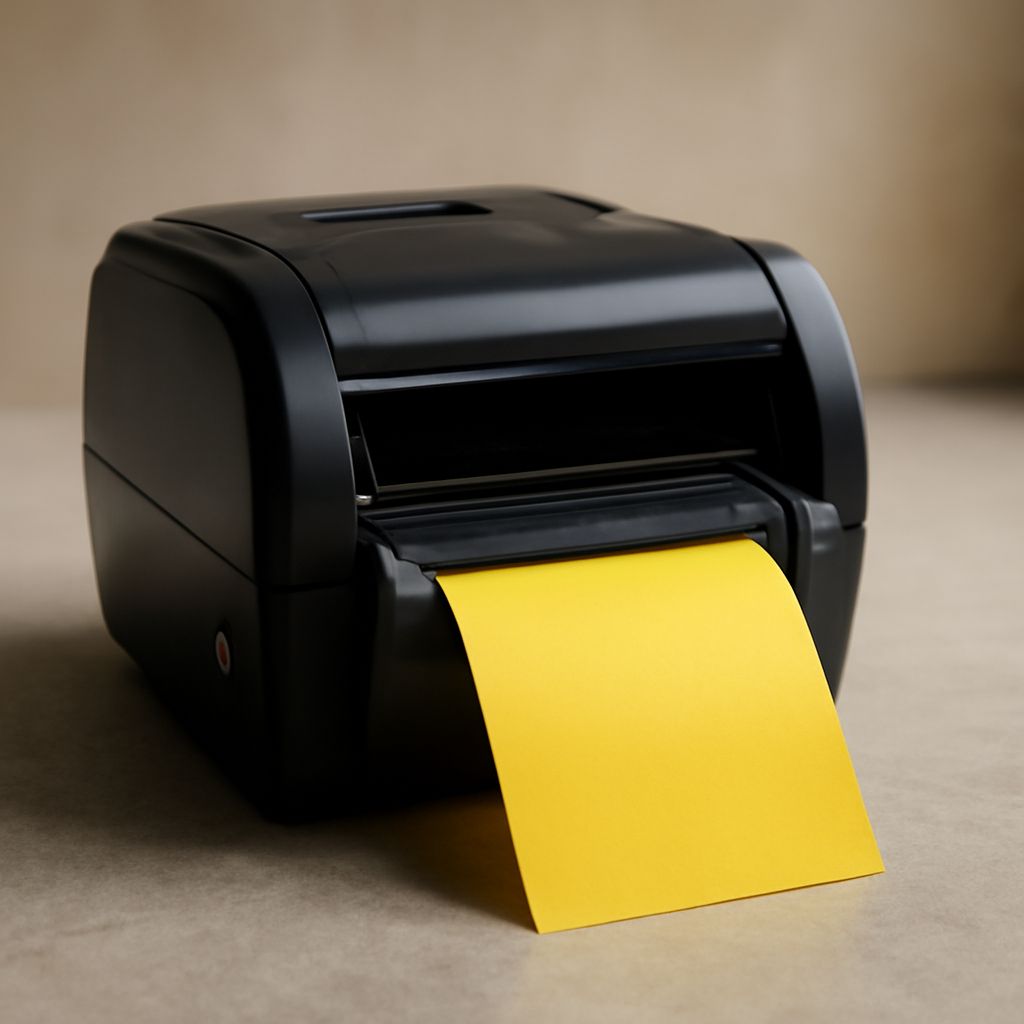
Printing vinyl stickers requires a machine that accepts roll media, produces water-resistant output, and cuts accurately. Some dedicated vinyl label printers include integrated cutters that trim stickers to shape after printing, eliminating manual cutting. Inkjet-based vinyl printing works well with pigment inks; dye-based inks fade faster under UV exposure and should be avoided for outdoor sticker use. A purpose-built vinyl sticker printer setup typically includes the printer, a laminator for protective overlay, and a cutting machine or plotter.
Wireless Connectivity for Label Printers
Many modern commercial label printers include Wi-Fi for wireless printing from design software or label management apps. When your printer’s Wi-Fi light blinks rapidly, it usually signals one of three things: the printer is searching for a network, WPS pairing mode is active, or there’s a connection error. A steady slow blink typically means the device is connected but idle. Check your router’s band settings — many label printers only support 2.4 GHz, so a 5 GHz-only network will cause repeated connection failures.
Choosing the Right Label Printer for Your Volume
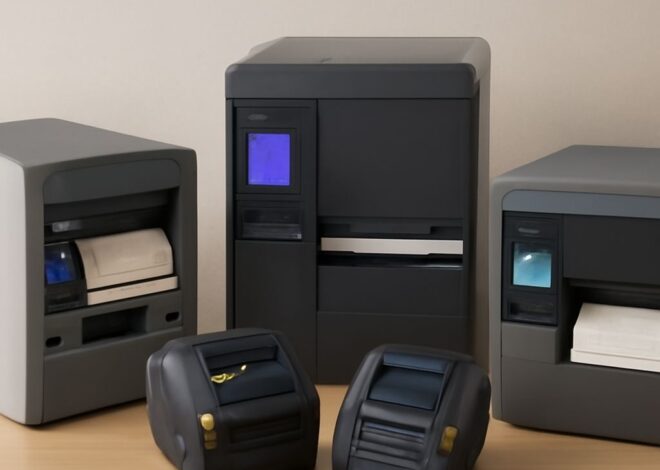
Low-volume users printing under 500 labels per week can manage with a consumer-grade inkjet label printer or a basic thermal unit. Mid-volume operations printing 500–5,000 labels weekly need a dedicated commercial label machine with roll media support and faster print speeds. High-volume operations above 5,000 labels per week typically require industrial thermal transfer or continuous inkjet systems with automated media handling.
Cost Per Label and Media Compatibility
Label printing cost breaks down into the machine cost, ink or ribbon cost, and media cost. Thermal label printing is cheapest per label but limited to black output. Color inkjet label printing costs more per label but eliminates outsourcing. Factor in media compatibility: some machines only accept proprietary label rolls, which locks you into one supplier’s pricing. Open-platform machines accept third-party media, giving you more flexibility.
Pro tips recap: Use pigment inks for vinyl stickers that need outdoor durability. Match your printer to your weekly volume before buying. Fix Wi-Fi connectivity issues at the router level before troubleshooting the printer itself, and always run a test print on your chosen media before committing to a large production run.