3D Printer Pen Guide: Creative Uses, Rental Options, and Choosing the Right Pen
You’ve watched videos of artists drawing in mid-air with a 3d printer pen and now you want to try it yourself. Before buying, you’re also wondering whether 3d printer rental makes sense for a short project instead of a full machine purchase. Maybe you need to prototype a part quickly and you’re asking whether you can rent a 3d printer by the day or week rather than committing to ownership. For your kids’ creativity projects or classroom use, a set of 3d printer pens is more practical than a full-size machine. This guide covers the 3D pen for freehand creating, the option to rent 3d printer time for one-off builds, and how to choose between buying or renting for different use cases.
What Is a 3D Printer Pen and How Does It Work?
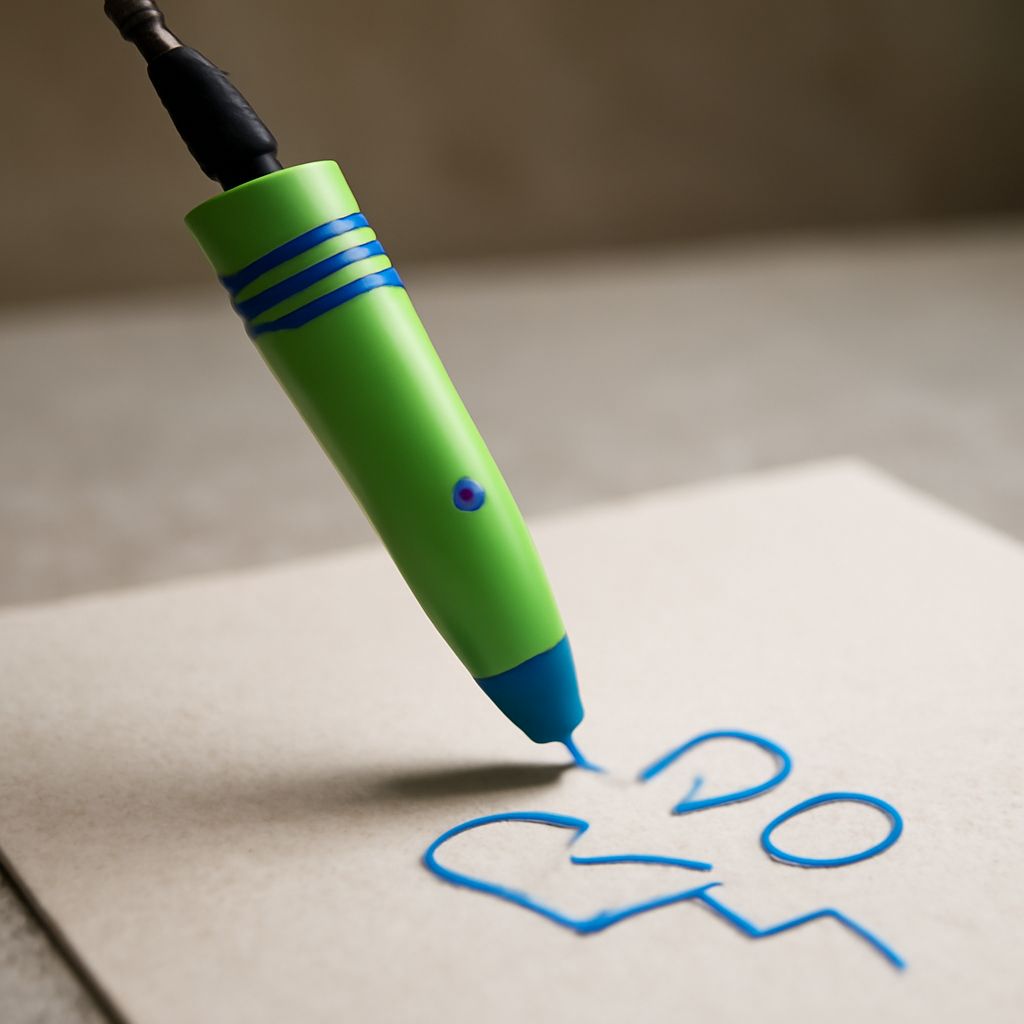
A 3D printing pen is a handheld device that extrudes heated plastic filament through a nozzle, allowing you to draw in the air or on a surface. The plastic cools within seconds of leaving the nozzle, holding its shape. Using a 3D pen for freehand sculpting gives you the ability to build geometric forms, repair broken plastic objects, or create decorative artwork without a print bed or computer. Most 3D printer pens use PLA or ABS filament in 1.75mm diameter, with temperature controls for different material types. Low-temperature pens designed for children use PCL filament that melts at 80°C — safe to touch almost immediately after extrusion. A standard 3D drawing pen for adults operates at 160–230°C and requires careful handling.
PLA vs ABS Filament in 3D Pens
PLA is the safer and more beginner-friendly filament for a 3D pen — it has less odor and adheres well on most surfaces. ABS produces stronger structures but requires higher temperatures and emits more fumes, so use it with ventilation. For classroom sets of 3d printer pens, PLA-compatible models are strongly preferred.
Speed and Temperature Control
Variable speed control on a 3D pen lets you extrude slowly for detailed work or faster for filling in large areas. Single-speed 3D pens are fine for children but limiting for adult artists who vary their technique. Temperature control allows switching between PLA and ABS within the same session.
When to Rent a 3D Printer Instead of Buying
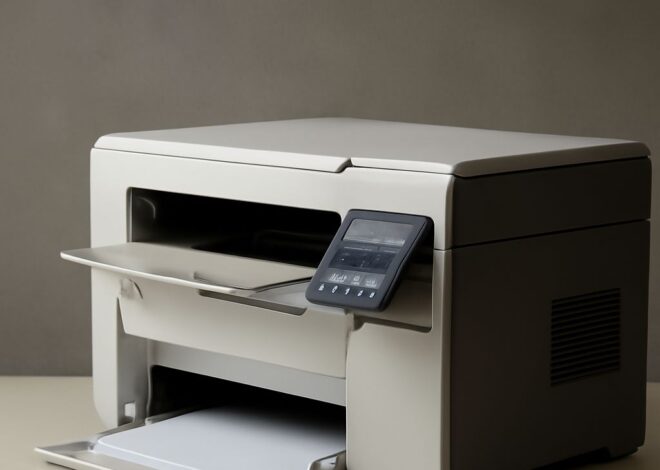
3D printer rental makes sense when you have a single prototype to build, want to test a specific machine before purchasing, or need high-end equipment (like SLA resin printers or large-format FDM machines) for a one-time project. Services that let you rent a 3d printer typically operate through makerspaces, university fabrication labs, or commercial printing bureaus. Daily or weekly rental of a 3D printer costs $30–$150 depending on machine type and location. Renting 3D printer time at a local makerspace also gives you access to technical staff who can assist with slicing software and material selection — valuable for first-time users.
Finding 3D Printer Rental Services Near You
Search for local makerspaces through Makerspaces.com or Fab Lab Network to find rent 3d printer options in your area. Universities often allow community members to access fabrication labs for an hourly fee. Commercial 3D printing bureaus like Shapeways and 3DHubs operate as print-on-demand services — you upload an STL file and they print and ship the part, which functions like rental without requiring physical access to a machine. For those needing in-person equipment access, Hubs (now part of Protolabs) lists verified service bureaus by region where you can book 3d printer rental time online.
Choosing Between a 3D Pen and Full Machine for Hobby Projects
A 3D pen for creative drawing costs $20–$80 and requires no software or setup. A full desktop FDM printer costs $150–$400 and produces more precise, repeatable results for engineering or functional parts. For children’s creative projects and casual art, 3d printer pens are the right tool. For producing identical parts in volume, functional brackets, or detailed scale models, a desktop machine or renting 3D printer time from a service bureau is the better path. Many serious hobbyists own both: a set of 3D printing pens for quick repairs and freehand creativity, and a desktop machine for precision work.
Key takeaways: A 3d printer pen is the fastest path to 3D creation with no setup required — choose PLA-compatible models for safety and ease. Renting a 3D printer through a makerspace or bureau is cost-effective for single prototypes. Own both a pen and a rental account if your projects vary between freehand creativity and precision part production.