Laser Printer Transparency Film: Uses, Repairs, and Tech Basics
You’re preparing an overhead presentation, a PCB transfer, or an artistic stencil — and you need to print onto clear film rather than paper. Reaching for the wrong media can damage your machine or produce smeared, unusable output. Laser printer transparency film is specifically designed for toner-based output, and using inkjet film in a laser machine can melt inside the fuser and leave you with a broken printer requiring costly repairs.
This guide covers what laser printer transparency film is used for, how to choose the right transparency paper for laser printer compatibility, and what to do when your machine develops faults — including when to attempt laser printer repair yourself versus calling a printer service technician.
What Is Laser Printer Transparency Film Used For?
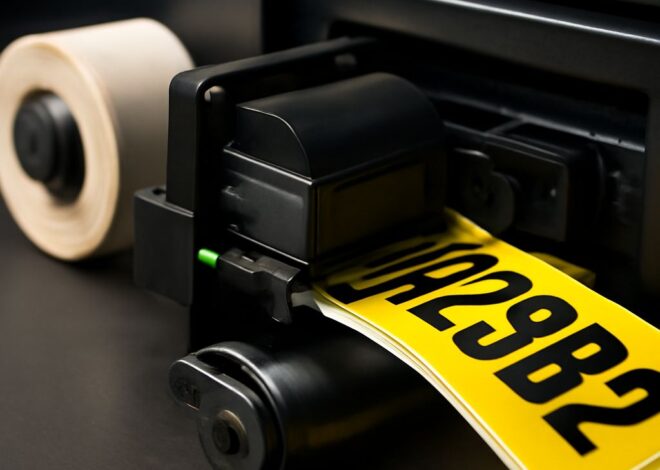
Laser-compatible clear film has several practical uses. In education and business, it was the standard medium for overhead projector presentations before digital projectors took over — and many institutions still use projectors that require physical transparencies. In electronics, toner-transfer PCB fabrication uses laser-printed transparencies to expose UV-sensitive boards or iron toner patterns directly onto copper-clad substrates. Screen printing shops use laser-printed film to create photosensitive exposure films for burning screens. Artists and crafters use them for layered illustrations, light table tracing, and window decals. In all these cases, the key requirement is a film that can withstand fuser temperatures without deforming.
Choosing the Right Transparency Paper for Laser Printer
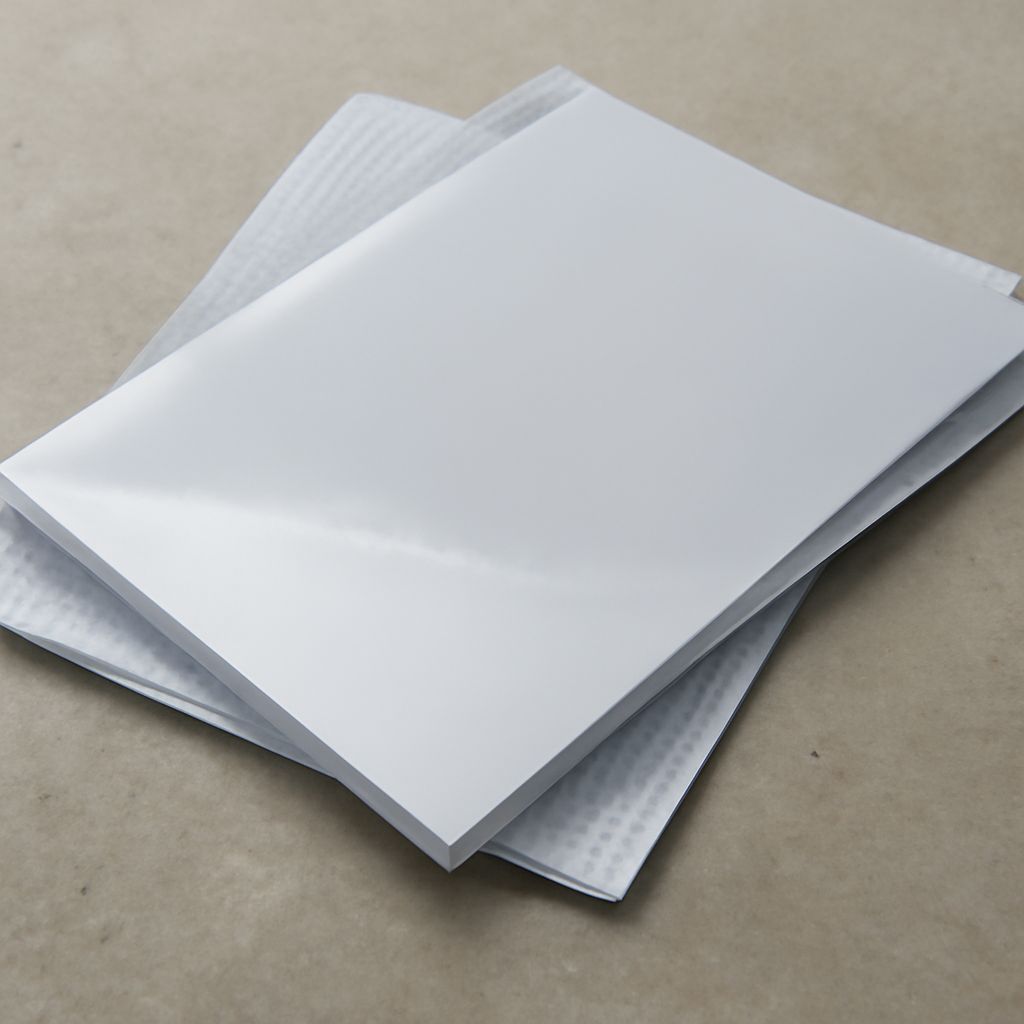
Not all clear film is created equal. Standard inkjet transparency film has a matte coating on one side that holds water-based ink — this coating melts under laser fuser heat (typically 180–220°C) and will fuse to the roller, causing a jam and potentially damaging the fuser assembly. Transparency paper for laser printer use is made from materials rated for high heat, typically polyester-based film with a toner-receptive coating that bonds toner cleanly without warping. Look for packaging that explicitly states “laser compatible” or “for use with laser printers and copiers.” Brands like 3M, Apollo, and Avery make products specifically designed for laser output. For PCB toner transfer work, some makers prefer Press-n-Peel Blue film, which releases toner cleanly onto copper when ironed — a specialized subset of laser-compatible media.
Common Issues That Lead to a Broken Printer
A broken printer from film-related damage typically presents in one of two ways: a fuser jam from melted film wrapping around the fuser roller, or a persistent “paper jam” error from film pieces left behind inside the paper path. Prevention is straightforward — always verify media compatibility before printing. Beyond film issues, laser printers commonly fail due to worn drum units (print quality degrades gradually), depleted toner (light or streaky output), clogged transfer roller, and dirty or worn fuser assemblies. A machine that suddenly produces lines, blotches, or blank sections is rarely suffering a catastrophic failure — most issues trace back to one of these replaceable components.
Laser Printer Repair vs. Calling a Printer Service Technician
Laser printer repair for common issues is within reach of a careful DIYer. Replacing a toner cartridge, drum unit, or transfer belt requires no tools beyond a clean workspace and the correct OEM or compatible part. Fuser replacement is straightforward on most business-class machines — HP LaserJet fusers, for example, pull out with a lever and slide back in as a unit. Detailed guides and video walkthroughs exist for most popular models. When to call a printer service technician: persistent error codes that don’t clear after replacing the indicated component, mechanical failures involving gears or motor assemblies, formatter board failures, or machines under active warranty or lease agreement. Technician service rates vary widely — for an older machine with declining output quality, the cost of a service call sometimes exceeds the replacement value of the printer itself.
Pro Tips Recap
Always confirm “laser-compatible” labeling before loading any transparency film. Keep a stock of the correct drum unit and toner for your model — these are the most common failure points. For fuser jams from wrong media, power off and let the fuser cool completely before attempting to remove film manually. When repair costs approach 50% of replacement cost, switching to a newer machine is usually the more practical decision.