Bluetooth Extender: Boost Your Signal Across Every Room
You set up a new wireless speaker in your living room, but the moment you walk into the kitchen the audio cuts out. Your phone is still technically within range of the router, but your bluetooth extender has not been part of the setup yet — and that is exactly the gap this guide fills. A bluetooth range extender picks up your existing signal and rebroadcasts it, pushing audio, peripherals, and IoT devices farther than the original source can reach on its own.
If you have been searching for a bluetooth signal booster because your headphones drop connection on the far side of the office, or you want to extend bluetooth range to a garage or patio, the options are more accessible than you might expect. This guide covers how these devices work, what to look for, and how to set one up without pulling your hair out.
What Is a Bluetooth Extender and Why Do You Need One?
Standard Bluetooth 5.0 has a theoretical range of around 40 meters in open air, but walls, furniture, and competing 2.4 GHz devices cut that down fast. In a typical home, you might get 10–15 meters through a couple of walls before audio stutters or a keyboard starts missing keystrokes. A repeater for Bluetooth fills that dead zone by acting as a relay between your source device and the receiver. It is a separate piece of hardware — not an app — that actively amplifies or re-transmits the signal. You need one whenever your devices are reliably out of direct line-of-sight range or separated by more than one or two solid walls.
How Does a Bluetooth Signal Booster Work?
Most signal-boosting devices for Bluetooth pair with your source device first, then re-pair with the destination device, creating a chain. The booster receives the wireless data, re-processes it, and retransmits it at full power. Some models act as a pure amplifier, increasing transmission power without re-pairing. The amplification approach works best in open spaces; the relay/re-pairing approach is better in buildings with dense walls. Either way, the result is a boosted Bluetooth connection that covers more square footage. Latency can increase slightly — typically 5–30 ms — which matters for audio sync but rarely causes problems with keyboards or mice.
Choosing the Right Bluetooth Range Extender
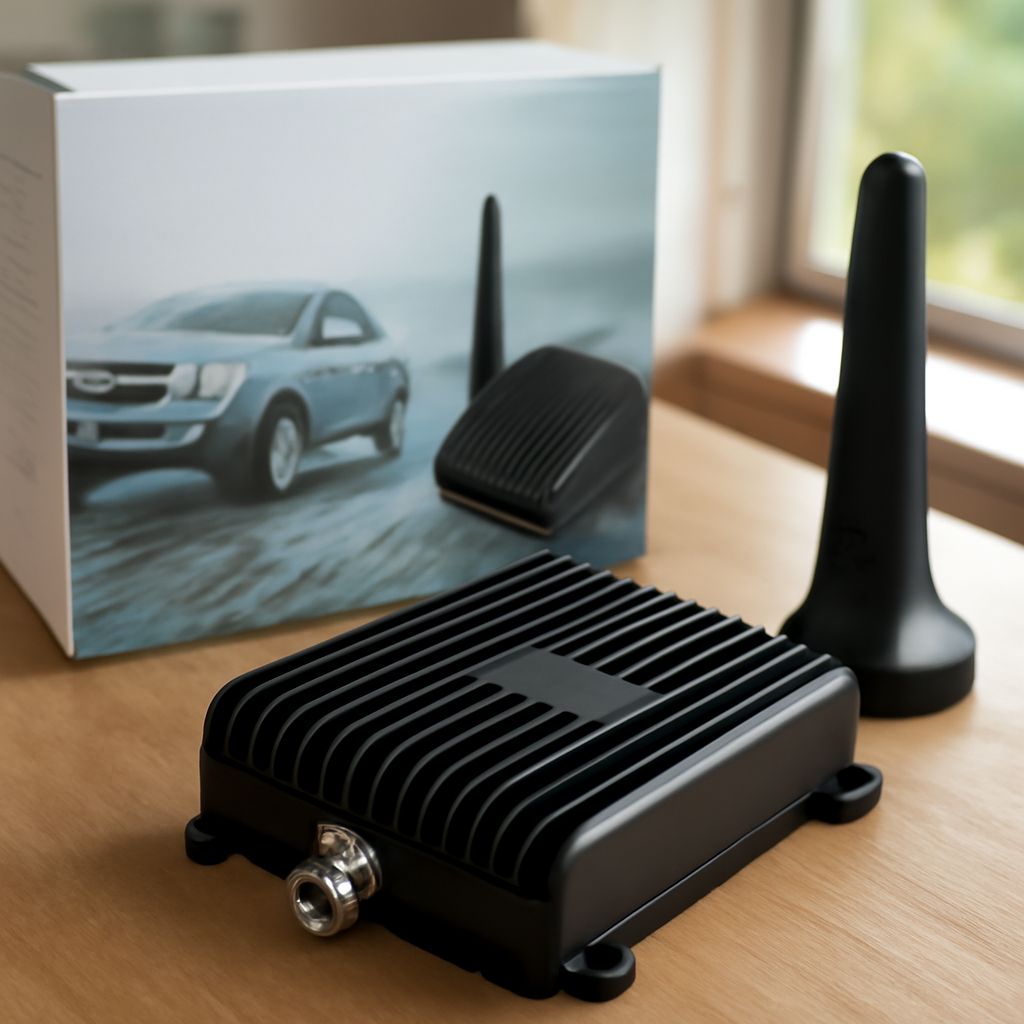
Look at three things: Bluetooth version support, form factor, and the number of simultaneous connections. A modern range-extending unit should support at least Bluetooth 5.0 to be forward-compatible with new devices. Form factor matters if you plan to mount it on a wall versus keeping it on a shelf. Some compact boosters plug directly into an outlet, which keeps cabling clean. For simultaneous connections, check whether the unit supports multipoint — meaning it can relay signal to two or more destination devices at once. If you are running a home studio or office with multiple wireless peripherals, multipoint support saves you from buying multiple extenders.
How to Set Up and Extend Bluetooth Range
Power on the extender and put it in pairing mode (usually a button hold of 3–5 seconds). Pair your source device — phone, tablet, or computer — to the extender the same way you would pair any Bluetooth device. Then pair your destination device (speaker, headphones, keyboard) to the extender’s secondary Bluetooth output. Place the extender roughly halfway between the source and destination for best results. Walls and floors attenuate the signal, so positioning matters: a unit on a shelf at chest height outperforms one sitting on the floor. Test range by walking to where the signal previously dropped and confirming the connection stays stable.
Pro Tips Recap
Keep your extender away from microwaves and Wi-Fi routers that operate on 2.4 GHz, since they share spectrum with Bluetooth. Update firmware on the extender when the manufacturer releases updates — many early units had pairing stability bugs that firmware fixes resolved. If you need to cover multiple floors, place the extender on the ceiling of the lower floor or the floor of the upper one, which gives the signal the clearest path through the building structure.