Color Label Printer: Find the Right One for Your Business or Home
You have been printing labels on a regular inkjet and cutting them by hand, and the results look exactly like that: handmade. A dedicated color label printer changes the output immediately — proper die-cut edges, consistent color, adhesive-backed stock, and a label that looks like it came from a factory. Whether you are labeling products for an Etsy shop, branding packaging for a small food business, or printing address labels with a company logo, the machine you pick determines how professional your output looks.
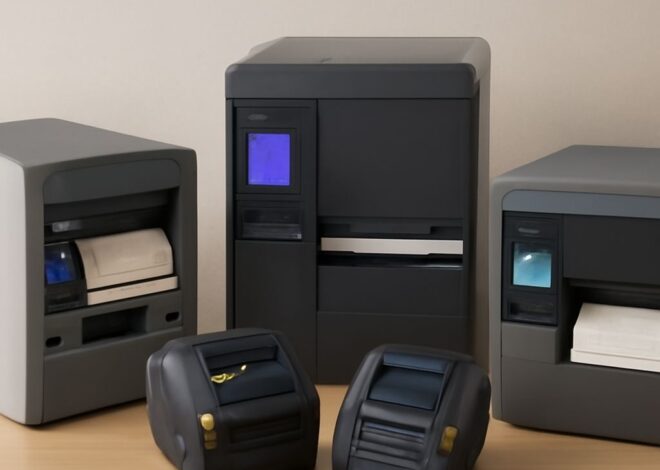
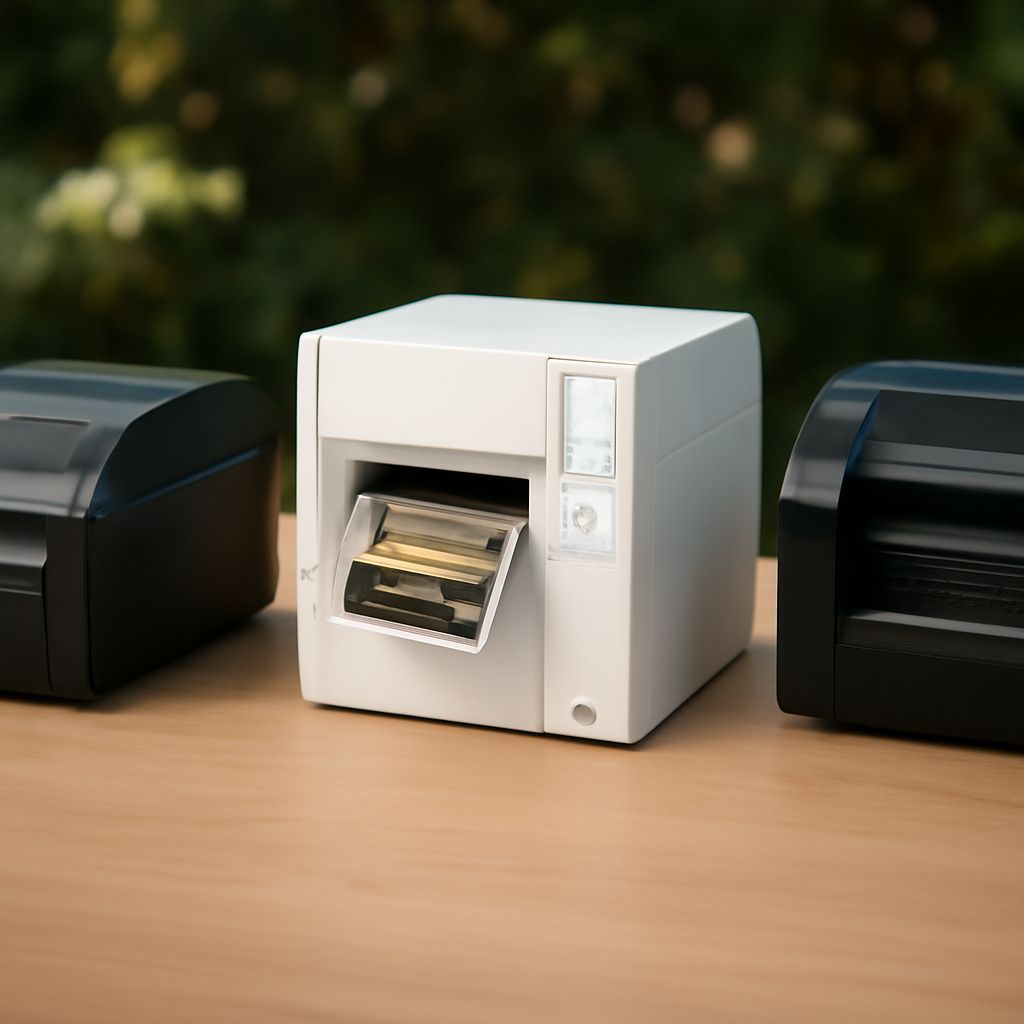
A color sticker printer is not the same as a general-purpose inkjet. It is designed specifically for label stock, handles rolls or fan-fold media, and often includes a cutter. A color thermal printer uses heat to activate pigment rather than liquid ink, which means no cartridges to replace and no ink that smears when wet. The right color label printer for small business depends on your daily volume, your label width, and whether you need waterproof output. This guide walks through all of it so you can match a machine to your actual workflow rather than guessing.
What Is a Color Label Printer?
Inkjet vs Thermal Color Label Printers
Inkjet label printers spray liquid ink onto label stock, producing vibrant color with a wide gamut. They work on plain, matte, and glossy label materials and can handle custom designs with photographic detail. The downside is ink cost and the need to replace cartridges. Color thermal label printers use a different approach: they apply heat to specially coated label media that contains the color dye layers internally. Direct thermal (single-layer) produces only black or one color; color thermal uses multiple heat-sensitive layers to produce full color without ink. Color thermal labels cost more per roll than plain direct thermal, but there are no cartridges to buy.
Label Width and Roll Capacity Most small business label printers handle widths from 1 inch to 4 inches. Shipping label printers are typically 4-inch wide. Product labels for jars, bottles, and packaging often use 2-inch to 3-inch stock. Check the maximum roll diameter your machine accepts — a larger roll capacity means fewer roll changes during a production run. Some machines accept 8-inch outer diameter rolls, which hold 1,000+ labels at 2 inches per label.
Who Needs a Color Sticker Printer?
Small Business and Product Labeling
Food producers, cosmetic brands, and craft sellers who apply labels directly to retail products need color output that matches their brand guidelines. A machine that prints color stickers on demand lets you update your label design without paying a commercial printer minimum order of 500 or 1,000 units. For short runs and frequent design changes, in-house color labeling pays off quickly.
Home Office and Crafting
Home users printing address labels, return labels, and custom stickers for organizing or gifting can use a compact color label printer without the production-grade features. Smaller machines from Canon and Primera handle 2-inch wide media and connect via USB or Wi-Fi. If you print fewer than 100 labels per week, an entry-level model in the $100–$200 range is appropriate.
Key Features of a Color Thermal Printer
Look for: print resolution (300 DPI is standard for labels; 600 DPI for detailed logos), connectivity (USB, Wi-Fi, and Bluetooth are all useful), cut options (built-in cutter saves time on roll labels), and software compatibility (does the printer work with your design software — Adobe Illustrator, Canva, or the manufacturer’s own app?). Duty cycle is important for production environments — a printer rated for 500 labels per day should not be running 2,000 labels per day, or the head wears prematurely.
Best Color Label Printer for Small Business
The Primera LX500 is a widely used color inkjet label printer that prints at 4800 DPI, handles rolls up to 8.25 inches in diameter, and produces waterproof output on synthetic label stock. It costs around $600 and uses pigment-based inks that resist fading. The Epson ColorWorks CW-C6500A is a production-grade option printing at 1200 DPI with an automatic cutter and roll capacity up to 8 inches — it runs around $1,500 but handles volumes up to 5,000 labels per day. For budget-conscious small shops, the Munbyn color label printer runs around $200 and handles basic product labeling needs with a 4-inch print width and thermal transfer technology.
Setup, Software, and Label Design Tips
Most label printers ship with proprietary design software that includes templates for common label sizes (Avery, Dymo, and custom dimensions). For more design control, use a vector application like Adobe Illustrator or Inkscape and export to PDF, then send to the printer through the manufacturer’s driver. Set your bleed area to 1/16 inch beyond the label edge if the machine cuts after printing — this prevents white borders on the final label. Always print a test label on plain paper before running a full roll to confirm the design alignment and color accuracy.
Key Takeaways
Inkjet color label printers handle more media types and produce wider color gamuts; color thermal models eliminate ink costs but require specialized media. Match your daily volume to the printer’s rated duty cycle before buying. The best color label printer for small business is the one that fits your label width, volume, and software environment — not the one with the most features on paper.