External WiFi Antenna: Extend Your Network Range Outdoors
Your router sits inside the house, but the signal gets thin by the time it reaches the workshop, the barn, or the far end of the backyard. An external wifi antenna mounted on the outside of the building can push that signal hundreds of feet farther than the router’s built-in antenna ever could. Whether you need coverage for a garage 150 feet from the house or a warehouse that the router at the opposite end cannot reach, a properly positioned outdoor wifi antenna closes the gap without running ethernet cable through walls.
A wifi antenna outdoor installation requires matching the antenna type to the coverage pattern you need. A directional antenna focuses signal in one beam, which is ideal for point-to-point links between two buildings. An omni-directional antenna spreads signal in all directions horizontally, covering a yard or campus perimeter. The best outdoor wifi antenna for your installation depends on that geometry. This guide covers antenna types, mounting, and how to choose between a wifi outdoor antenna and a dedicated outdoor access point.
Types of Outdoor WiFi Antennas
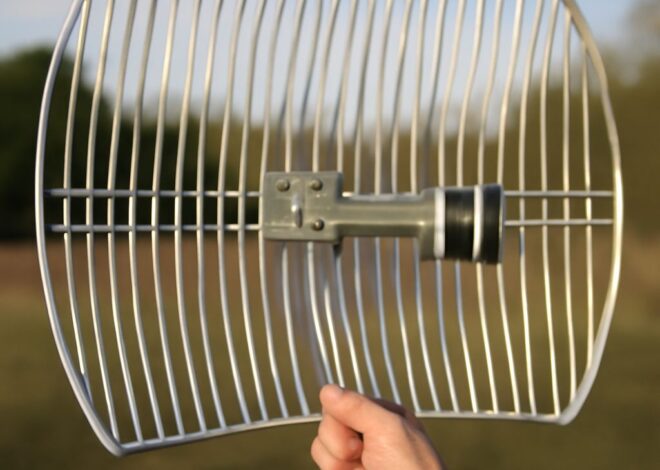
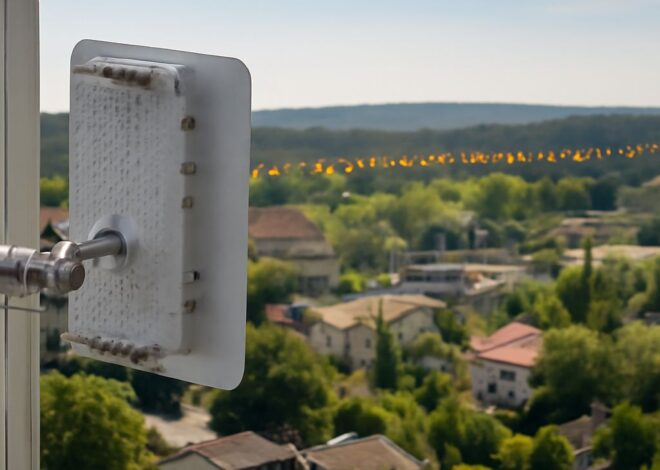
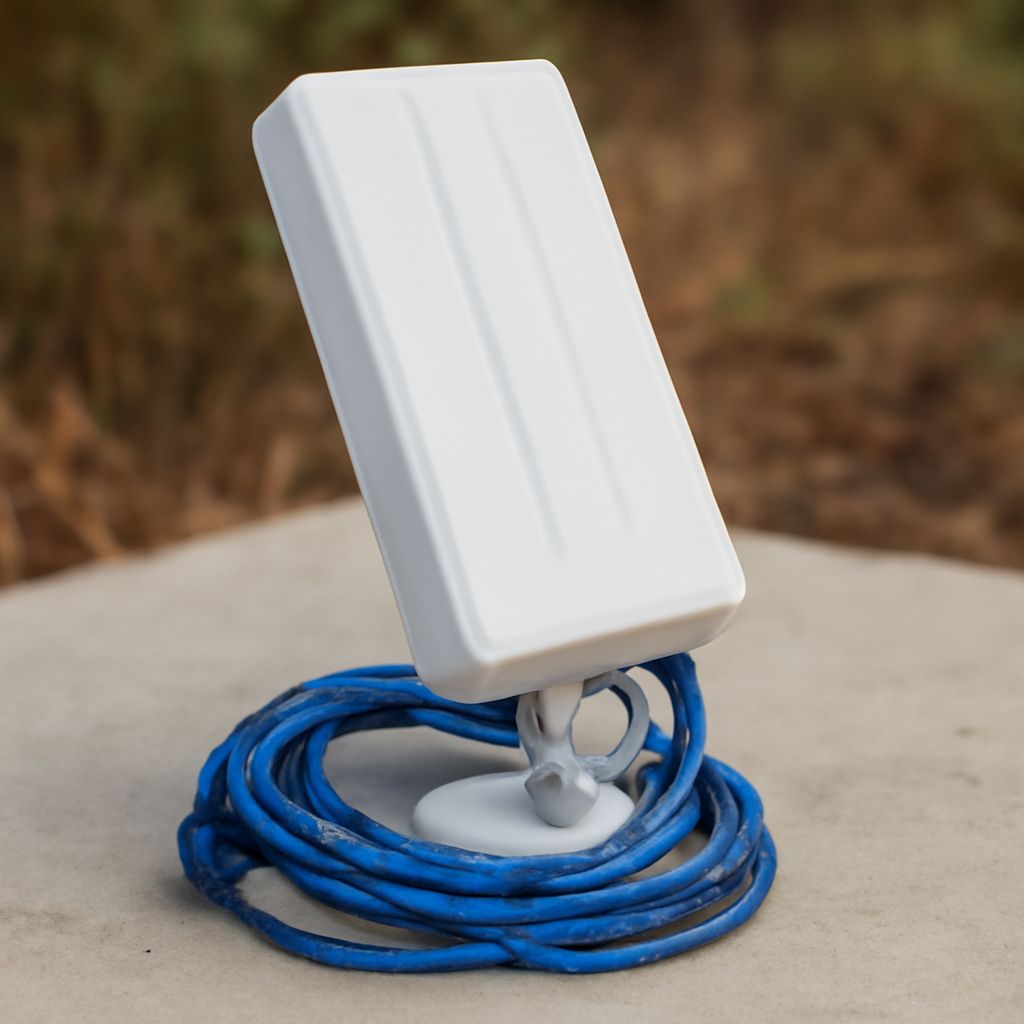
Directional vs. Omni-Directional A directional outdoor wifi antenna concentrates gain in a narrow beam, typically 5 to 30 degrees wide. This gives high gain (10 to 24 dBi) over a specific path, making it ideal for connecting two buildings or a camera at the far end of a lot. An omni-directional wifi outdoor antenna distributes gain in a 360-degree horizontal pattern at lower gain (3 to 9 dBi). It is the right choice when you want to extend coverage around a building perimeter or across a yard where users move in any direction. Panel antennas are a middle option: 60 to 120 degrees wide, with moderate gain, suitable for patio or parking lot coverage.
Frequency and WiFi Standard Compatibility
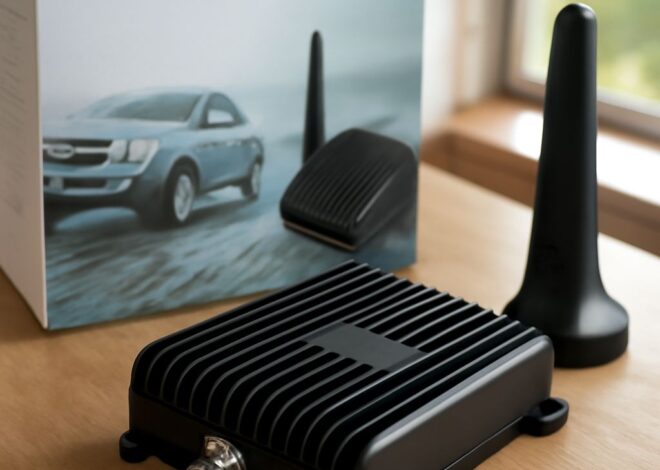
Wi-Fi operates on 2.4 GHz and 5 GHz bands. An external wifi antenna must be rated for the bands your router or access point uses. 2.4 GHz antennas provide better range through obstacles; 5 GHz antennas deliver higher throughput at shorter distances. Dual-band outdoor antennas cover both frequencies with separate elements. Check the antenna connector type: most routers use RP-SMA; some use SMA or N-type. You may need an adapter or a pigtail cable to connect the antenna to your specific router or access point.
When to Use an Outdoor Antenna vs. an Outdoor Access Point
An external wifi antenna added to an existing router is appropriate when you want to extend the router’s coverage and the router has external antenna ports (usually RP-SMA connectors). If your router uses internal antennas only, you cannot add an external antenna directly; instead, you need an outdoor wifi access point connected via ethernet. A dedicated outdoor access point (like the Ubiquiti UniFi U6 Mesh or TP-Link EAP670 Outdoor) includes its own radio, weather-sealed housing, and antennas. It connects to your router via an ethernet cable and extends coverage independently, which is more powerful and reliable than attaching an antenna to an indoor router.
How to Choose the Best Outdoor WiFi Antenna for Your Setup
Start by measuring the distance between the router and the coverage target. Up to 100 feet through air with no obstacles: an omni-directional wifi outdoor antenna at 5 dBi on a RP-SMA-compatible router works. 100 to 500 feet through air: use a directional or panel antenna with 12+ dBi gain and a dedicated outdoor access point. Over 500 feet or building-to-building: use a point-to-point directional link (Ubiquiti AirMax or similar). For backyard or patio coverage around a home, a dual-band outdoor access point on the exterior wall is almost always more effective and easier to manage than adding a bare outdoor wifi antenna to an indoor router.
Installation Tips
Mount directional antennas at the highest practical point with a clear line of sight to the target area. Avoid mounting directly behind metal surfaces, HVAC equipment, or large mechanical systems that absorb or reflect the signal. Use weatherproof cable runs and sealed connectors for any cable that exits the building. Ground the antenna mast if it extends above the roofline. For best performance, align directional outdoor wifi antennas along the main axis of the link and tighten all connectors to prevent moisture ingress.
Next Steps
Download a Wi-Fi analyzer app (NetSpot, WiFi Analyzer) and map your current signal strength outdoors before making any changes. That baseline shows you exactly where coverage drops and by how much. Use that data to confirm antenna placement and gain requirements before purchasing hardware. After installation, re-map the signal to verify coverage improvement and adjust antenna aiming if needed.