Printer Parts: A Guide to Laser Printer Components and What They Do
Your printer just threw an error code, or you’re trying to understand why toner smears instead of fusing cleanly to the page. Knowing the names and functions of printer parts turns a confusing error message into an actionable diagnosis. The components inside a laser printer work together in a precise sequence, and a problem with any single printer part produces specific, identifiable symptoms.
Whether you’re troubleshooting a malfunction, ordering a replacement, or simply curious how the machine turns digital data into a printed page, this guide covers the parts of a printer that matter most. Laser printer parts are more complex than inkjet components, so this guide focuses on laser printer parts and printer components with notes on where inkjet hardware differs.
Core Laser Printer Parts and Their Functions
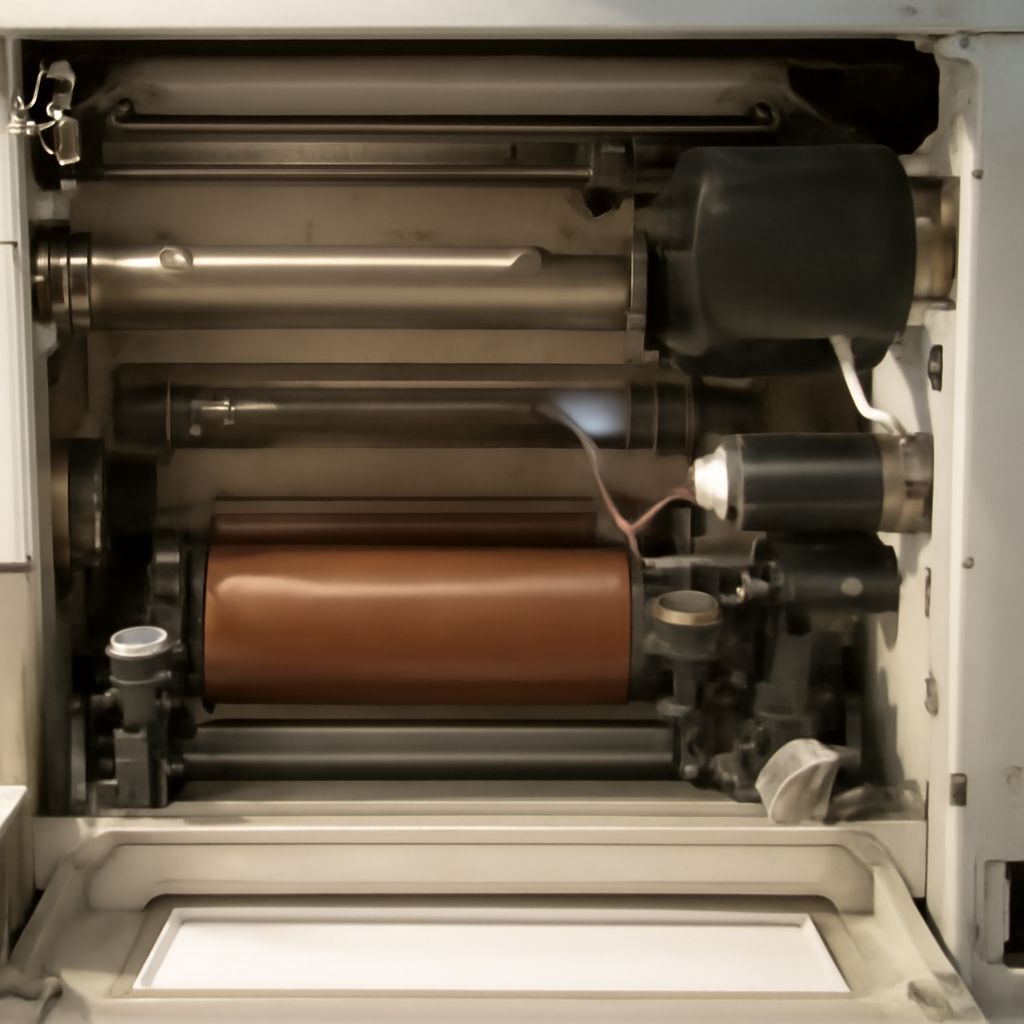
Drum Unit (Photosensitive Drum) The drum unit is the central printer part in any laser system. It’s a cylindrical photosensitive component that holds an electrostatic charge. A laser beam writes the image onto the drum by discharging specific areas, creating a latent electrostatic image. Toner particles, which carry the opposite charge, stick to the discharged areas.
Drum units have a finite lifespan measured in page yield, typically 10,000 to 30,000 pages depending on the model. When a drum reaches end of life, prints show ghosting, black lines, or spots that repeat at regular intervals corresponding to the drum’s circumference.
Toner Cartridge
The toner cartridge holds fine powder (toner) made of plastic resin, pigment, and charge-control agents. It feeds toner onto the drum via a developer roller. Most laser printer parts include the toner cartridge as a separate consumable from the drum, though some manufacturers combine them into a single unit.
When toner runs low, prints fade in an uneven pattern, often starting at the edges. Shaking a toner cartridge gently redistributes remaining toner and often restores print quality temporarily.
Fuser Unit
The fuser is the part of a printer responsible for permanently bonding toner to paper. It uses heat (typically 150-200°C) and pressure from a pair of rollers to melt the toner resin into the paper fibers. If toner smears when you rub a print, the fuser isn’t reaching the correct temperature or the fuser rollers are worn.
Fuser units have a typical lifespan of 80,000 to 200,000 pages depending on machine class. Replacement fusers are available as user-replaceable parts of a laser printer on most mid-range and high-end machines.
Transfer Belt or Transfer Roller The transfer component moves the toner image from the drum to the paper. In color laser printers, an intermediate transfer belt (ITB) collects all four CMYK toner layers before transferring them to paper in a single pass. Misregistration between color layers appears as a blurry or color-fringed image and often indicates a worn or damaged transfer belt.
Parts of a Laser Printer: Secondary Components
Corona Wire or Charge Roller
Before toner can be applied, the drum must be uniformly charged. The corona wire or charge roller applies a high-voltage uniform charge to the drum surface. A dirty or damaged corona wire causes faint or uneven prints, often showing as vertical streaks of varying density.
Cleaning the corona wire with the small cleaning tool included inside most toner cartridges resolves many streak issues without requiring part replacement.
Laser Scanner Unit (LSU)
The laser scanner unit contains the laser diode and a rotating polygon mirror that sweeps the laser beam across the drum. The LSU is typically a sealed printer part that’s not user-serviceable. Failure of the LSU usually requires professional repair or full machine replacement due to cost.
Paper Feed Rollers
Rubber rollers pick paper from the tray and advance it through the print path. Feed roller wear is one of the most common mechanical printer part failures, typically presenting as paper jams, double feeds (two sheets pulled at once), or misfeeds where the paper skews inside the machine.
Feed rollers are often available as replacement printer components and can be changed without professional service on most laser printers. The rubber hardness degrades over time regardless of print volume, so very old printers develop feed problems even with low page counts.
Inkjet Printer Components vs. Laser Parts
Inkjet printers replace most of the above components with a simpler set of printer components: the print head (nozzle array that fires ink droplets), ink cartridges or tanks, a carriage belt and motor that moves the print head, and a platen or support bed that holds the paper at the correct distance from the head.
The absence of heat in inkjet printing means no fuser unit. The absence of toner means no drum, corona wire, or transfer mechanism. Inkjet maintenance focuses on print head clogging and carriage alignment rather than the electrostatic process central to laser printing.
Ordering Replacement Printer Parts
When ordering replacement laser printer parts, use the exact model number from the printer’s label or settings menu, not just the brand name or series. Parts of a laser printer are often model-specific, and a fuser or drum unit from a similar model frequently has incompatible geometry or electrical connectors.
OEM (original equipment manufacturer) parts typically offer the longest lifespan and most consistent output quality. Third-party compatible parts can work well for high-volume low-margin applications but may have shorter yield ratings and less consistent performance across the part’s lifespan.