Refurbished Laser Printer: Buying a Used Laser Printer or Used Printer for Sale
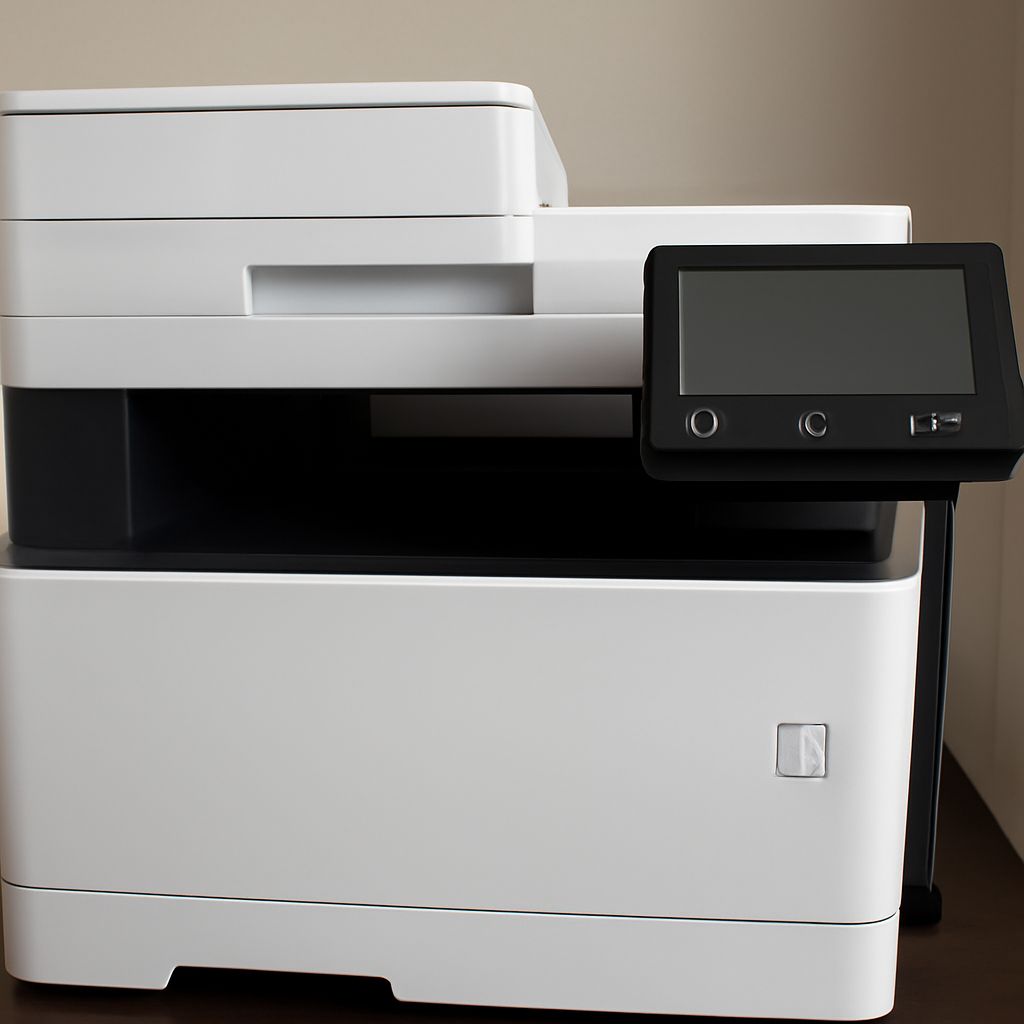
You need a laser printer but don’t want to pay full retail price. A refurbished laser printer or used laser printer from a reputable source delivers the same output quality at a fraction of the cost. The key is knowing what to look for, where to buy, and how to evaluate a used printer for sale before committing to it.
Whether you’re looking at a refurbished color laser printer for a small office or a used printer for a home setup, the evaluation process is the same. The difference between a good deal and a costly mistake comes down to a few specific factors around page count, drum life, and consumable availability. This guide covers everything you need to assess a used laser printer confidently.
Why Buy a Refurbished or Used Laser Printer
Laser printers are built for high-volume printing and have much longer functional lifespans than inkjet machines. A commercial office laser printer rated for 50,000 pages per month that ran in a small office printing 2,000 pages per month has barely been used by the time it’s three or four years old. That same printer purchased on the used market can easily provide another five or more years of service.
The savings on a refurbished laser printer are substantial. Models that cost $400-$600 new can be found for $50-$150 used in working condition, often with toner cartridges that still have significant life remaining. A refurbished color laser printer that cost $1,200 new might sell for $200-$400 with full supplies included.
Key Things to Check on a Used Laser Printer
Page Count (Meter Reading) Every laser printer records its total page count in an internal counter accessible through the configuration page or built-in web server. This is the single most important number when evaluating a used printer for sale. A printer rated for 300,000 page life with 250,000 pages on the meter is near end of life. The same model with 30,000 pages has barely started.
To print a configuration page: most laser printers have a button combination during startup, or the page is accessible from the printer’s LCD menu under Reports or Configuration.
Drum Life Remaining
The drum unit (OPC drum) has a finite life separate from the toner. On many laser printers, the drum is a distinct component from the toner cartridge. Drum life is typically 25,000 to 100,000 pages depending on model. A used laser printer with an original drum near end of life will need a drum replacement shortly after purchase, which can cost $50-$200.
Check the drum status page from the printer’s menu before buying. Remaining drum life is usually expressed as a percentage or page count remaining.
Fuser Condition
The fuser is the printer component that uses heat and pressure to bond toner to paper. Fuser life is typically 100,000-300,000 pages depending on printer class. Ask the seller for the fuser’s status or check it through the printer’s service menu. A fuser near end of life will need replacement, which runs $60-$300 depending on the model.
Where to Buy a Refurbished Laser Printer
The best sources for a refurbished laser printer or used printer for sale:
- Manufacturer certified refurbishment programs: HP, Brother, and Lexmark offer certified refurbished printers with limited warranties. These are the safest option but carry higher prices than open market used equipment.
- IT asset disposition companies: Companies that handle corporate hardware refresh cycles sell used commercial printers at excellent prices. Search for “ITAD company” plus your region.
- eBay from business sellers: Business sellers with high feedback ratings on printer categories often sell tested equipment with accurate condition descriptions. Filter for “Seller refurbished” condition rating.
- Local government auctions: Municipal and county government surplus auctions frequently include used office printers at very low prices. GovPlanet and PublicSurplus are national platforms for this.
Refurbished Color Laser Printer: Extra Considerations
A refurbished color laser printer has four toner cartridges and often four separate drum units to evaluate rather than one. Check the remaining life on each color’s toner and drum separately. Color laser supplies are significantly more expensive than monochrome equivalents, so a color laser printer sold with low cyan, magenta, yellow, and black toner levels effectively passes those replacement costs to you.
Additionally, color laser printers require registration calibration between the four color planes. This calibration drifts over time and may need resetting when you get the machine. Most color lasers include a built-in calibration process accessible from the maintenance menu that takes about five minutes to run.
Verifying a Used Printer Prints Correctly Before Buying
If purchasing locally or from a seller willing to demonstrate the printer, request a nozzle check or test page print during the transaction. A clean test page with uniform density across all colors, no banding, no streaks, and sharp text at small font sizes confirms the core printing function is working. This is worth more than any written description of the printer’s condition.
For online purchases, buy from sellers with return policies and detailed condition photos that include the configuration page printout showing page count and consumable status. A seller unwilling to photograph or disclose the page meter reading is a significant warning sign.