Copier Machine Essentials: A Guide to Modern Copiers
Imagine you’re in a bustling print shop, juggling deadlines for flyers, contracts, and blueprints. You glance at your trusty copier machine—a device that’s more than just a basic office tool. In the world of printing, copiers have evolved from simple duplicators into high-performance machines that keep operations running smoothly. Whether you refer to them as general printers or copiers, understanding their essentials can make all the difference when you need reliable, high-quality prints on demand.
As you consider upgrading or maintaining your office equipment, you might wonder: what makes a modern copier machine indispensable in today’s printing landscape? From advanced features to routine care, learning about copiers—and how they stack up against other general printers—gives you the expertise to select, use, and preserve the machines that power your productivity.
What is a Copier Machine and How Does It Work?
A copier machine, often called a photocopier, is a specialized office device designed to replicate documents and images onto paper efficiently. At its core, the technology behind these machines is based on the principles of xerography, where static electricity and light work together to transfer toner onto paper. By pressing a single button, you trigger a sequence in which the original document is scanned, the image is transferred, and a duplicate is produced in seconds.
The process of copying utilizes a bright lamp or laser to illuminate the document being reproduced. The reflected light is captured by charged photoreceptors, which then attract toner particles in the precise arrangement of the original image. As the paper passes through the copier, heat is applied to fuse the toner, rendering a permanent copy. Some office copiers are equipped with advanced scanning capabilities, allowing for multi-page, double-sided copying and digital archiving.
Beyond basic duplication, many modern machines offer network connectivity, enabling users to send documents directly to the copier from their computers or mobile devices. Whether you’re printing a single page or managing bulk copying tasks, current copiers are designed to deliver reliable results with minimal manual intervention. This level of automation and efficiency underscores why copier machines remain essential in printing and document management environments.
Understanding how your copier works empowers you to make better use of its features, troubleshoot issues, and recognize when professional servicing may be needed. With technology constantly improving, today’s copiers do more than just duplicate—they help businesses operate smarter and faster.
What Are the Key Features to Look for in Copiers?
When evaluating copiers, it’s important to look beyond the basics. Core features like print speed, image resolution, and paper handling capabilities significantly impact the efficiency and output quality of your print jobs. Many newer copier machines provide high-resolution output, ensuring sharp text and accurate color reproduction, while also offering various print speeds measured in pages per minute (ppm) to suit different office needs.
Advanced models may feature automatic document feeders (ADFs), which streamline the copying of multi-page documents without requiring manual input for each sheet. Duplex printing and copying, allowing for double-sided output, not only saves paper but also supports environmentally friendly practices. Some copiers let you adjust scanning resolutions and offer finishing features such as stapling, hole-punching, or booklet making directly from the device.
Connectivity is another vital aspect. Many copiers support wireless printing, mobile device integration, and cloud-based workflows, making it easier for teams to collaborate and share documents. User authentication, secure print release, and access controls are valuable security options to protect sensitive information in shared office settings.
Lastly, consider your anticipated volume and choose a copier with appropriate duty cycles and consumables capacity. Machines with higher monthly print volumes and larger toner cartridges reduce the need for frequent maintenance and supply replacements, keeping your workflow uninterrupted.
How Do Copier Machines Compare to Other General Printers?
While both copiers and general printers serve the purpose of producing hard copies, their functionality and performance often differ. Copiers are specifically optimized for high-volume duplicating, with robust feed mechanisms and components designed for frequent, large-scale usage. Many can also function as all-in-one devices, handling printing, scanning, and faxing alongside copying duties.
Conversely, general printers—like inkjet or standard laser models—are typically chosen for lower-volume, versatile printing tasks. They may excel in photo printing or specialty media handling, but they often lack the speed and paper-handling robustness found in commercial copiers. For businesses or print shops with heavy daily workloads, investing in a dedicated copier machine can lead to greater productivity and reduced downtime.
Another distinguishing factor is durability. Copiers are engineered with longevity in mind, featuring high-yield consumables and durable hardware to withstand the rigors of office environments. General purpose printers are more affordable upfront but may require more frequent repairs or replacements when pushed beyond their intended duty cycle.
Evaluating your print environment’s needs—such as volume, speed, and finishing options—will help you determine whether a copier, a general printer, or a multifunction device is the best fit.
How Should You Maintain and Troubleshoot Your Copier Machine?
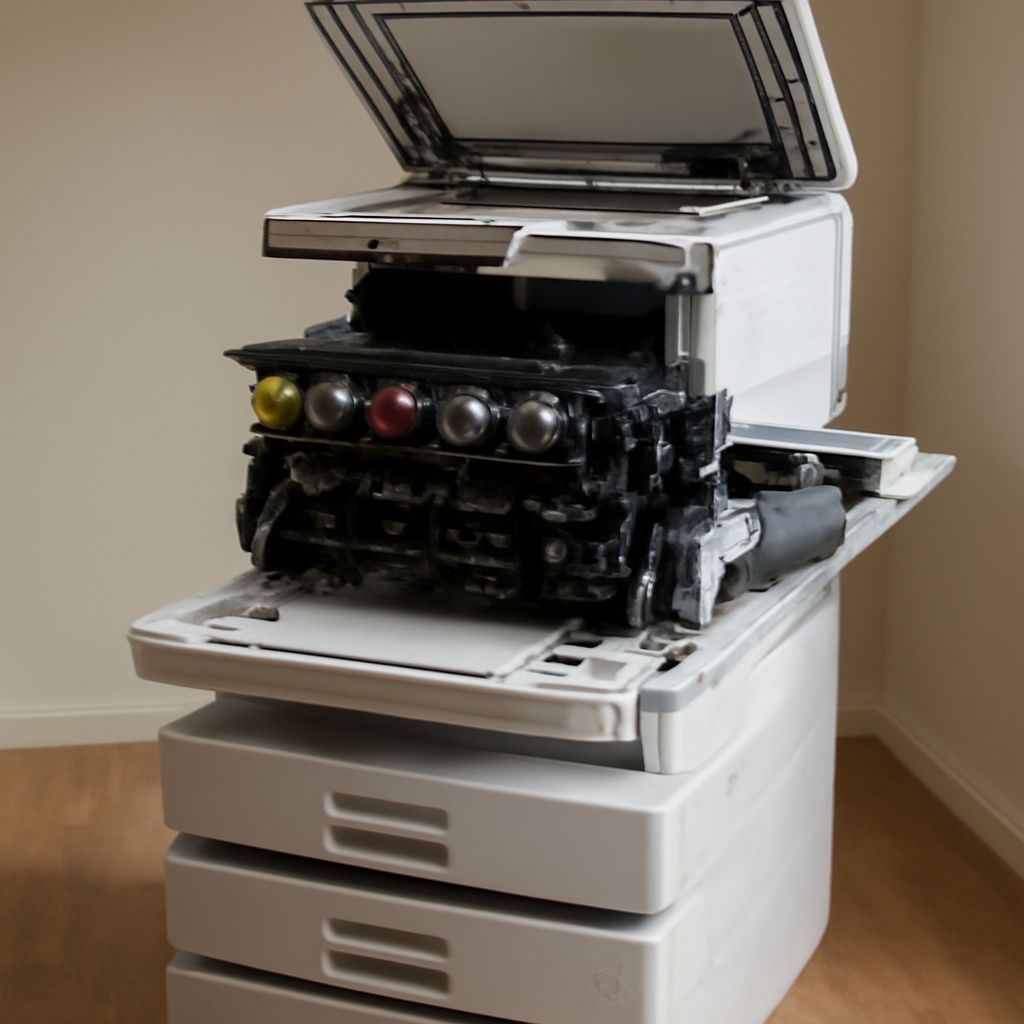
Proper upkeep is critical for ensuring that your copier machine consistently delivers quality results. Regularly cleaning the glass platen, replacing toner and drum cartridges in a timely manner, and clearing out paper dust can prevent many common issues. Most copiers come with built-in maintenance reminders or status indicators to alert you when attention is needed.
When troubleshooting, familiarize yourself with common error codes and messages displayed on your machine’s screen. Issues like paper jams, streaks on copies, or connectivity failures can often be remedied by following step-by-step guides in the user manual. DIY maintenance such as checking for obstructions, verifying paper alignment, and resetting the copier can resolve minor problems without the need for professional assistance.
For persistent issues—such as repeated jamming, image defects, or abnormal noises—don’t hesitate to contact a certified technician. Scheduling periodic service inspections ensures components are lubricated, rollers are replaced as needed, and firmware is kept up to date for optimal functioning.
Documenting maintenance activities and keeping a log of service visits can also help you track performance trends and anticipate future needs, prolonging the life of your copier machine and minimizing costly downtime.
What Are the Latest Innovations in Copiers?
The copier industry is undergoing rapid transformation, with cutting-edge features enhancing productivity and user experience. One significant development is the integration of smart touchscreens and customizable workflows. These interfaces simplify navigation, allowing you to initiate complex copy tasks or access cloud storage directly from the machine panel.
Artificial intelligence and machine learning are now being leveraged to optimize image quality and automate error correction, reducing manual intervention. Energy-efficient components, such as low-melt toners and eco-friendly standby modes, help lower operational costs and environmental impact.
Mobile integration has become standard, with users able to print or copy documents from smartphones and tablets using dedicated apps or QR code scanning. Enhanced security features—like biometric authentication and encrypted data transmission—address the growing need to protect sensitive business information.
Manufacturers are also investing in modular designs, which allow for easy expansion or upgrades as business needs change. These innovations ensure copiers remain indispensable tools in both traditional print shops and modern digital offices.
Next steps: To get the most from your copier, schedule regular maintenance, train your team on advanced features, and stay updated with the latest technology trends. Investing time in understanding your copier’s capabilities will pay off in smoother workflows and consistently high-quality prints.