How to Compare Wireless Home Internet Providers
Enter your full street address before comparing companies that offer fixed wireless. A company may serve your town but have no capacity or suitable signal at your location. Shortlist the wireless broadband options offered there, then compare their terms and test the connection where you use it.
Wireless broadband internet: Start with your address
Broadband delivered wirelessly brings an internet connection to a specific location over radio signals. Wireless broadband internet equipment may connect to a cellular network or another fixed wireless network. A gateway typically shares that connection with devices over Wi-Fi. Those are separate links: the signal reaching the gateway and Wi-Fi coverage throughout the house.
Use the FCC National Broadband Map to find reported fixed-service options at your address. Then ask wireless home internet providers to confirm availability, installation requirements and the plan offered at that exact address. The map gives you a starting list; the company must confirm whether it can take your order.
Ask home wireless internet providers whether equipment sits indoors or needs an outdoor antenna, and whether a technician must install it. A renter should check whether the lease permits exterior mounting. Also ask if the address has a waitlist: capacity can affect whether a plan is available for a new customer.
Match the plan to your household
List what happens at the same time on a busy evening: video calls, streaming, games, cloud backups and downloads all share the connection. Download speed affects incoming data; upload speed matters for sending files and video from your camera. Latency is the time data takes to make a round trip, and high latency can make a game or call feel sluggish even when a download finishes quickly.
When comparing wireless internet service for home, look at stated download and upload speeds together with latency information, if supplied. Ask what performance is typical at busy times and whether traffic may be slowed when the network is congested. A single advertised maximum cannot tell you how a connection will behave during your household’s busiest hour. For your household connection, compare the results with the activities you need to run at once.
For each plan, check these details in writing:
- Data allowance: Is there a monthly limit? If you exceed it, is there a charge, a speed reduction or another restriction?
- Priority: Does the plan reduce priority after a usage threshold or during congestion? Ask what happens and when normal priority returns.
- Total cost: Include equipment rental, installation, taxes and any promotional expiration. Compare the amount due after the introductory period as well as the first bill.
- Commitment: Check contract length, cancellation charges and equipment return requirements.
A wireless home internet service with a generous allowance may suit frequent video streaming, while a lower-usage household may prefer a smaller allowance if its other terms work. Check your current usage history for an estimate and leave room for updates or large downloads.
Test the signal and the rooms you use
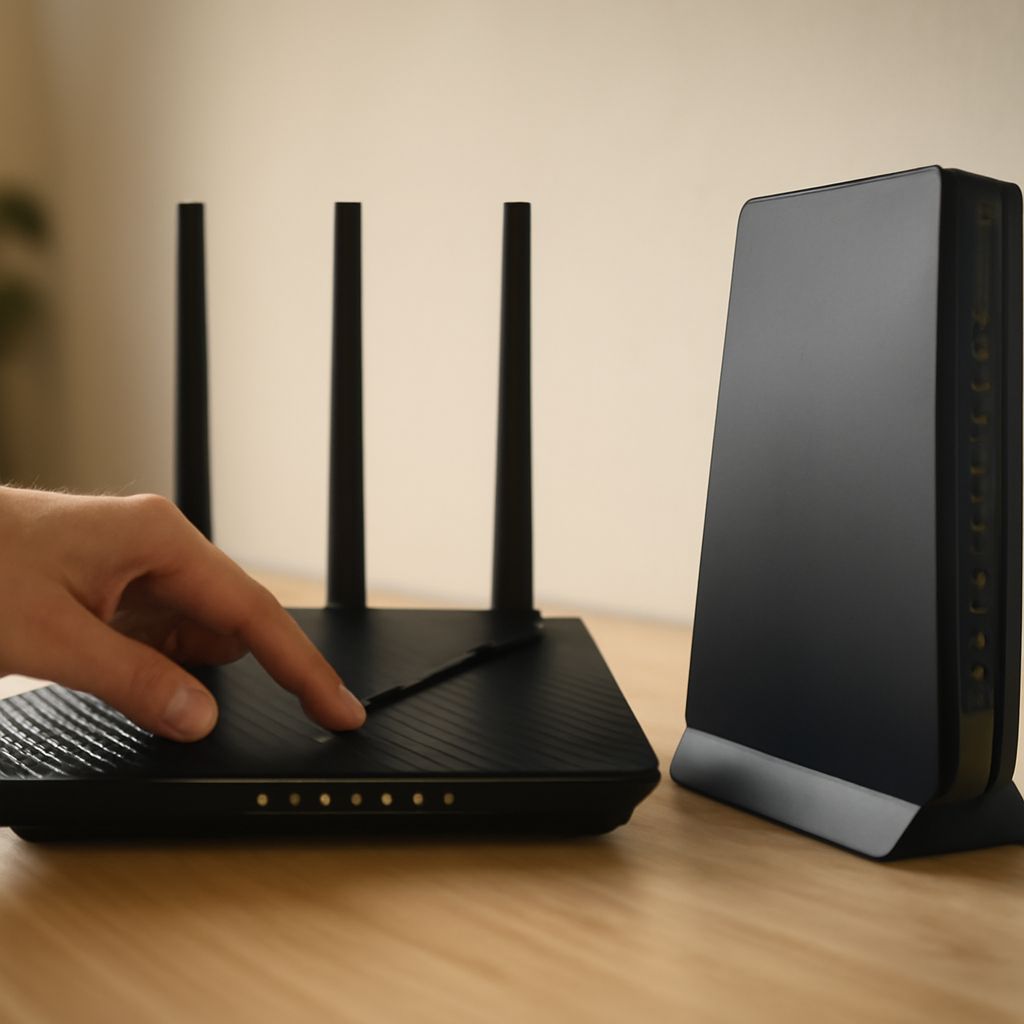
Before placing the gateway, follow the provider’s setup instructions. Try permitted locations near a window and compare the device’s signal indicator. Keep it accessible and ventilated. Once it has a stable connection, walk through the rooms where people work, watch and make calls. Walls and distance can weaken Wi-Fi, even if the gateway itself receives a good signal.
Run speed tests at different times, including an evening, and try a video call or stream in the rooms that matter. If possible, compare a device connected by Ethernet with one on Wi-Fi: a large difference can point to an in-home Wi-Fi issue. The FCC’s connectivity guide explains how shared Wi-Fi and router placement can affect performance.
If coverage falls short, ask whether the gateway supports an additional access point or mesh system, what equipment is compatible and who provides support. Local operators may offer different hardware, so include that cost in your comparison. A stronger Wi-Fi signal inside the house cannot repair a weak connection arriving at the gateway.
Use the trial to make a decision
Before ordering, ask when the trial starts, what charges are refundable, how to cancel and the deadline and method for returning equipment. Save the offer and cancellation instructions; the FTC’s trial guide recommends keeping a record of a cancellation request.
Give the wireless broadband connection a representative workout before the deadline. If calls fail in the office or evening speeds interrupt streaming, contact support while there is still time to test a fix. Compare your notes with the other companies on your address shortlist.
Now enter your address on the FCC map, select two candidates and write down their trial end dates before you order.