Wireless Karaoke Microphone: Choose the Right Setup for Your Home
Start by tracing two paths: how the music reaches a speaker and how your voice reaches it. A wireless mic for karaoke may combine both in one handheld device, while a karaoke setup with a wireless microphone may send your voice to a separate receiver. Choose the arrangement that matches the equipment you already use.
Wireless microphone karaoke setups: Two ways to sing
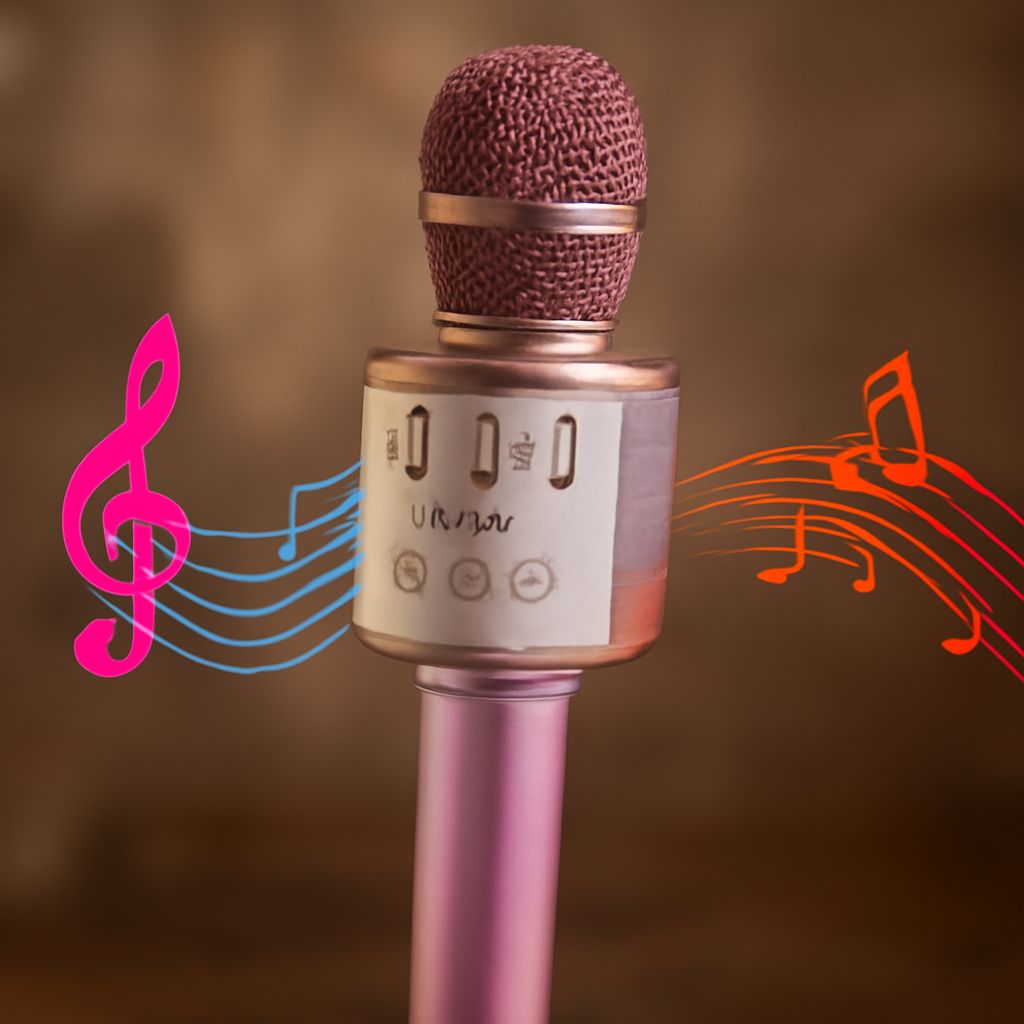
A wireless karaoke microphone with a built-in speaker is a compact all-in-one option. You can usually pair a phone to play a backing track through the microphone’s speaker, then sing into the same device. It is easy to carry between rooms, but a small speaker has limited volume and bass. Check whether the controls let you balance your voice against the music.
A karaoke wireless microphone with a receiver takes a different route: the microphone transmits your voice to a receiver connected to a compatible sound system. The receiver may use a 1/4-inch or 3.5 mm audio output, or another connection specified by the manufacturer. Your music source also needs a route to the sound system. A wireless microphone karaoke setup can fill a larger room if the connected equipment has enough power and the right inputs.
For a simple sing-along, a self-contained karaoke mic with wireless music playback may be enough. A wireless karaoke microphone with a receiver suits a separate sound system. Choose a receiver-based system when you want to use a larger speaker or adjust the mix through a separate mixer. Some powered speakers accept a microphone and music source directly; others need a mixer to combine them.
Check the entire connection chain
Before buying, write down the source, the device playing the sound, and the available inputs. Then match each connection to the product’s instructions:
- Phone or tablet: Look for Bluetooth audio pairing if you want to stream backing tracks to an all-in-one mic. Bluetooth may be intended for incoming music, so check whether it can also send audio to another speaker if that is your plan.
- TV: A TV can display lyrics from an app or video, but it may not accept a microphone as an audio input. Check its available audio outputs and the inputs on your speaker or mixer. Connect the TV’s audio output to the mixer when the mixer supports that signal and connection.
- Speaker: Find out whether it is powered and identify its inputs. A receiver’s output must fit an input that accepts its signal level. A plug adapter can change the connector’s shape; it cannot add a missing input or amplification.
For wireless microphones used for karaoke, confirm what comes in the box. A wireless mic designed for karaoke may include a receiver, but package contents vary. A receiver, cable, charging lead, or adapter may be sold separately. If your speaker has only one input, check how you will combine music and voice before ordering.
Bluetooth delay matters too. A lag between singing and hearing your voice can make timing difficult. If the product supports a wired output or a dedicated receiver, check whether that route is available for your setup and test it. TV audio processing can also add delay; an audio or game mode may reduce it on some models.
Controls and charging
Look for separate music and microphone volume controls on a wireless singing microphone used for karaoke. Echo can add space to a voice, but too much can blur the words. Start with a low effect level, raise the backing track gradually, and keep the speaker pointed away from the microphone to reduce feedback, the high-pitched squeal caused when amplified sound re-enters the mic.
Some karaoke microphones connect wirelessly to a receiver and offer channel selection. That can help when two compatible microphones are used together, but check the maker’s instructions for the number supported and how to pair them. A receiver-based kit may require its own power supply as well as charged microphones.
Compare stated battery life with the length of your sessions and check the charging connector. A karaoke microphone with wireless playback and a built-in speaker powers both functions from its battery; playback volume and effects can affect runtime. Charge it before guests arrive, and verify whether the model can operate while plugged in if uninterrupted use matters.
Choose the system whose documented connections carry both your music and your voice to the speaker you intend to use.