WiFi Antenna Long Range: How to Extend Your Wireless Signal Far and Wide
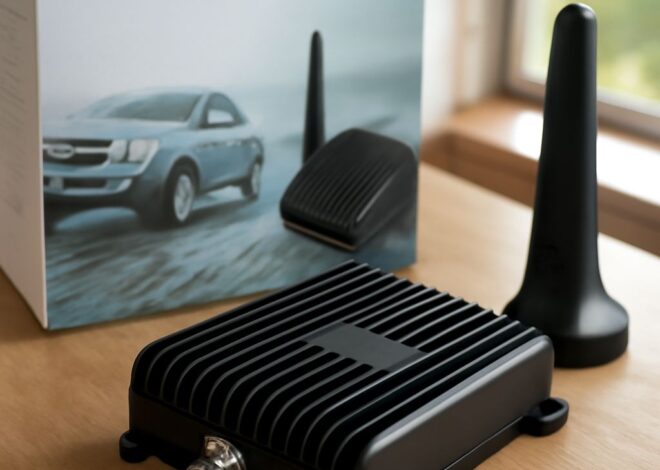
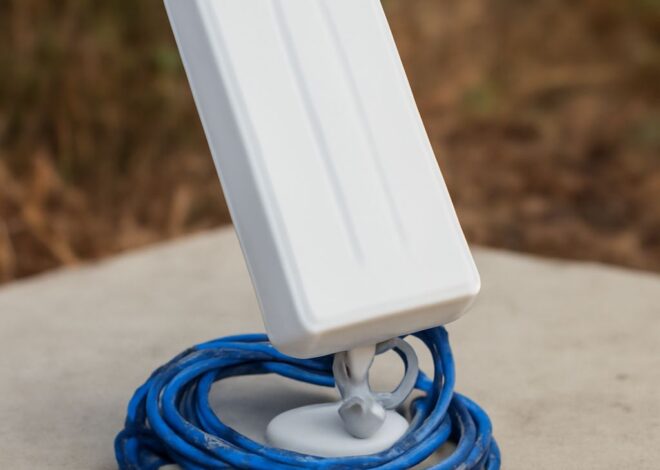
Your router sits inside the house, but you need a solid connection in the garage workshop, the back corner of the yard, or the barn 300 feet away. A wifi antenna long range upgrade is the most direct solution—you replace or add an antenna designed to push and receive signal across distances that standard router antennas can’t cover. A dedicated wifi receiver antenna mounted at the remote location picks up that signal cleanly. For outdoor coverage in multiple directions at once, an outdoor wifi antenna omnidirectional model broadcasts a 360-degree pattern rather than focusing signal in one direction. When you need to cover a large property, pairing long range wifi antennas on both the transmitter and receiver gives you the best link budget. The category as a whole—every variant of a wifi long range antenna—balances gain, pattern, and mounting requirements to close the distance between your router and your device.
Understanding WiFi Antenna Types and Gain
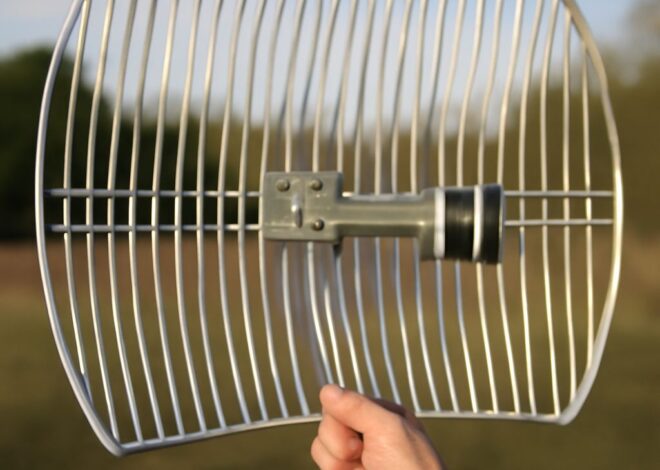
Omnidirectional vs. Directional Antennas An outdoor wifi omnidirectional antenna radiates signal in a flat donut pattern around its vertical axis—useful when you need to cover a yard, parking lot, or campground from a single central pole. Gain on omnidirectional units typically runs 5–9 dBi; higher gain on an omni compresses the vertical spread to extend horizontal range further. A directional long-distance wifi antenna—yagi, panel, or dish—focuses signal in a narrow beam, trading coverage angle for much higher gain (12–30+ dBi). Use a directional model when you know exactly where your remote device sits and want maximum range in that specific direction.
Frequency Bands: 2.4 GHz vs. 5 GHz Long-range wifi receiver antennas almost always operate on 2.4 GHz rather than 5 GHz. The 2.4 GHz band penetrates walls and foliage better and travels farther at equivalent power levels. The 5 GHz band offers higher throughput but its higher frequency loses energy faster over distance, making it a poor choice for extended-range outdoor links. If throughput matters and the path is clear of obstructions, some dual-band long-distance wifi antennas let you run both simultaneously.
Choosing the Right Long Range WiFi Antenna for Your Setup
Calculating Link Budget Link budget is the calculation that determines whether a wireless link will work at a given distance. It adds transmit power, subtracts cable and connector losses, adds antenna gain on both ends, and compares the result to the receiver’s minimum sensitivity. Free online tools like the Ubiquiti AirLink calculator let you enter your distance, antenna gain, and power to see whether the link closes before you spend money on equipment. For a 300-foot outdoor wifi link over open ground, a pair of 9 dBi omnidirectional long-range wifi antennas on standard N-connectors usually provides a comfortable margin.
Connector and Cable Considerations
Most consumer routers use RP-SMA connectors; outdoor wifi long-range antennas more often use N-type connectors for lower signal loss at higher frequencies. Verify connector compatibility before buying, or budget for an adapter. Cable length matters too: every meter of low-quality coax at 2.4 GHz costs roughly 0.5 dB of signal. Use LMR-400 or similar low-loss cable and keep runs short to preserve your antenna’s gain advantage.
Installing an Outdoor WiFi Antenna Omnidirectional for Maximum Coverage
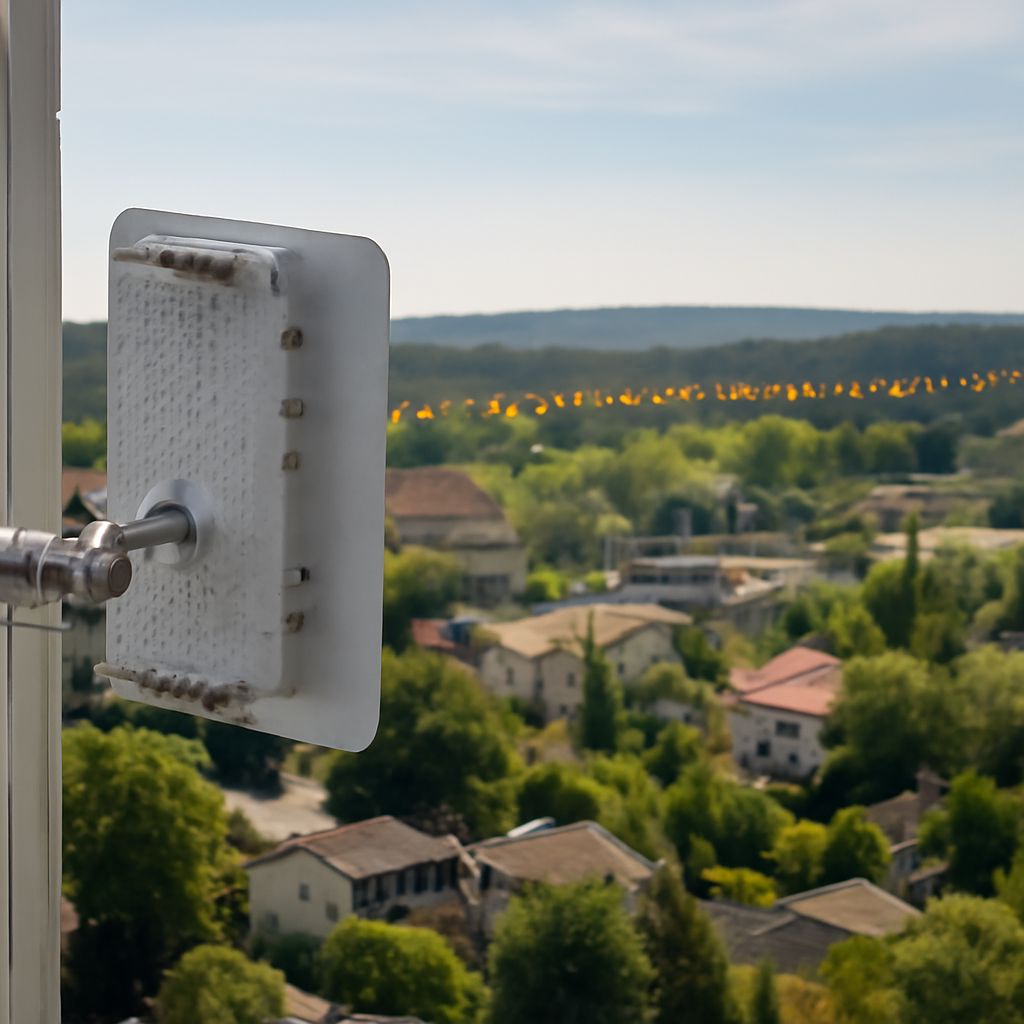
Mount the antenna as high as practical—rooflines, utility poles, and eaves all work well. Height reduces ground-level obstructions and improves line-of-sight to the farthest points of your coverage area. Seal all outdoor N-connector and coax joints with self-amalgamating tape to prevent water ingress; moisture in connectors is the leading cause of long-range wifi antenna failure. Ground the mast to protect your equipment from lightning—an outdoor long-distance wifi antenna sitting on a roofline is an effective lightning rod without proper grounding.
After installation, use a site survey app on your phone or laptop to walk the coverage area and log signal strength (RSSI). You’re looking for –70 dBm or better at the farthest point for reliable connections. If you’re reading –80 dBm or weaker, consider adding a wifi receiver antenna at the remote location or upgrading to a higher-gain directional unit.
Pro Tips Recap
Match antenna type to coverage need: omnidirectional for area coverage, directional for point-to-point links. Keep coax runs short and use LMR-400 cable to preserve gain. Seal all outdoor connectors against moisture. Verify your link budget with a calculator before buying hardware, and always walk the coverage area with a site survey tool after installation to confirm real-world performance.