E Ink Android Tablet: A Comprehensive Guide
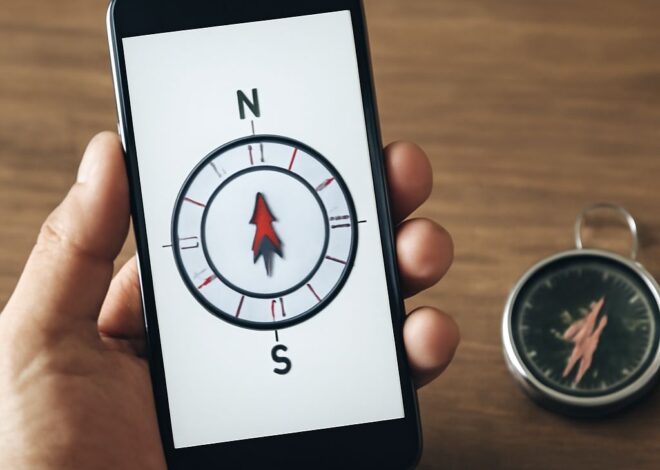
Imagine yourself lounging under the warm sun, a gentle breeze playing with your hair. As you adjust your sunglasses, you reach for your E Ink Android tablet, its display comfortably readable even in the bright sunlight. You’ve decided to explore some offline maps and get a sense of the surrounding area. With your Android tablet equipped with GPS, navigation is a breeze, and you can easily compare it to the capabilities of your Windows tablet back home. You ponder the benefits as you plan your day, knowing that each device offers its own unique advantages.
What Are the Key Features of an E Ink Android Tablet?
Display Technology
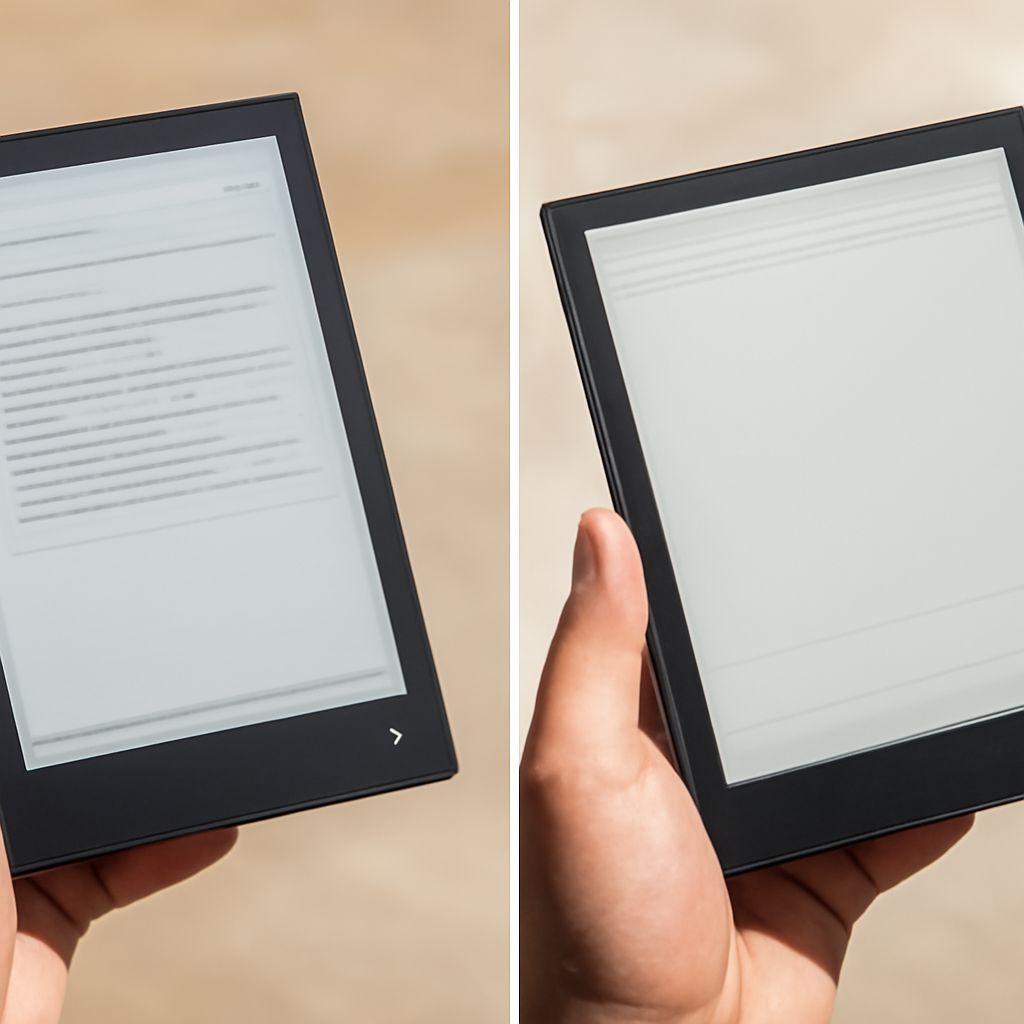
The display technology of an E Ink Android tablet sets it apart from traditional LCD or OLED screens. Instead of emitting light, E Ink screens reflect ambient light, making them ideal for reading in bright environments without causing eye strain. This technology is similar to that used in e-readers, providing clear visibility under direct sunlight.
Battery Life
Another notable feature is the exceptional battery life of E Ink Android tablets. Due to the low power consumption of E Ink displays, these tablets can last for weeks on a single charge. This longevity makes them perfect for long trips or periods away from a power source, reducing the need for frequent recharging.
How Does an Android Tablet Compare to a Windows Tablet?
Operating System Differences
The operating systems on Android and Windows tablets cater to different user preferences. Android, being open-source, offers extensive customization options and a wide range of apps through the Google Play Store. In contrast, Windows tablets provide a familiar desktop-like experience, complete with Microsoft Office and other productivity software.
App Ecosystem
The app ecosystem varies significantly between the two platforms. While Android tablets boast a vast selection of apps, including many free options, Windows tablets often excel in professional-grade software and tools. Users might find Android more suitable for entertainment and casual use, while Windows may appeal to those seeking robust business applications.
What Are the Benefits of a Windows Tablet vs Android Tablet?
Performance and Versatility
Windows tablets often offer superior performance and versatility due to their ability to run full desktop applications. This makes them a strong choice for users who require high processing power and multitasking capabilities, such as graphic designers or engineers.
Software Compatibility
Compatibility with legacy software is another advantage of Windows tablets. Many businesses rely on traditional Windows programs, and having a tablet that can run these applications without compatibility issues is beneficial. This makes Windows tablets a preferred option for professional environments.
Which Android Tablets Offer Built-In GPS?
Top Models with GPS
Several Android tablets are equipped with built-in GPS functionality, offering reliable navigation capabilities. Leading models include the Samsung Galaxy Tab series and the Lenovo Tab series, both known for their robust GPS performance and additional features like offline maps.
Navigation and Offline Maps
Android tablets with GPS support offer enhanced navigation options, especially when combined with offline maps. This allows users to explore remote areas without an internet connection, making them ideal for travelers or outdoor enthusiasts.
How to Choose the Best Android Tablet with GPS
Factors to Consider
When selecting the best Android tablet with GPS, consider factors such as screen size, battery life, and processing power. A larger screen may improve the navigation experience, while a long-lasting battery ensures the device remains functional during extended outings.
User Needs and Preferences
Your specific needs and preferences should guide your choice. If reading is a priority, an E Ink screen may be desirable. For those focused on navigation, GPS precision and offline map capabilities should be prioritized. Balancing these elements ensures you select a device that aligns with your lifestyle.
Safety recap: When using devices with GPS functionalities, ensure they are securely mounted or carried to prevent accidents. Additionally, practice responsible usage by not relying solely on technology for navigation, especially in unfamiliar or remote locations.