WiFi QR Code: Share Networks Instantly and Boost Signal with a Cantenna
WiFi QR Code: Share Networks Instantly and Boost Signal with a Cantenna
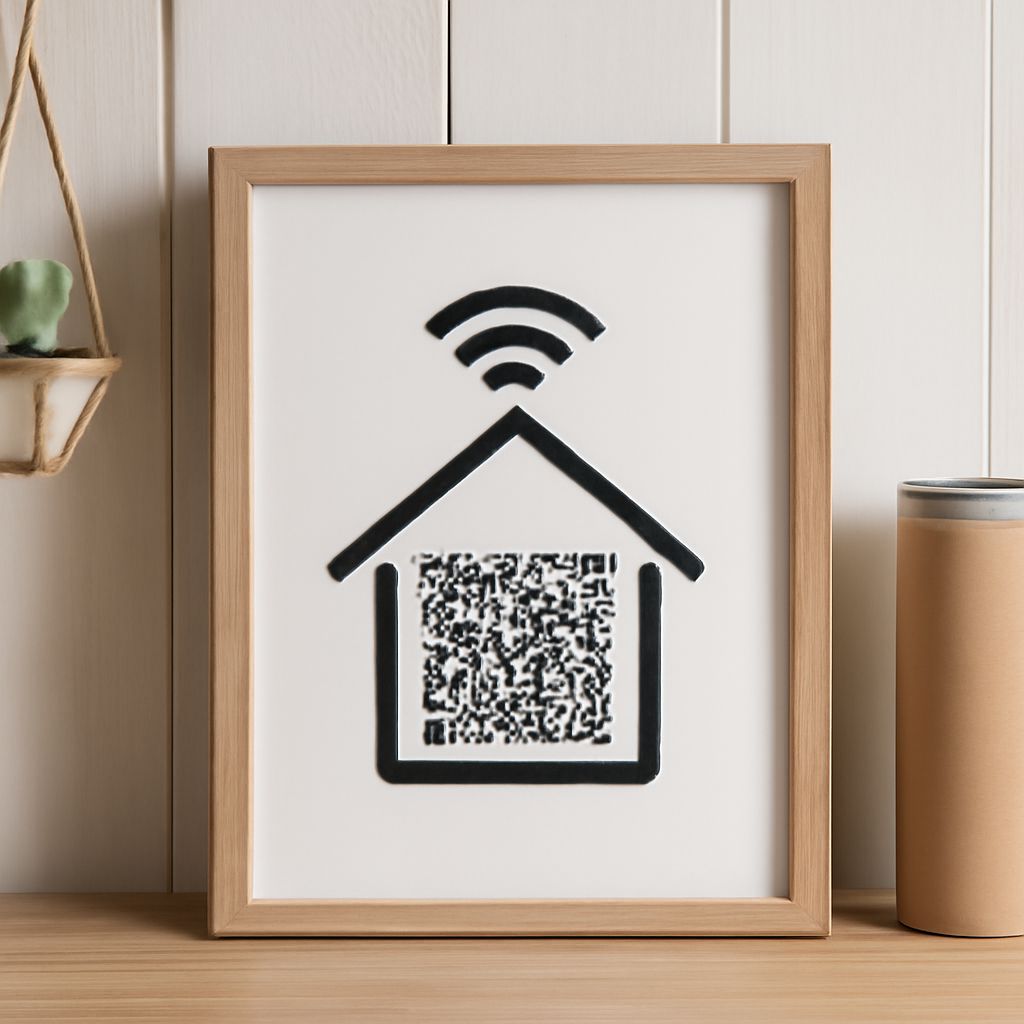
You have guests arriving and don’t want to spell out a 20-character WiFi password character by character. Generating a wifi qr code and printing or displaying it on your wall lets anyone connect by pointing their phone camera at the code — no typing required. This approach is standard in hotels, cafes, and coworking spaces, and you can set it up at home in under two minutes.
On the signal side, reaching a far corner of your property or a remote workshop requires more than a standard router. A qr code generator wifi tool only solves the sharing problem; for range, you might use a wifi generator — a portable cellular-to-WiFi hotspot device — or build a directional cantenna wifi antenna from household materials. This guide covers both convenience tools and DIY wifi cantenna construction so you can address every aspect of wireless network access.
What Is a WiFi QR Code and How Does It Work
How Devices Scan and Connect Instantly
A wireless network QR code encodes your network’s SSID, encryption type, and password into the standard WIFI: QR text format. When a smartphone camera scans the code, the operating system parses the encoded credentials and prompts the user to join without manually entering any information. Android 10 and later and iOS 11 and later both support native WiFi QR scanning through their stock camera apps. The entire join process — scan, prompt, connect — takes three seconds, making QR-based network sharing dramatically faster than verbal password sharing.
QR Code WiFi Security Considerations
A printed WiFi QR code is as secure as your network password itself. Anyone who photographs or copies the code can decode it with a free reader app. For guest networks, generate a separate WiFi QR code that accesses only your guest VLAN, keeping your primary network isolated. Rotate guest passwords periodically and regenerate the corresponding wireless network QR code — most free generators take seconds to produce a new image.
Using a QR Code Generator for WiFi Sharing
Dozens of free web-based WiFi QR code creation tools exist; simply enter your SSID, choose WPA/WPA2 as the security type, type your password, and download the resulting image. Generating a QR code for WiFi sharing can also be done directly from Android settings under the network sharing menu, which produces a scannable code others can use to join your hotspot. For professional applications — restaurants, retail — design services let you embed the wireless QR code into branded signage or table tent cards. Verify the generated QR code by scanning it yourself before distributing printed copies, since a single mistyped character in the password renders every printed copy non-functional.
WiFi Generator: Portable and Off-Grid Internet Solutions
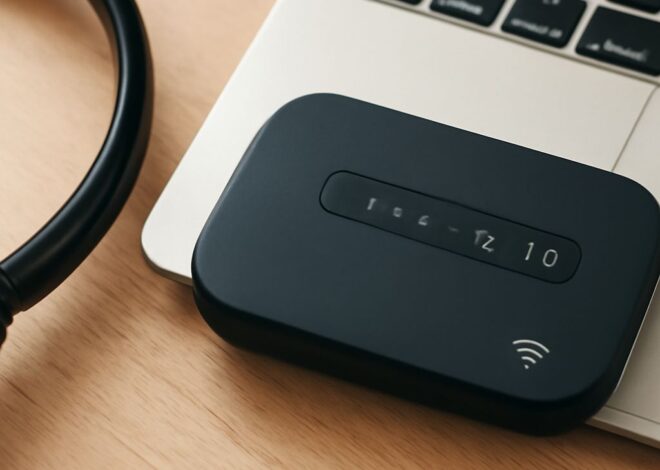
A portable WiFi generator — also called a mobile hotspot device or MiFi — converts 4G LTE or 5G cellular signals into a local WiFi network that multiple devices can share. These compact cellular-to-wireless converters are widely used by field workers, RV travelers, and event organizers who need reliable internet where fixed broadband doesn’t exist. Portable internet generators typically support 10 to 32 simultaneous connected devices and offer battery life ranging from 8 to 24 hours depending on load. Selecting a portable WiFi generator with an external antenna port allows for signal improvement in weak cellular areas by attaching a directional booster antenna pointed at the nearest cell tower.
Cantenna WiFi: Directional Antenna for Long-Range Wireless
Building a Simple Cantenna at Home
A cantenna is a directional waveguide antenna built from an ordinary metal food can — typically a Pringles tube, a coffee can, or a cylindrical soup tin. The can’s diameter determines the antenna’s optimal operating frequency for 2.4 GHz or 5 GHz WiFi bands; standard 90mm-diameter cans work well for 2.4 GHz. A WiFi cantenna DIY build requires cutting a length of coaxial cable, soldering a quarter-wave probe to the center conductor, mounting it through a drilled hole at the correct distance from the can’s closed end, and attaching the cable to a standard RP-SMA pigtail that plugs into your router or USB WiFi adapter. Properly constructed homemade directional WiFi antennas can extend usable range from 30 meters to over 200 meters in a focused direction.
Legal and Placement Considerations
Boosting your own WiFi with a directional antenna is legal in most countries as long as total transmit power stays within regulatory limits. Pointing a cantenna WiFi setup at a neighbor’s network to use their internet without permission is illegal. For best results, mount the directional wireless cantenna at height on both the transmitting and receiving ends with clear line-of-sight between them, since obstructions like walls and foliage drastically reduce 2.4 GHz and 5 GHz signal strength.
WiFi Cantenna vs. Other Directional Antennas
Compared to commercial Yagi and parabolic dish WiFi antennas, a homemade WiFi cantenna offers the lowest cost — essentially free from salvaged materials — at the expense of some performance consistency and build complexity. Commercial parabolic grid antennas for WiFi achieve gains of 24 dBi or higher versus a typical cantenna’s 12–15 dBi, making them preferable for point-to-point links exceeding 500 meters. For short-to-medium range directional connections within a property, a properly built WiFi can antenna performs comparably to entry-level commercial patch antennas at zero material cost. Panel antennas offer a flatter form factor than a cylindrical cantenna with similar gain figures, making them easier to mount discreetly on exterior walls.
Pro tips recap: Generate a WiFi QR code for your guest network to eliminate password sharing friction — regenerate it whenever you change the password. Build or buy a cantenna for directional long-range coverage on your own property within regulatory power limits. For off-grid internet, a portable WiFi generator with an external antenna port gives the most flexibility in weak signal areas.