WiFi or Wi-Fi? 2.4G WiFi vs 5G vs Regular WiFi Explained
WiFi or Wi-Fi? 2.4G WiFi vs 5G vs Regular WiFi Explained
You’ve probably noticed that people write it both ways: wifi or wifi. And you might be wondering whether your 2.4g wifi band is worth using at all, or what the difference is in the wifi vs wi-fi debate over spelling. Maybe you’re trying to understand the practical differences in 5g vs regular wifi speed, or you’ve upgraded your router and want to know if 5g vs normal wifi makes a meaningful difference for streaming and gaming. This guide answers all these questions definitively.
Wireless networking terminology is genuinely confusing because multiple debates overlap: the official spelling, the two frequency bands on your home router, and the completely separate topic of 5G cellular networks all use similar terms. Let’s untangle them systematically.
WiFi or Wi-Fi: The Official Answer
The official spelling is Wi-Fi — with a capital W, capital F, and a hyphen. This is the trademarked term owned by the Wi-Fi Alliance, the industry organization that certifies wireless networking equipment. However, in everyday consumer writing, “wifi” (all lowercase, no hyphen) has become universally accepted and understood. The debate around wifi vs wi-fi is largely academic — both terms refer to the same IEEE 802.11 wireless networking standard. Tech publications increasingly use “Wi-Fi” in formal contexts and “wifi” in informal writing. Either wifi or wi-fi is understood by any reader.
What Is 2.4G WiFi and When Should You Use It?
2.4g wifi refers to wireless networking operating on the 2.4 GHz frequency band. The 2.4 GHz wifi band offers longer range and better penetration through walls and floors than 5 GHz, but at lower maximum speeds and with more interference from neighboring networks, microwaves, and Bluetooth devices. Use 2.4 GHz wifi for devices that are far from the router, need to penetrate multiple walls, or have older wireless adapters that only support the 2.4 GHz band. Smart home devices — bulbs, thermostats, cameras — typically connect to 2.4G wifi networks because their data needs are modest and range matters more than speed.
WiFi vs Wi-Fi: Band Comparisons at a Glance
When people say wifi vs wi-fi bands, they typically mean 2.4 GHz versus 5 GHz. Here’s a practical comparison:
- 2.4 GHz wifi — Range: excellent (150+ feet indoors), speed: up to ~600 Mbps (Wi-Fi 5), congestion: high in urban environments
- 5 GHz wifi — Range: shorter (50-100 feet indoors), speed: up to ~3.5 Gbps (Wi-Fi 6), congestion: lower
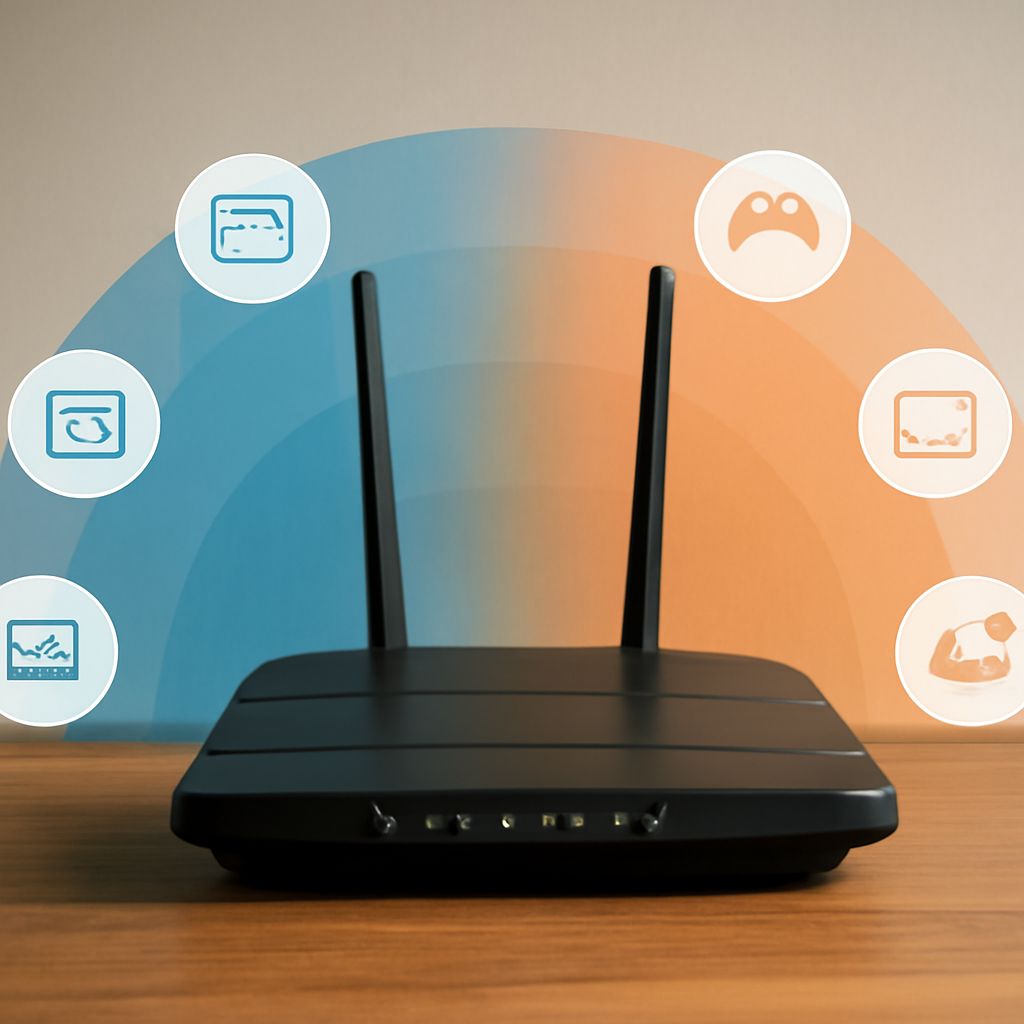
Modern routers support both bands simultaneously (dual-band) or even triple-band configurations adding a second 5 GHz channel.
5G vs Regular WiFi: Clearing Up the Confusion
5g vs regular wifi is one of the most misunderstood technology comparisons because “5G” is used for two completely different things. 5G cellular refers to the fifth generation mobile network technology used by smartphones and wireless carriers for outdoor connectivity. 5 GHz WiFi refers to the higher-frequency band on home routers. These are entirely separate technologies. When comparing 5g vs regular wifi in the home networking context, you’re comparing 5 GHz band vs 2.4 GHz band on your router — not cellular 5G vs home internet.
5G vs Normal WiFi: Choosing the Right Band
Choosing between 5g vs normal wifi (5 GHz vs 2.4 GHz) in your home comes down to distance and speed needs. For devices within 30 feet of your router — gaming consoles, smart TVs, laptops in the same room — connecting to the 5 GHz band delivers significantly faster speeds and lower latency. For devices more than 50 feet away, behind thick walls, or using older wireless adapters, 2.4 GHz (normal wifi) provides better coverage. Modern routers with band steering automatically move devices to the optimal frequency, eliminating the manual 5g vs normal wifi decision.
Next steps: Update your router to a Wi-Fi 6 (802.11ax) dual-band model if you haven’t already — it supports both 2.4G wifi and 5 GHz efficiently. Enable band steering so devices automatically connect to the optimal frequency. Remember that 5G cellular and 5 GHz wifi are different technologies, and your router’s 5 GHz band is what determines whether 5g vs regular wifi is relevant to your home network performance.