Windows Emulator for Android: Run PC Apps and Games on Your Phone
Windows Emulator for Android: Run PC Apps and Games on Your Phone
You want to run a desktop app, a classic PC game, or a Windows utility on your Android phone or tablet without carrying a laptop. A windows emulator for android makes this possible—though the options range from genuine Windows virtualization to PC-game-specific emulation layers. The best windows emulator for android depends on what you actually need: a full Windows environment, specific PC game compatibility, or just a handful of legacy apps. Searching for a pc game emulator for android returns a different set of tools than searching for a general-purpose Windows environment—the game category uses compatibility layers like Wine, while full Windows emulation requires virtualization. The best pc emulator for android for productivity tasks is different from the best for gaming. And “running a windows emulator on android” means different things depending on your hardware—a flagship phone with 12 GB RAM handles full Windows virtualization; a budget device does not.
What a Windows Emulator for Android Actually Does
Full Windows Virtualization vs. Compatibility Layers
True Windows virtualization on Android runs an actual copy of Windows in a virtual machine on your phone. Apps like VMOS Pro and Limbo PC Emulator can run lightweight Windows XP or Windows 7 VMs on modern Android hardware, though performance is limited—complex software runs slowly and modern Windows 10/11 requires substantial RAM and processing power that most phones can’t provide smoothly. A compatibility layer approach, by contrast, translates Windows API calls into Android-native operations without running a full Windows OS—faster and more practical for many use cases.
Wine for Android
Wine (Wine Is Not an Emulator) is the leading compatibility layer for running Windows applications on non-Windows platforms. The Android version of Wine lets you run many 32-bit Windows applications directly on your phone without a Windows license or a full VM. It works best with older, lightweight apps—office tools from the early 2000s, classic PC utilities, and many indie games. Complex modern software that requires DirectX 12 or 64-bit-only execution runs poorly or not at all.
Best PC Game Emulator for Android: Gaming-Specific Options
For running PC games specifically, several Android emulation tools outperform general Windows emulators:
- ExaGear (discontinued but still available as older APKs): ran x86 Windows games on ARM Android hardware via binary translation. Performance was solid on mid-range phones for games up to around 2010.
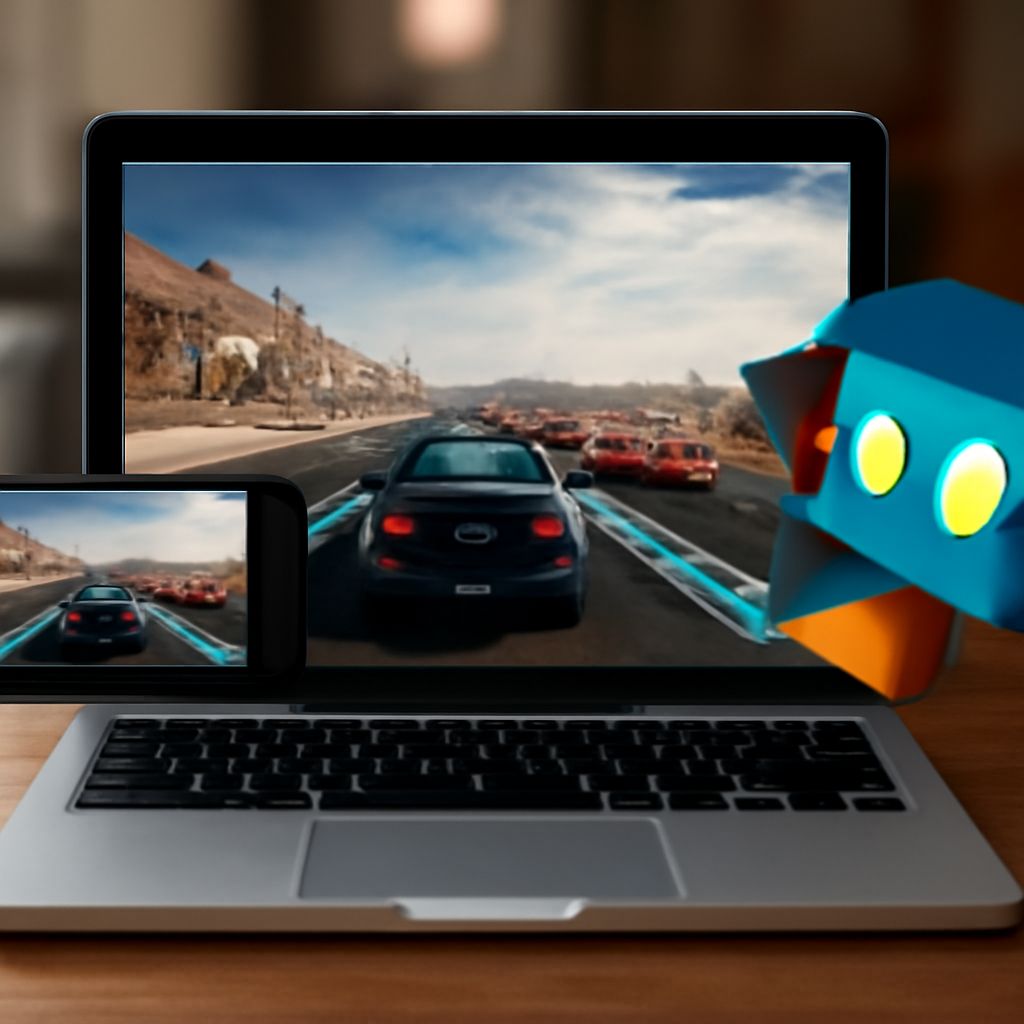
- Steam Link: streams PC games from your home computer to your Android device over WiFi. This isn’t technically a PC game emulator for Android—it requires a running PC—but it’s the most practical way to play modern PC titles on a phone with low latency over a 5 GHz network.
- GeForce NOW / Xbox Cloud Gaming: cloud-based PC game streaming that runs the game on remote servers and streams video to your phone. No local processing required, so it works on any Android device with a fast internet connection.
Best Windows Emulator on Android by Use Case
For legacy productivity apps, Wine for Android is the best windows emulator on android approach—install it via the official Winehq APK, load your 32-bit Windows app, and it often runs without additional configuration. For full Windows environments on a capable phone, Termux combined with QEMU can run a lightweight Windows 10 ARM image, though this requires technical setup. For gaming specifically, Steam Link or cloud gaming eliminates the emulation complexity entirely and provides a far better gaming experience than any local Windows emulation on Android hardware can achieve today.
Pro Tips Recap
Wine for Android handles legacy 32-bit Windows apps without a full OS install—start there if your goal is running specific older software. For modern PC games, remote streaming via Steam Link over 5 GHz WiFi outperforms any local Android Windows emulator by a significant margin. Always check processor architecture before installing a Windows emulator on Android—ARM-based Android phones require binary translation to run x86 Windows software, which always carries a performance penalty. If you need a complete Windows environment for productivity, a remote desktop app connecting to an actual Windows PC or cloud VM provides the most reliable and compatible experience.