Why Is My Printer Printing Blank Pages? Causes and Fixes
Why Is My Printer Printing Blank Pages? Common Causes and Fixes
You hit print on an important document and the machine runs perfectly, except every sheet that comes out is completely blank. Understanding why is my printer printing blank pages requires working through a short list of likely causes — the fix is usually simple once you identify the right one. The related question why is my wifi faster than ethernet sometimes also surfaces in a printing context when a wireless connection causes incomplete data transfer to the printer, producing empty output. Whatever the connection type, why is my printer printing blank sheets often traces back to one of a handful of driver, ink, or hardware issues. When your printer has ink but prints blank pages, the printhead is usually the first place to investigate. And knowing how to fix printer printing blank pages for your specific model lets you solve it without a technician call.
Here is a systematic approach to diagnosing and fixing blank page output from any printer.
Ink or Toner Problems
Empty or New Cartridges
New cartridges sometimes come with a protective tape seal over the ink nozzles or the chip contact. Removing the packaging tape before installing is the most common fix for blank pages from a newly installed cartridge. If the cartridge has been in the printer a while, check the ink levels through your printer’s software. Even when a cartridge shows ink, the printhead may be clogged from extended periods of non-use.
Clogged Printhead Nozzles
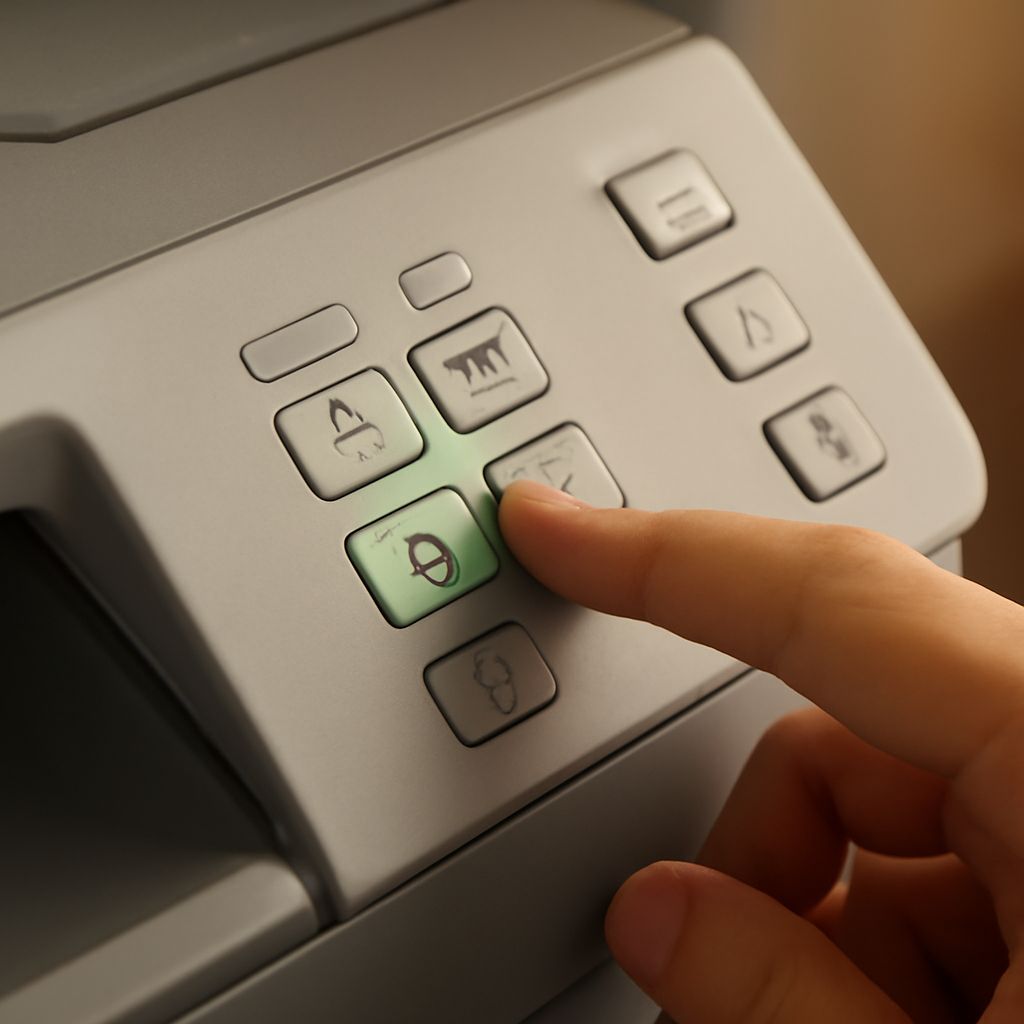
Inkjet printers are most susceptible to blank output from clogged nozzles. Ink dries in the nozzles when a printer sits unused for weeks or months. Run a printhead cleaning cycle from the printer’s maintenance menu. Most printers offer a cleaning cycle, a deep cleaning cycle, and a nozzle check pattern print. Run the nozzle check first to see which colors are missing, then run one or two cleaning cycles. Repeat the nozzle check between cycles — aggressive overcleaning wastes ink without improving results.
Driver and Software Issues
A corrupted print driver can cause jobs to send correctly but render blank at the printer. Uninstall the printer driver completely through Device Manager or the manufacturer’s uninstall tool, restart the computer, then reinstall the latest driver from the manufacturer’s website. On Windows, an outdated or mismatched driver is a common culprit after a major Windows update. On Mac, deleting the printer from Printers & Scanners and re-adding it often resolves driver conflicts.
Paper Loaded Incorrectly
Inkjet printers print on the correct side of the paper, and some paper types have a coated side and an uncoated side. Loading paper upside down means the ink hits the wrong surface and doesn’t absorb correctly, producing output that appears blank or very faint. Check the paper packaging for the print side indicator (usually a small arrow or marking on the ream wrapper) and ensure you’re loading it correctly in the tray.
Connection and Data Transfer Problems
A printer connected via slow or unstable Wi-Fi sometimes receives incomplete job data and processes a partial or empty print job. If blank pages appear inconsistently, try printing via USB to isolate whether the issue is network-related. This also addresses the scenario where wireless connection speed mismatches cause data loss. Switch to a wired Ethernet connection for the printer if blank page issues correlate with peak network usage times.
Laser Printer Specific Issues
Blank output from a laser printer usually points to a failed drum, depleted toner, or a toner cartridge with the protective strip not removed. Shake the toner cartridge gently side to side to redistribute remaining toner before printing. If output remains blank, the drum unit may need replacement. Laser printer drums have a separate lifespan from toner cartridges and typically last 20,000–50,000 pages.
Key takeaways: Start with the simplest fixes — check cartridge tapes on new installs, run a nozzle check, and verify paper orientation. Reinstall the driver if the printer works mechanically but output is blank. For intermittent blank pages on wireless printers, test via USB to rule out connection-related data transfer failures.