Printer Says Offline But Is On: Fixes Plus Laptop WiFi No Internet Solutions
Printer Says Offline But Is On: Causes, Fixes, and WiFi Troubleshooting
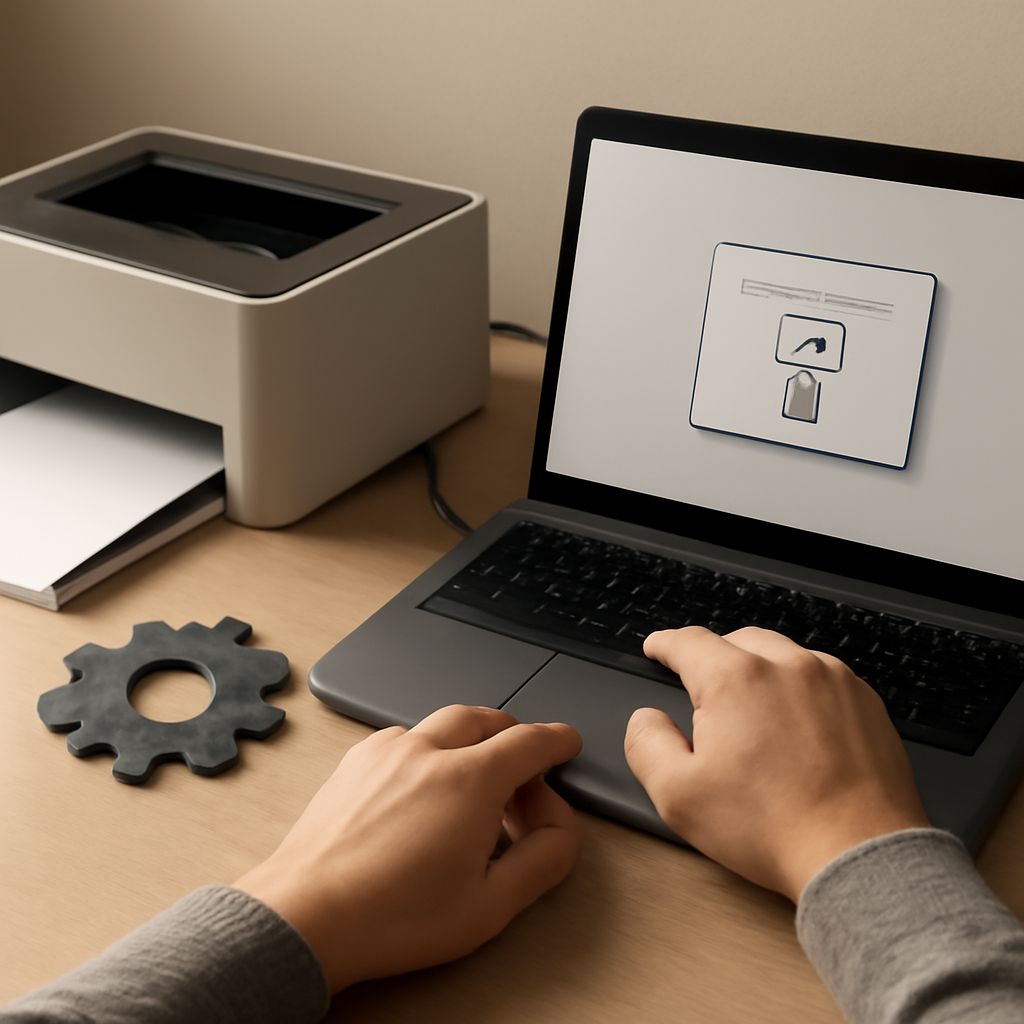
You send a print job and Windows tells you the printer is offline — except you can see the printer’s display glowing and the Wi-Fi indicator lit. When your printer says offline but is on, the problem lies in software communication rather than hardware power. A laptop connects to wifi but no internet situation follows a similar pattern: the connection exists, but something in the network stack prevents data from flowing. Understanding why printer connected to wifi but offline differs from a powered-off state guides you to the right fix. Similarly, diagnosing why a laptop connects to wifi no internet requires checking the router, DNS, and IP configuration rather than the Wi-Fi connection itself. And when your laptop connects to wifi but not internet, the cause could be anything from a misconfigured gateway to a software firewall blocking outbound traffic.
Here is a systematic approach to both printer offline issues and laptop Wi-Fi no-internet problems.
Why a Printer Shows Offline When It’s On
The Print Spooler and Queue
Windows uses a Print Spooler service to manage print jobs. When the spooler encounters an error — a failed job, a corrupted queue entry, or a timeout — it may mark the printer as offline even though the physical device is operational. Clearing the print queue and restarting the Print Spooler service resolves this in most cases. In the Run dialog, type services.msc, find Print Spooler, stop the service, clear the print queue folder (C:\Windows\System32\spool\PRINTERS), and restart the service.
IP Address Changes and Printer Offline Status
When a wireless printer’s IP address changes after a router restart, the computer’s printer port still points to the old address. The printer appears offline because Windows can’t find it at the expected address. Fix this by assigning a static IP to the printer through the router’s DHCP reservation settings, then updating the printer port in Windows to match the new address. Navigate to Devices and Printers, right-click the printer, select Printer Properties, then Ports to verify the IP matches the printer’s current address.
Fixing Printer Offline Status on Windows
Step-by-step resolution for a printer that says offline:
- Check that the printer is actually powered on and connected to the same network as your computer
- Open Devices and Printers, right-click the printer, and select “See what’s printing”
- In the print queue window, click Printer menu and uncheck “Use Printer Offline”
- If the queue has stuck jobs, cancel all pending jobs
- Restart the Print Spooler service via Services.msc
- If still offline, remove and re-add the printer
When Your Laptop Connects to WiFi but Has No Internet
Connected to Wi-Fi but no internet is a separate problem from the printer situation, though both appear as failures at the device level. Common causes include:
- ISP outage: Test on another device on the same network to confirm
- DNS failure: Try manually setting DNS to 8.8.8.8 (Google) or 1.1.1.1 (Cloudflare) in network adapter settings
- IP address conflict: Release and renew IP address with ipconfig /release and ipconfig /renew in Command Prompt
- Router reboot needed: Power cycle the router by unplugging for 30 seconds
- Driver issue: Update the Wi-Fi adapter driver through Device Manager
When Only Your Laptop Has No Internet
If other devices on the same network access the internet fine but your laptop can’t, the problem is specific to your machine. Run the Windows Network Troubleshooter (right-click the Wi-Fi icon in the system tray) to let Windows diagnose automatically. Reset the TCP/IP stack with netsh int ip reset in an elevated Command Prompt. If the troubleshooter identifies “Default gateway is not available” as the issue, update your Wi-Fi adapter drivers and check power management settings — Windows sometimes powers down the adapter to save battery, interrupting the connection.
Key takeaways: A printer offline error despite the machine being powered on almost always traces to a Print Spooler problem or IP address mismatch — fixing the port or clearing the spooler resolves it without reinstalling. A laptop that connects to Wi-Fi but shows no internet needs network stack troubleshooting, not hardware replacement.