Is 5G WiFi Better? Understanding 5G vs 2G WiFi for Every Situation
Is 5G WiFi Better? Understanding 5G vs 2G WiFi for Every Situation
You’ve been told to use the “5G” network for faster speeds, but your phone keeps switching back to the 2G network on its own. You’re asking is 5g wifi better in a general sense, or does it depend on where you are? The 5g vs 2g wifi question comes up every time you set up a new device. At close range, 5g wifi vs regular 2.4 GHz is clearly faster — but the wifi 2g vs 5g picture changes at longer distances or through walls. And the difference between 2.4 and 5.0 wifi band characteristics explains why your router gives you both options rather than just one. This guide gives you a complete, practical answer.
Is 5G WiFi Better? The Context-Dependent Answer
Whether 5G WiFi is better depends entirely on your distance from the router and the obstacles between you. At 5 meters with line of sight, 5G WiFi is definitively better — 2–4x faster throughput and lower latency. At 15 meters through two walls, 5G WiFi may perform the same or worse than 2.4 GHz because 5 GHz radio waves attenuate faster through dense materials. The 5g vs 2g wifi question therefore has a location-based answer: near the router, 5G WiFi is better; far from the router with obstructions, 2G WiFi is more reliable.
Speed Comparison at Different Distances
A WiFi 5 router at 3 meters: 5 GHz delivers ~400–600 Mbps real-world, 2.4 GHz delivers ~80–150 Mbps. At 10 meters through one wall: 5 GHz delivers ~150–300 Mbps, 2.4 GHz delivers ~60–100 Mbps. At 20 meters through two walls: 5 GHz may deliver ~30–80 Mbps or disconnect entirely, while 2.4 GHz holds ~40–80 Mbps more reliably. The difference between 2.4 and 5.0 wifi is most pronounced at short range; at long range, the gap narrows or reverses.
Congestion Effects in Dense Environments
In apartment buildings, the 5G WiFi vs regular 2.4 GHz comparison shifts further toward 5 GHz because 2.4 GHz congestion from neighboring networks is severe. The 5 GHz band’s additional non-overlapping channels reduce co-channel interference. Even at moderate distance in a dense urban area, 5G WiFi often outperforms 2.4 GHz due to lower channel contention.
When 5G WiFi Is Definitively Better
Connect to 5 GHz WiFi when: streaming 4K video within 10 meters of the router, gaming online where low latency matters, downloading large files quickly, and video conferencing from a fixed location near the access point. The 5g wifi vs regular performance advantage is clearest for sustained high-bandwidth tasks rather than brief browsing sessions. A wireless streaming device, laptop, or gaming console within reasonable router range benefits measurably from the wifi 2g vs 5g upgrade to the faster band.
When 2.4 GHz WiFi Is the Better Choice
Use 2.4 GHz WiFi when: your device is far from the router (more than 15 meters), there are multiple walls or floors between you and the access point, or the device is an IoT sensor, smart bulb, or smart lock that needs reliable low-bandwidth connectivity. The 5g vs 2g wifi range trade-off makes 2.4 GHz the right default for smart home automation devices. Battery-powered IoT devices also consume less power connecting on 2.4 GHz than on 5 GHz, which matters for devices running on coin cells or small rechargeable batteries.
Configuring Your Router for Both Bands Effectively
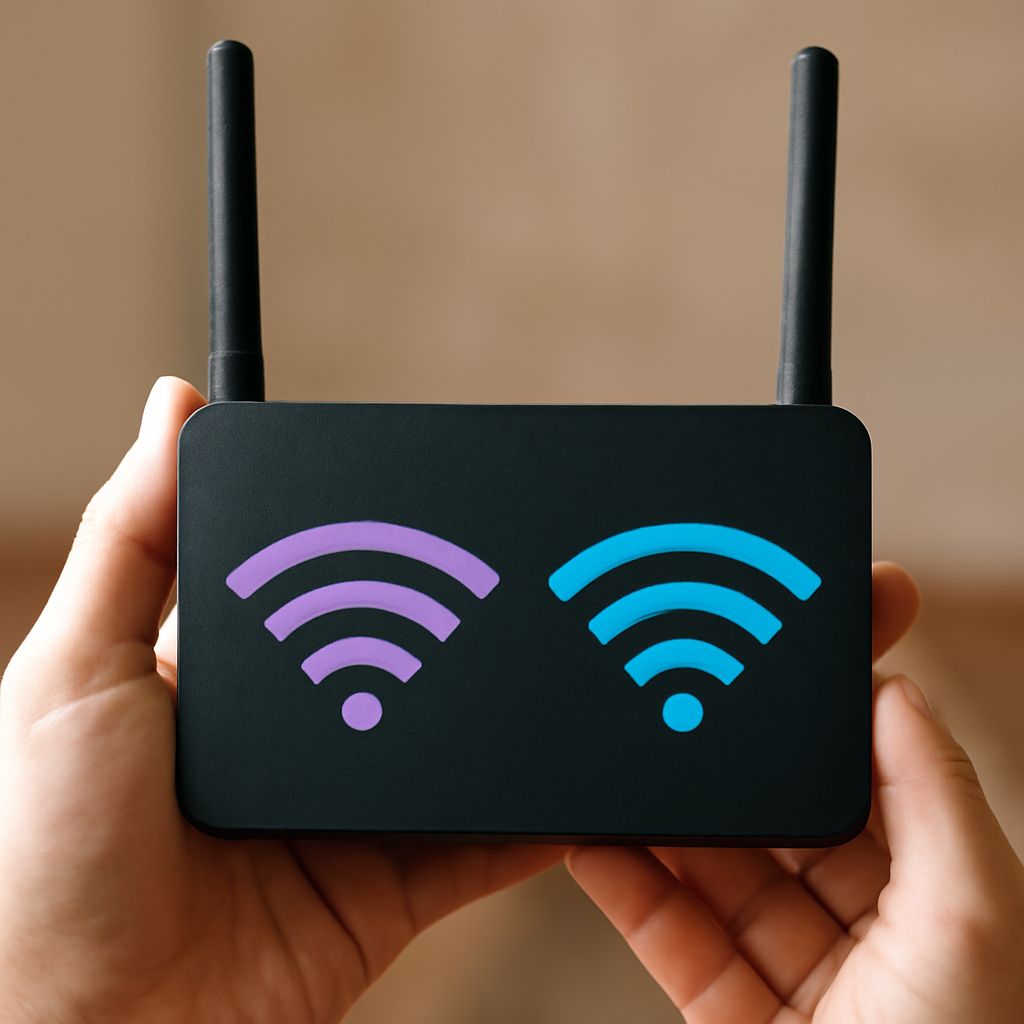
For best results: give your 2.4 GHz and 5 GHz networks different SSIDs so you can manually assign devices. Smart home devices go on the 2.4 GHz SSID; phones, laptops, and streaming devices go on the 5 GHz SSID. Alternatively, enable band steering on a unified SSID and let the router optimize the difference between 2.4 and 5.0 wifi assignment automatically. Update your router’s firmware annually — many routers improve their band steering algorithms with updates, reducing the need for manual band management.
Pro tips recap: Is 5g wifi better? Yes, for devices near the router doing high-bandwidth tasks. No, for distant devices needing reliable connectivity through walls. Use both bands intentionally — the difference between 2.4 and 5.0 wifi is a feature, not a flaw.