Printer Ghosting and Laser Printer Heat Transfers: What to Know
Printer Ghosting and Laser Printer Heat Transfers: What to Know
You pull a laser-printed page and notice a faint, repeated image trailing behind the main content — a ghost of what was printed a few lines up, recurring at regular intervals down the page. That’s printer ghosting, and it’s one of the most confusing laser printer issues because it looks like the machine is printing correctly and incorrectly at the same time. Separately, you might be investigating whether a heat transfer laser printer workflow can produce iron-on graphics, or whether you can use inkjet paper in your laser device.
This guide explains the mechanics behind printer ghosting and laser printer ghosting specifically, covers heat transfer workflows, and answers the common media questions: can you use inkjet paper in a laser printer, and can you use a laser printer for iron on transfers without melting your machine.
What Is Printer Ghosting?
How Ghost Images Form
Printer ghosting occurs when residual toner or a residual electrical charge on the drum unit creates a faint secondary impression offset from the primary print. In a laser printer, the photoconductor drum is charged, exposed to light to form the image, and then discharged after toner is transferred to paper. If the drum isn’t fully discharged or if residual toner clings to it, the next rotation of the drum deposits that leftover image again — lighter, but visible. The offset distance between the ghost and the original corresponds to the drum’s circumference, which is why ghost images repeat at precise, regular intervals.
Causes of Laser Printer Ghosting
Laser printer ghosting has several distinct causes: a worn or contaminated drum that doesn’t discharge cleanly; a faulty or cold fuser that doesn’t fully bond toner to paper, leaving residual particles; low-quality or incompatible toner that transfers unevenly; or printing on paper that’s heavier or glossier than the printer’s fuser temperature supports. Environmental factors matter too — very low humidity causes static buildup that worsens ghosting. Try increasing the fuser temperature setting (many printers have a heavy paper or glossy paper mode that runs hotter and reduces ghosting on coated media).
How to Fix Printer Ghosting
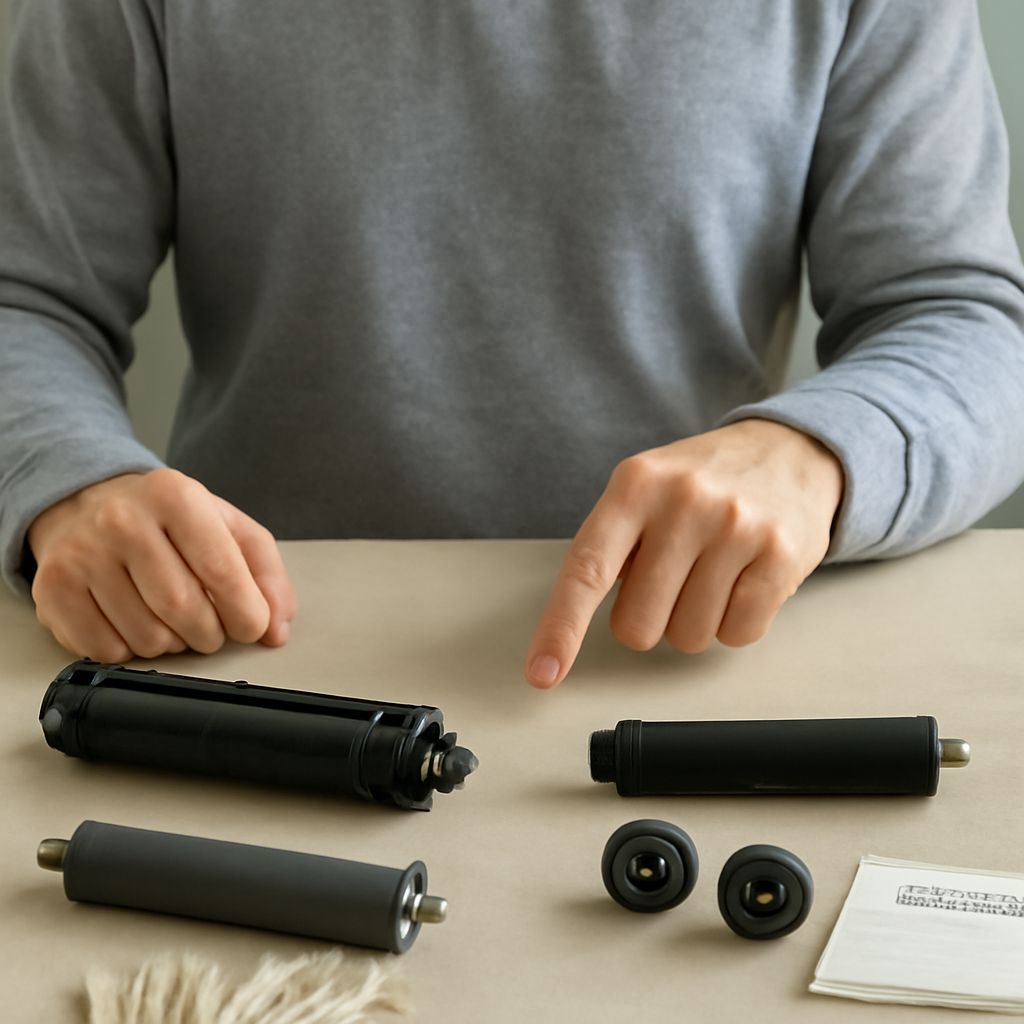
Start with the simplest fixes: run a cleaning page from the printer’s maintenance menu, which moves fresh paper through the fuser at high temperature to pick up residual toner. If ghosting persists, replace the drum unit first — this is the most common hardware cause. Drum units have a rated page life (typically 10,000–30,000 pages depending on model); a drum past its rated life produces increasingly visible ghosting. If a new drum doesn’t resolve it, the fuser assembly may be worn and require replacement. Some ghosting patterns specifically indicate fuser issues: horizontal banding that’s smearable with your finger means under-fused toner and points directly at the fuser.
Heat Transfer Laser Printer Workflow
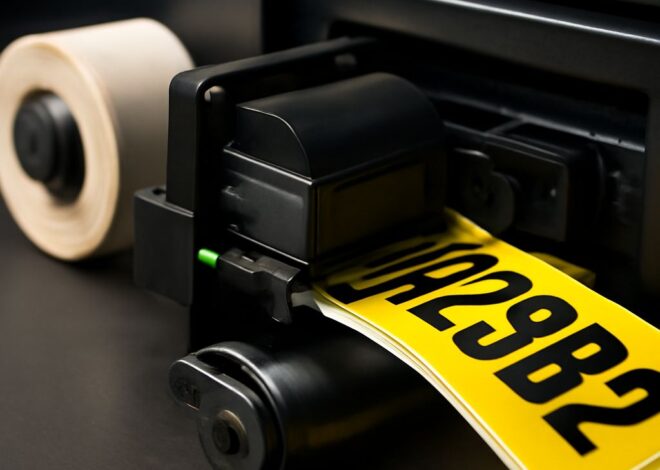
A heat transfer laser printer workflow uses the laser printer to output designs onto special iron-on transfer paper, which you then press onto fabric using heat. This is a legitimate, widely-used technique for custom t-shirt production, tote bags, and apparel. The key is using heat transfer paper specifically designed for laser output — not inkjet transfer paper, and not standard copy paper. Laser heat transfer paper is coated to accept toner and release it cleanly when heat is applied. The fuser in your laser printer bonds toner to the transfer paper as normal; the iron or heat press then reactivates the toner’s adhesive properties and bonds it to fabric.
Can You Use a Laser Printer for Iron On Transfers?
Yes — you can use a laser printer for iron on transfers when you use laser-compatible transfer paper. Dark garment transfer paper for laser printers includes a white base layer that provides opacity over dark fabrics. Light garment transfer paper produces more translucent results suitable for white or light-colored fabrics. The quality of the finished iron-on depends on your printer’s toner quality, your transfer paper brand, and the heat and pressure of your pressing process. A household iron at high steam-free temperature works for occasional use; a dedicated heat press produces more consistent, professional results.
Can You Use Inkjet Paper in a Laser Printer?
Standard inkjet copy paper is fine in a laser printer — the difference between inkjet copy paper and laser copy paper at the standard 20lb office grade is minimal, and both are used interchangeably in most environments. The paper weight and coating are what matter, not the “inkjet” label. Where you run into problems is with specialty inkjet media: inkjet photo paper, inkjet glossy paper, or inkjet transparency film. These have coatings or surface treatments designed for water-based ink absorption — put them in a laser printer and the fuser heat can melt the coating, stick the sheet to the fuser roller, and cause a jam that requires service to clear. When in doubt, check that any specialty media is explicitly labeled “laser compatible” before loading it.