How to Connect Phone to TV Using Bluetooth and Make Headphones Wireless
How to Connect Phone to TV Using Bluetooth and Make Headphones Wireless
You want to stream audio or video from your phone to your TV without cables, or you want to use your favorite wired headphones wirelessly. Both involve Bluetooth, but they work in slightly different ways. Learning how to connect phone to tv using bluetooth is a two-minute process on most modern smart TVs. And if you already have great-sounding wired headphones, knowing how to make headphones bluetooth opens up wireless listening without buying new cans.
This guide walks through how to use bluetooth phone to tv streaming, explains how to turn headphones into bluetooth wirelessly, and covers the best approaches to make any headphones bluetooth — including adapters that are genuinely worth buying.
How to Connect Phone to TV Using Bluetooth
Is Your TV Bluetooth-Compatible?
Most smart TVs manufactured after 2018 have built-in Bluetooth. Check your TV’s Settings menu for a Bluetooth option under Sound, Remote & Accessories, or Connection Settings. If no Bluetooth option appears, your TV likely doesn’t have it built in. You can still connect wirelessly using Chromecast, Fire Stick, or Apple TV as a bridge, which streams audio and video from your phone to the TV via WiFi rather than Bluetooth. For audio-only streaming to a TV without Bluetooth, a Bluetooth audio transmitter plugged into the TV’s headphone jack or optical audio output adds Bluetooth capability to any TV.
Step-by-Step: Bluetooth Phone to TV Audio
To use bluetooth phone to tv audio streaming on a compatible TV: (1) On your TV, go to Settings → Bluetooth → Enable and set to discoverable. (2) On your phone, go to Settings → Bluetooth → turn on → search for devices. (3) Select your TV from the device list. (4) Confirm the pairing code on both devices if prompted. Once paired, your phone sends audio to the TV’s speakers. Note: most TVs only support Bluetooth for audio input from headphones or input devices, not phone audio streaming — check your specific model’s manual to confirm this is supported. Some TVs only use Bluetooth for output (to Bluetooth headphones) rather than as an audio input source.
Make Any Headphones Bluetooth: Adapter Options
Bluetooth Receiver Adapters
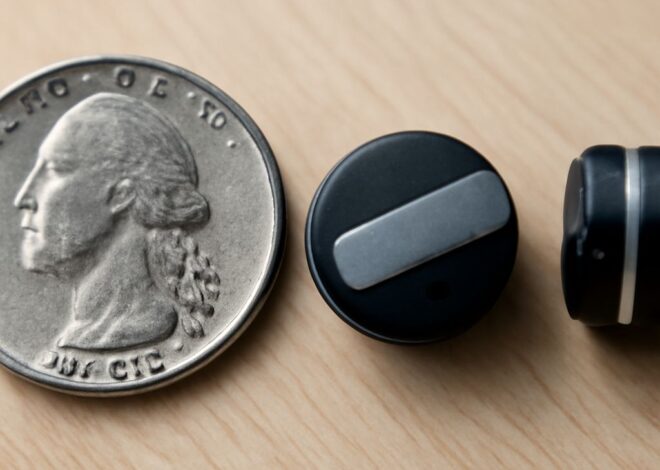
The simplest way to make any headphones bluetooth is a compact Bluetooth receiver that plugs into the headphone’s 3.5mm jack. These devices receive Bluetooth audio from your phone and output it through the wired connection to your headphones. They typically clip to a collar, hang on a cable, or attach to headphone ear cups. Battery life ranges from 6–20 hours depending on size. Brands like Anker, TaoTronics, and 1Mii make well-reviewed receivers at $15–$40. This approach works with any headphones that have a 3.5mm cable — circumaural, on-ear, and IEMs alike.
MMCX and 2-Pin Cable Replacement Adapters
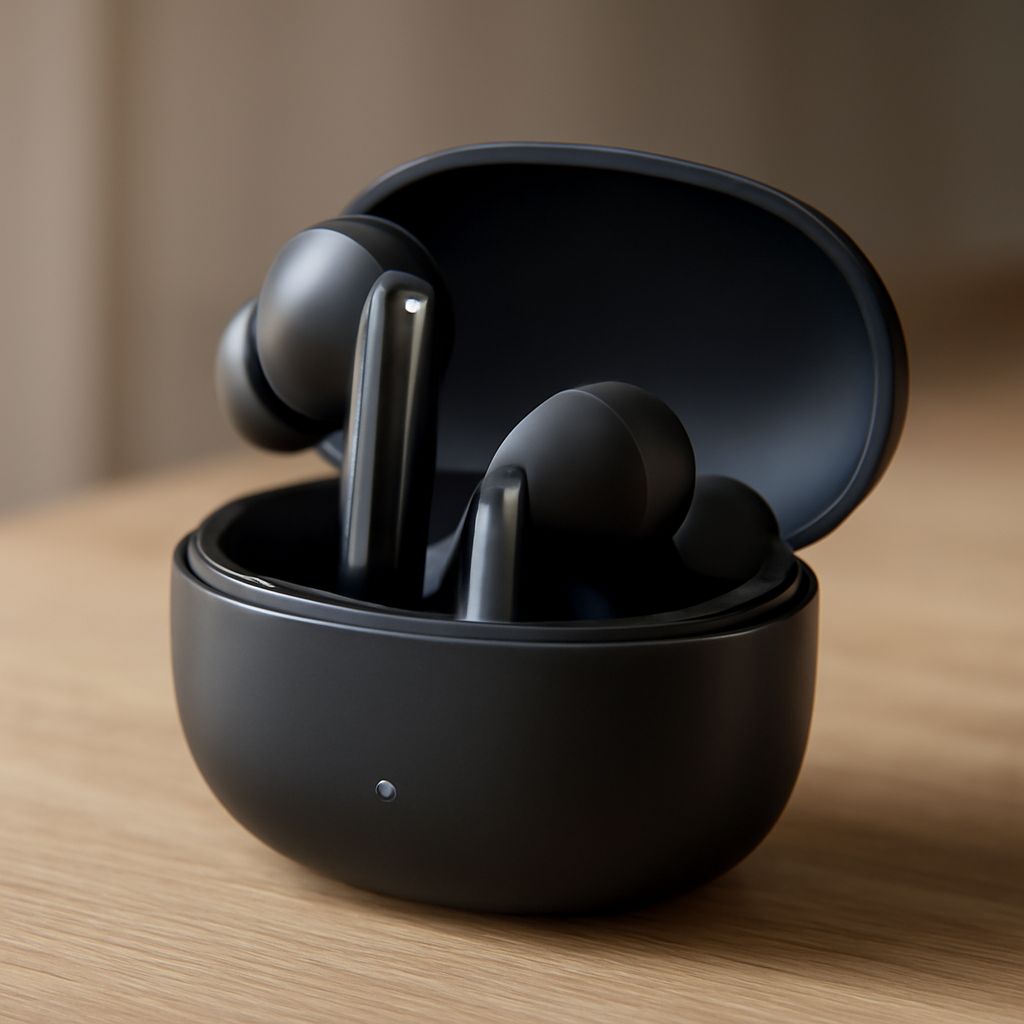
For IEMs (in-ear monitors) with detachable cables using MMCX or 2-pin connectors, a Bluetooth cable adapter replaces the stock wired cable entirely. You turn headphones into bluetooth by swapping in a Bluetooth module cable that attaches to the same connector your wired cable uses. This is cleaner than a clip-on receiver since there’s no dangling box — the Bluetooth electronics integrate into the cable near the ear. Aptx-capable versions are available for better audio quality. The NiceHCK, TFZ, and Kinera brands offer these at $20–$50.
How to Make Headphones Bluetooth: Choosing the Right Method
The right approach to turn headphones into bluetooth depends on your headphone type. Full-size headphones with non-detachable cables: use a clip-on Bluetooth receiver. IEMs or headphones with MMCX or 2-pin detachable cables: use a Bluetooth cable replacement. Over-ear headphones with proprietary detachable cables: check if a third-party Bluetooth replacement cable exists for your specific model. For noise-canceling headphones with active electronics, Bluetooth receivers work fine — the headphone’s ANC circuit runs independently of the audio input method.
Audio quality through any Bluetooth adapter depends on the codec supported. SBC is universal but heavily compressed. aptX and aptX HD deliver near-lossless quality on supporting devices. AAC works well for iPhone users. Check both the adapter and your phone’s Bluetooth codec support before buying if audio quality is a priority.
Bottom Line
Connecting a phone to a TV via Bluetooth works on most post-2018 smart TVs through standard Bluetooth pairing in the TV’s settings. Making wired headphones wireless requires a 3.5mm Bluetooth receiver for fixed-cable models, or a Bluetooth cable swap for IEMs with detachable connections — both are inexpensive and widely available.